
Latest Adobe Update: Our new UXP panels are compatible with Photoshop v23.4.1
After a critical issue was found and fixed by the Photoshop team in version 23.4, which was announced last week, a new version 23.4.1 was swiftly released, however, some new error messages began popping up in the UXP panels. We have now updated the new UXP panels to be fully compatible with v23.4.1 and it is now safe to update Photoshop to the latest version.

Adobe: Roll back Photoshop 23.4 to 23.3.2 (UPDATED)
Please do not update Photoshop to 23.4 or 23.4.1 at this time. Adobe Support Community: Roll back Photoshop 23.4 to 23.3.2 "The Photoshop team has found a critical issue with the 23.4 desktop release and recommends rolling back to the previous release." There is an avalanche of new bug reports from Photoshop users from around the globe on the Adobe Support forum, which our developers are monitoring. In the meantime, please stay on 23.3.2 (there are no changes
Adobe Photoshop version 23.0 Update
Dear RA Panel users, As always, we'd like to remind you to not rush to update to the newest version of Photoshop, if you are using the RA Panels, or any third-party Photoshop extensions for that matter. We know that you are very excited to try out the new features, but please take a moment and read this first! We have received a couple of reports about issues migrating our panels from Photoshop CC2021 to CC2022, and
RA Panels Updated for Photoshop CC2021
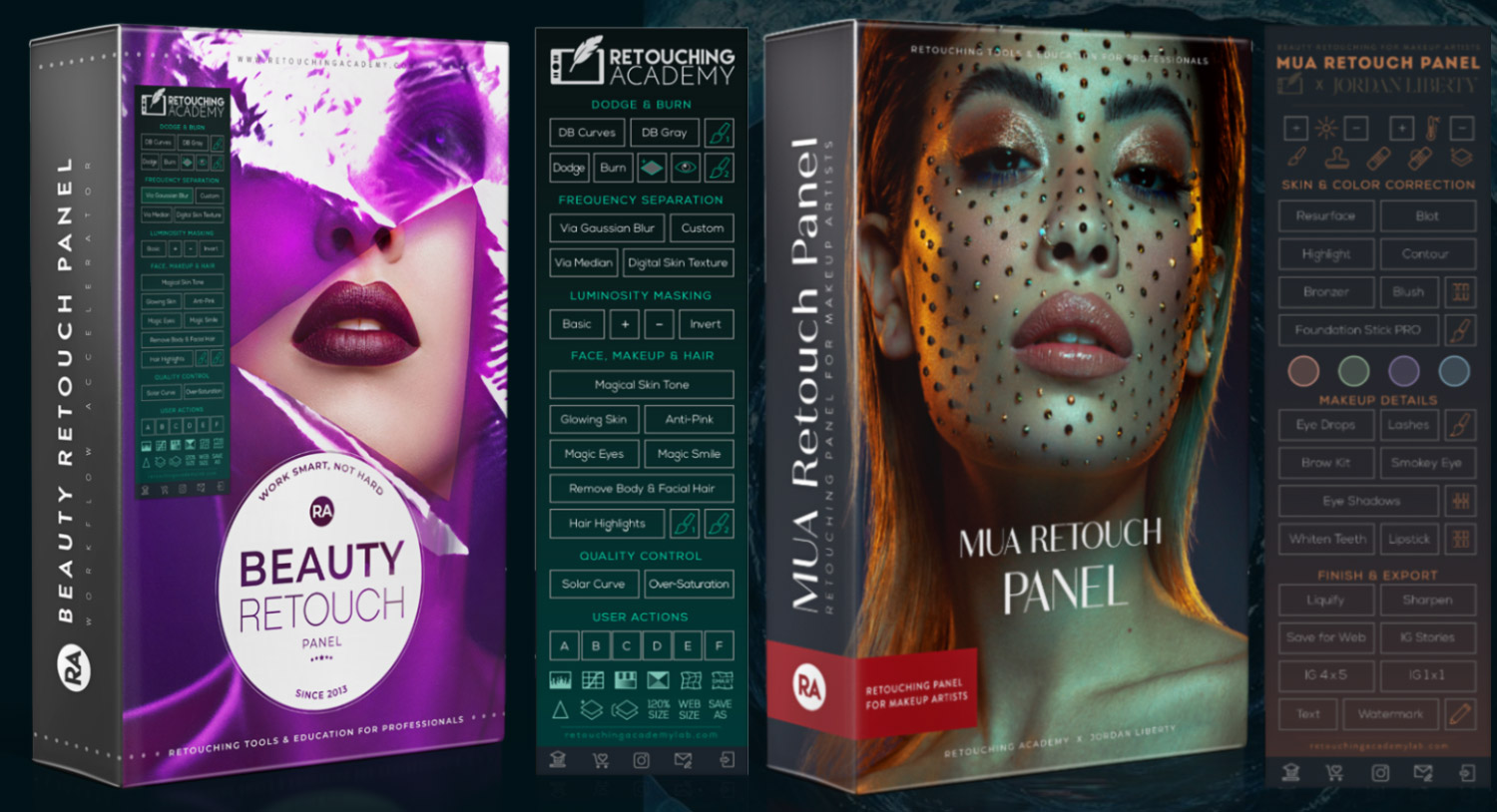
Dear artists! We have updated the RA Panels to support Photoshop CC2021 and made the new installation files available in your Member Account. Please follow these instructions to update your RA Panels: If you have just purchased our panels, you can download them from your Member Account and install them following the relevant installation instructions.
Attention! Adobe Photoshop version 22.0 Update
Dear RA Panel users, Today Adobe released a new version of Photoshop. We know that you are very excited to try out all of the new features, but please take a moment and read this first! We have received a few reports about issues migrating our panels from Photoshop CC2020 to CC2021.
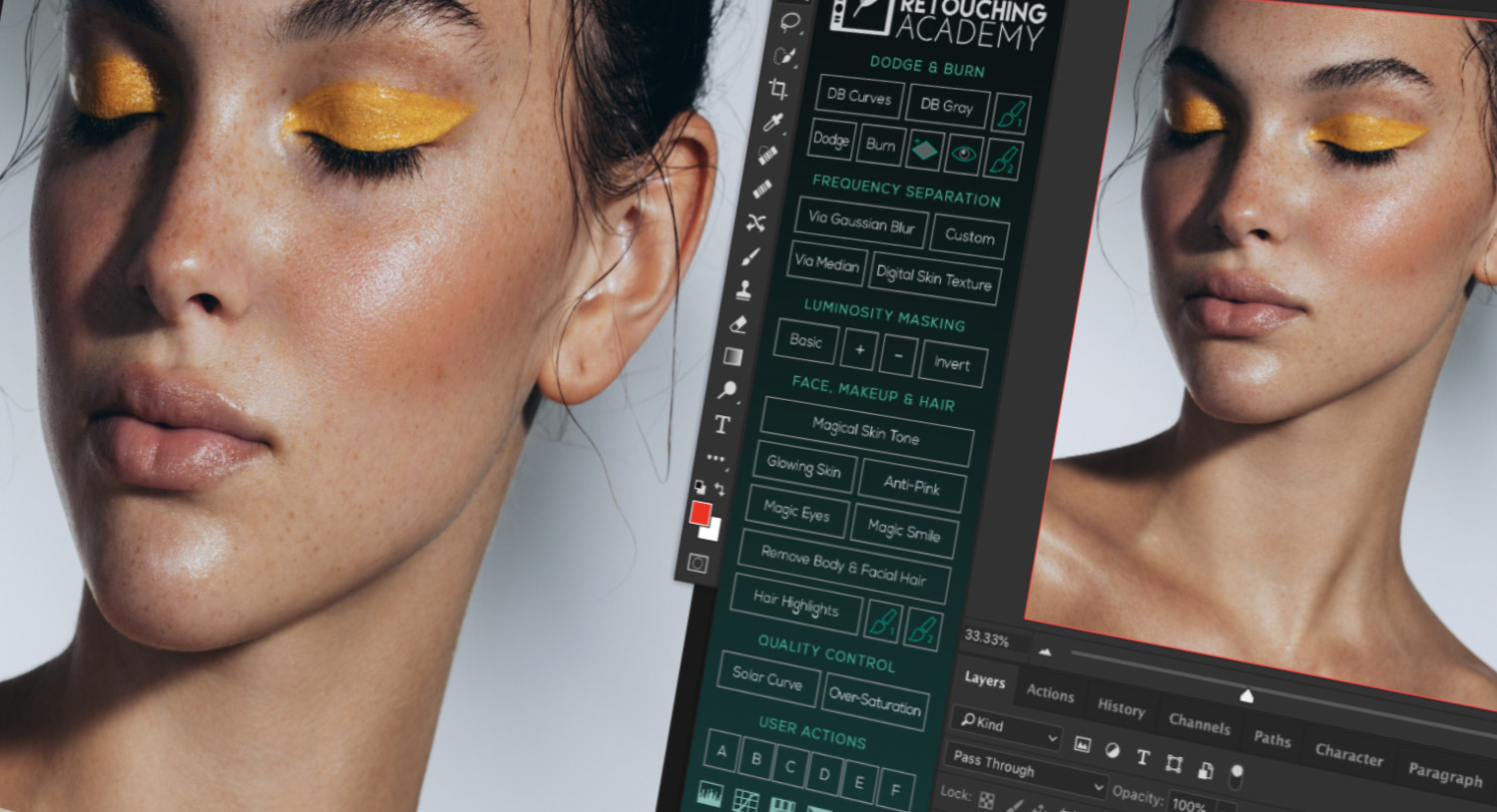
Beauty Retouch v3.3 Panel Update
UPDATE: September 26, 2019 Los Angeles, CA We have not received any error reports during the few weeks that the Beauty Retouch v3.3 Beta panels have been tested (Mac, Win & CS6 versions). The new installation files have now been moved to the main Member Area along with the updated User Manual, please use the same instructions to install the Beauty Retouch v3.3 on your computer: https://retouchingacademylab.com/faq-br/

RA Panels Updated for Photoshop CC2019
Dear RA Panels Users, We've updated our installation software to work with the latest Photoshop version CC2019 (v20) you can download it in your Member Area > Your Downloads. Please visit our Login & Download FAQ Pages if you don't remember how to login.
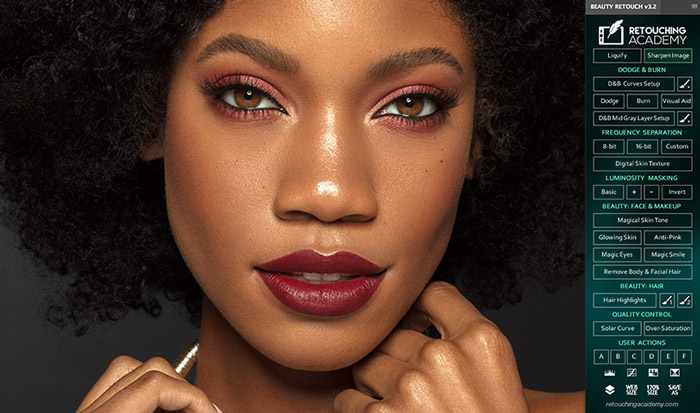
New Release: Beauty Retouch v3.2 & Pixel Juggler 2.2
We are happy to announce the release of the newest versions of the Beauty Retouch and Pixel Juggler Panels, which now include their own installers! In this update, we have responded to the changes in Brush controls in Adobe® Photoshop® CC2018, improved the Magic Eyes script so that it does not increase the size of your PSD files as much as it used to, and simplified panel installation with our new installer! We have also updated
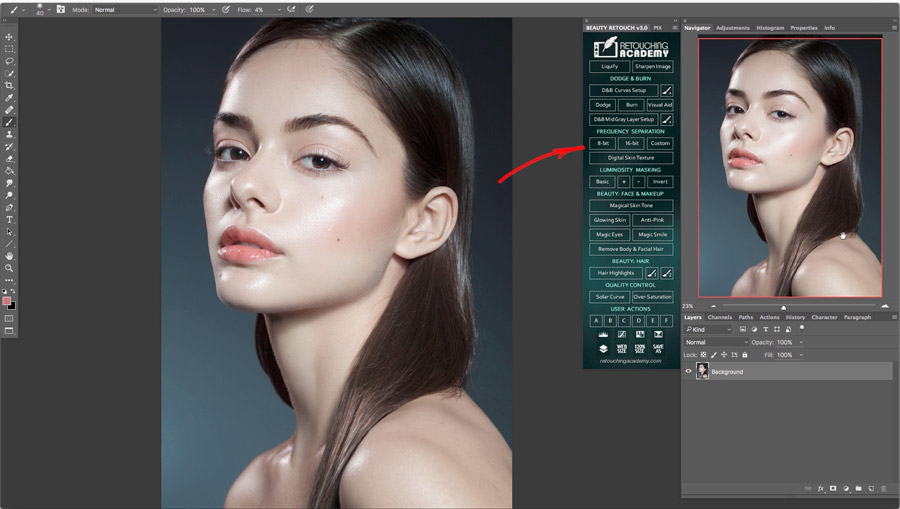
New Video Tutorial on Frequency Separation Scripts
Check out this new video tutorial on how to use our Frequency Separation scripts on the Beauty Retouch panel. Out of all retouching tools and techniques, Frequency Separation, when misused or used incorrectly can easily ruin your retouching results, so always remember to use it sparingly, mainly correcting midsize issues that represent a mix of color, value and texture problems in one place. For anything else when retouching skin use either the simple retouching tools such as the Clone
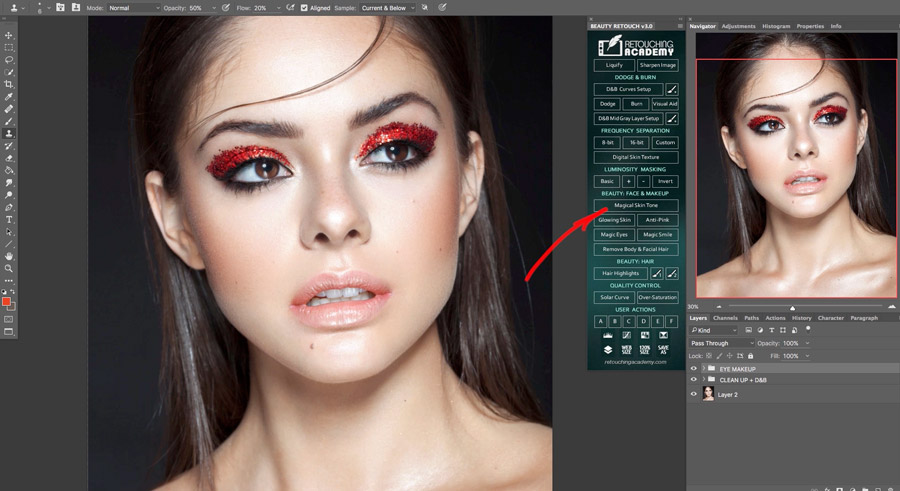
New Beauty Retouch v3.0 Panel Is Released!
To update your old RA Panels please login into your Member Area using the User ID that you created at the time of the purchase. If you not sure you remember your password, please request a new one.