
Beauty Retouch
Panel
The Beauty Retouch panel is a Photoshop plugin for photographers and retouchers working with beauty, fashion, and portrait images, for both editorial and commercial purposes.
Designed for creative professionals who want a faster retouching workflow, more consistent skin and tonal work, and a decluttered workspace.
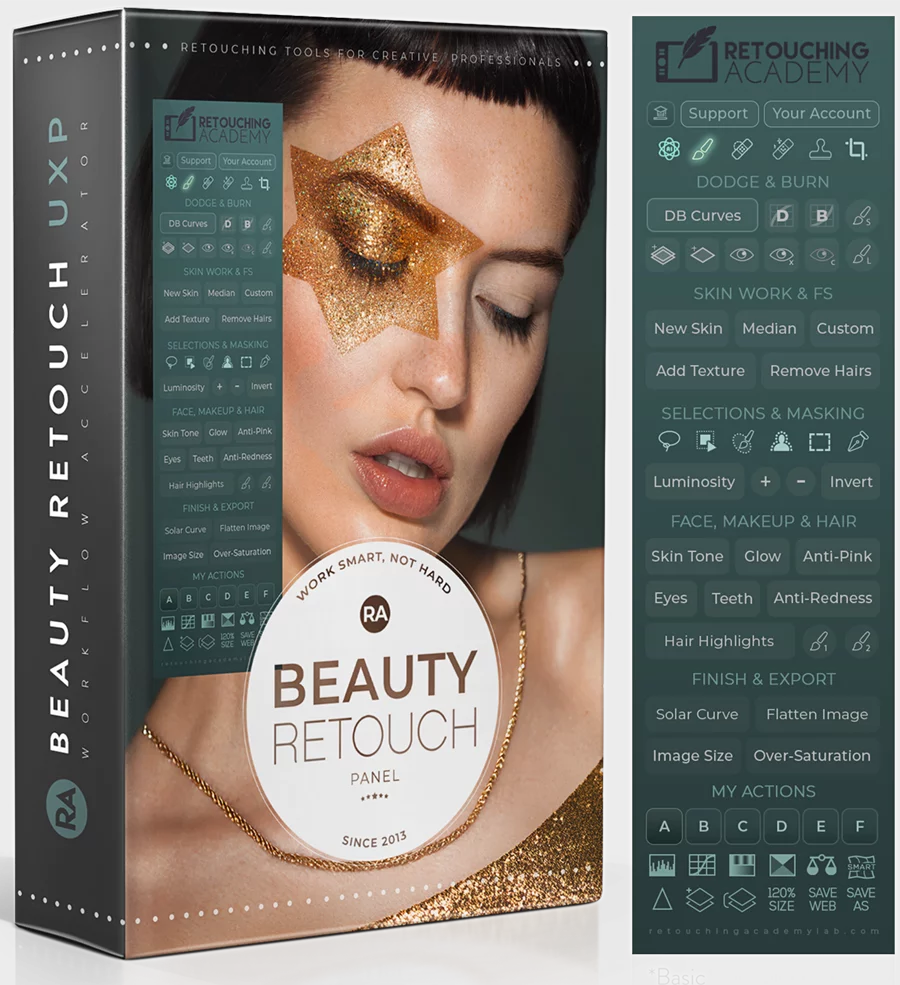
PS 2024+ · Mac / Win · M-Series · New UI Engine 27.9+
MUA Retouch
Panel
The *MUA Retouch panel is a Photoshop plugin created for photographers and retouchers who work with beauty, fashion, and portrait images. It is programmed to mimic the effects of real makeup and color correctors, so it makes immediate sense to creatives in these fields.
Designed to be used independently, or paired with Beauty Retouch for a complete beauty retouching workflow.
* MUA = Makeup Artist
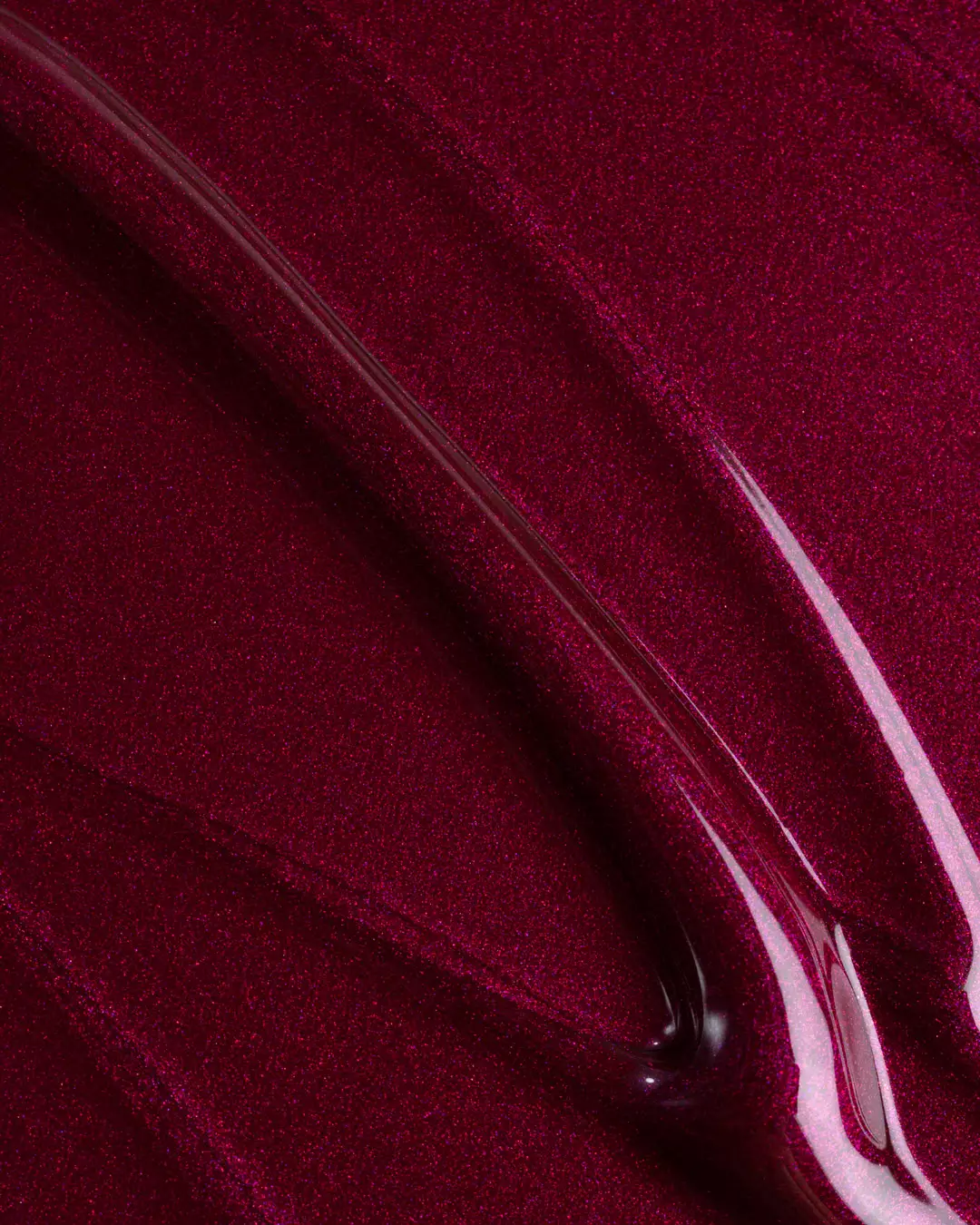
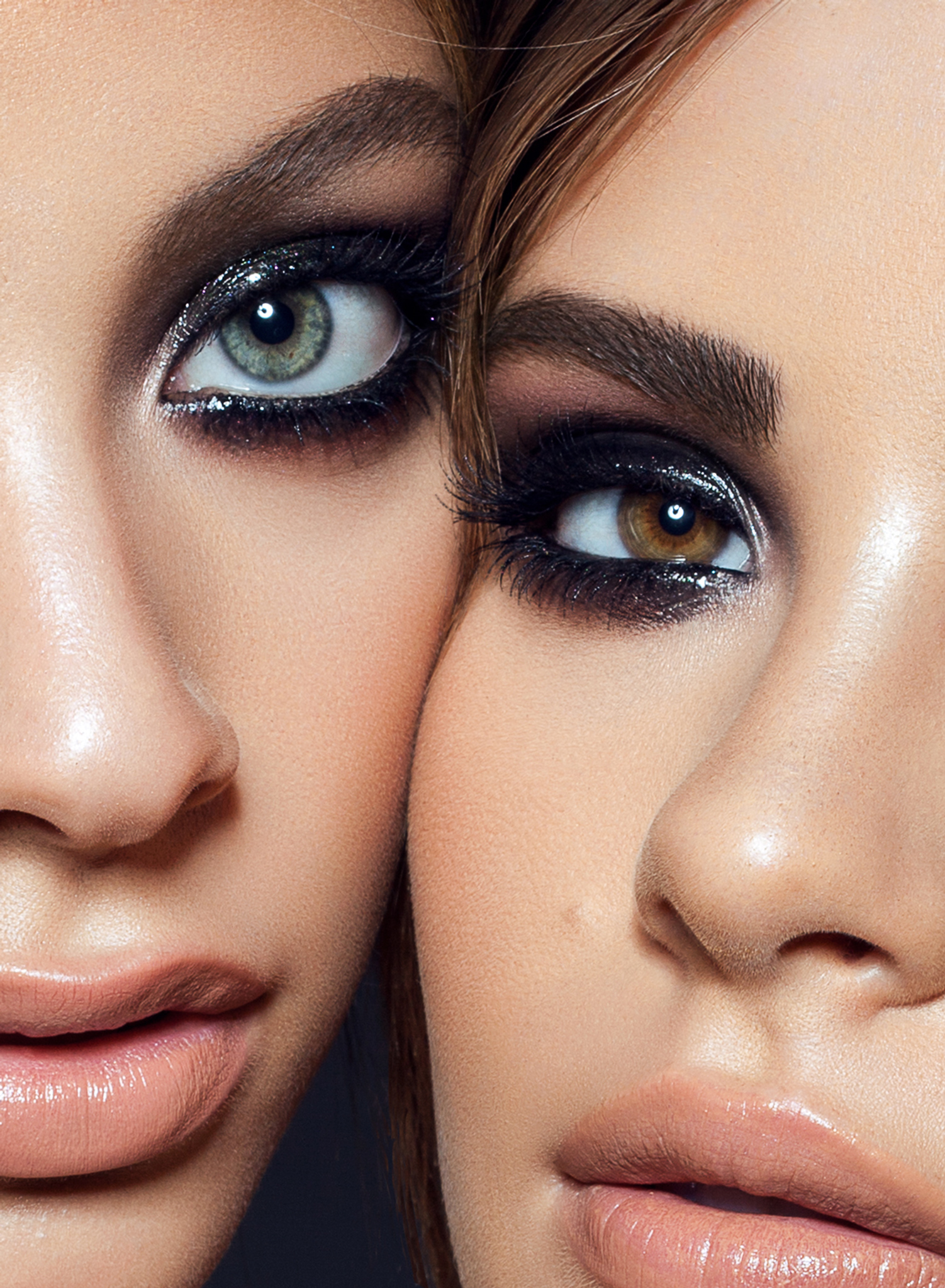
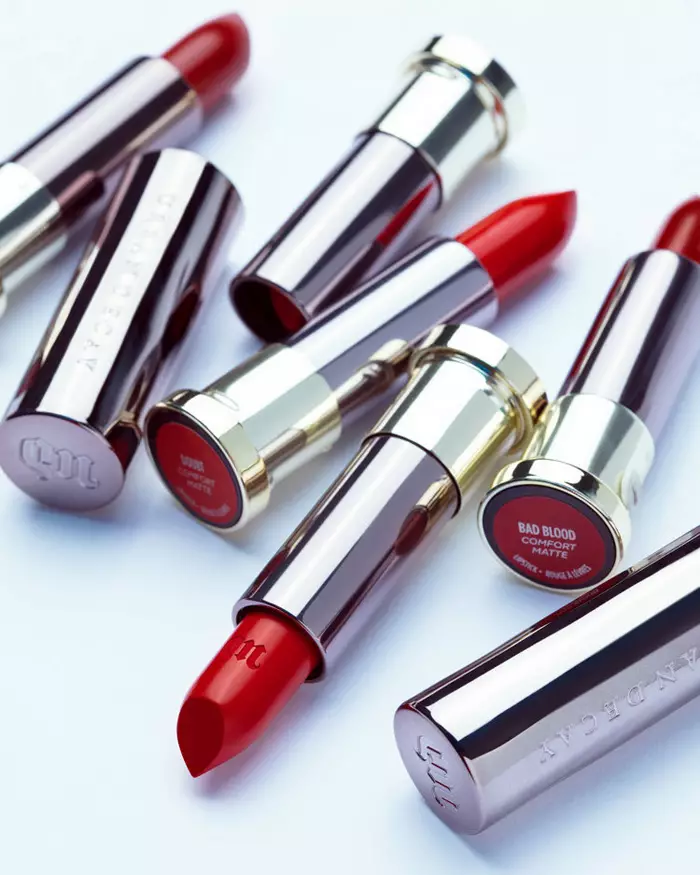
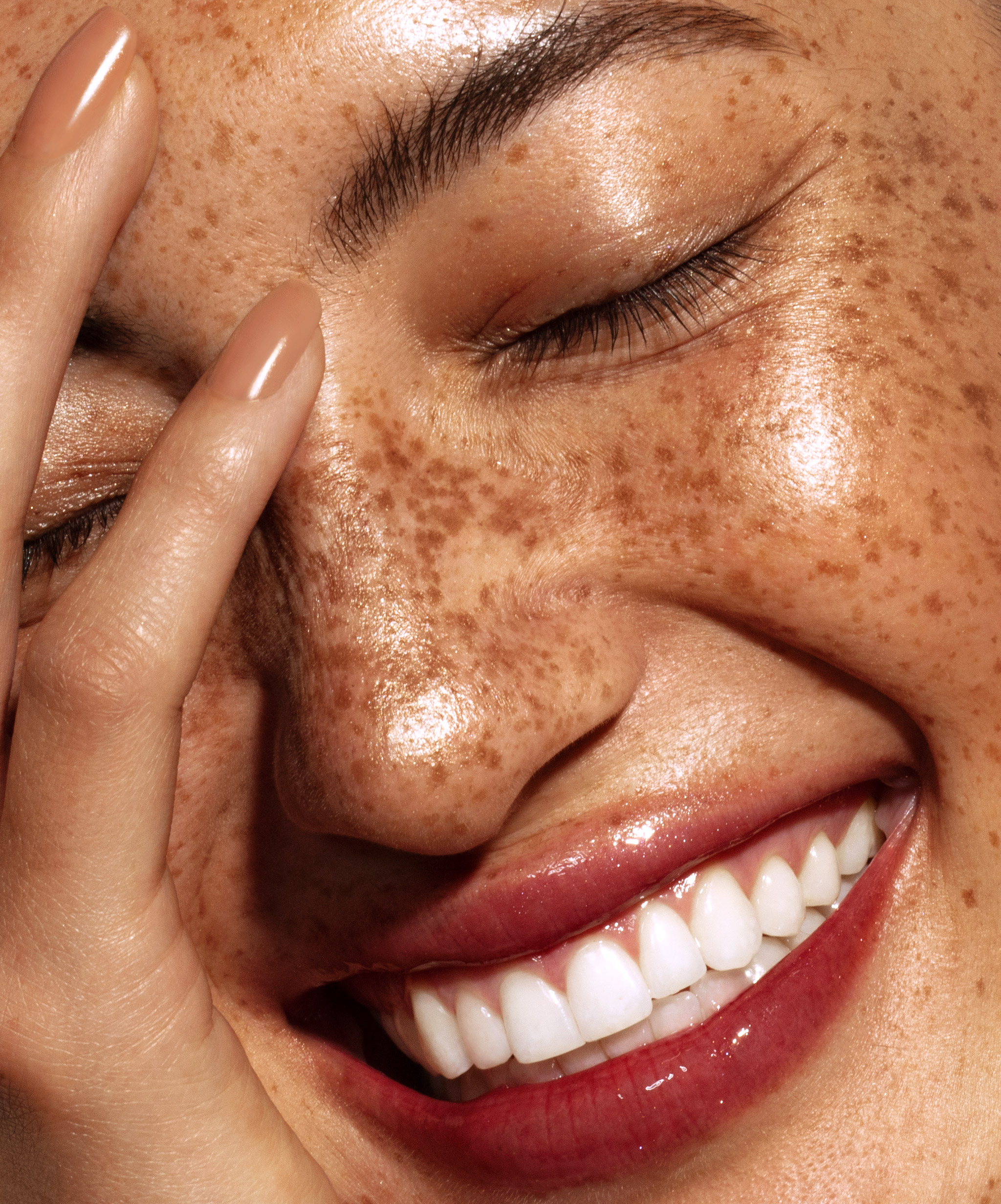
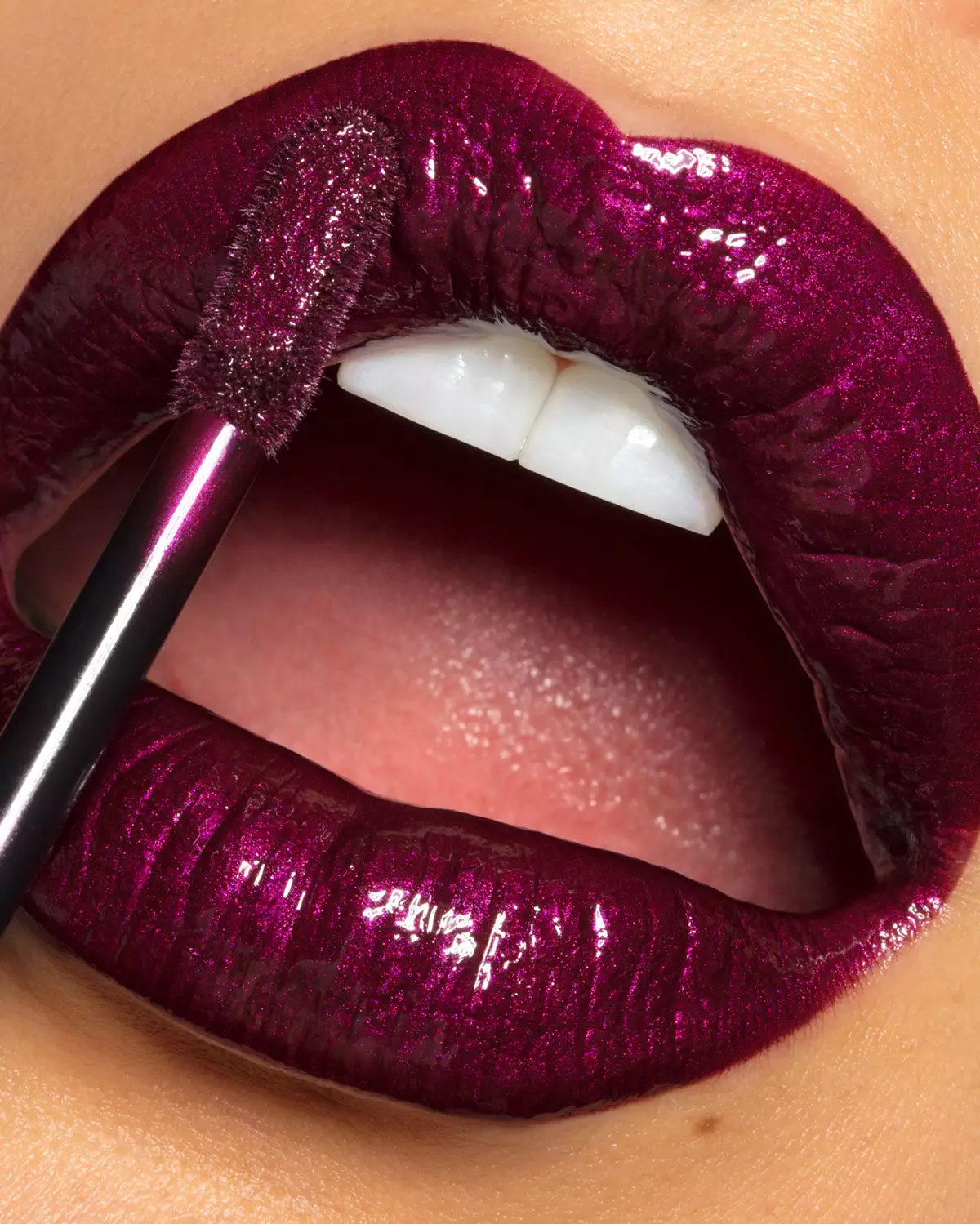
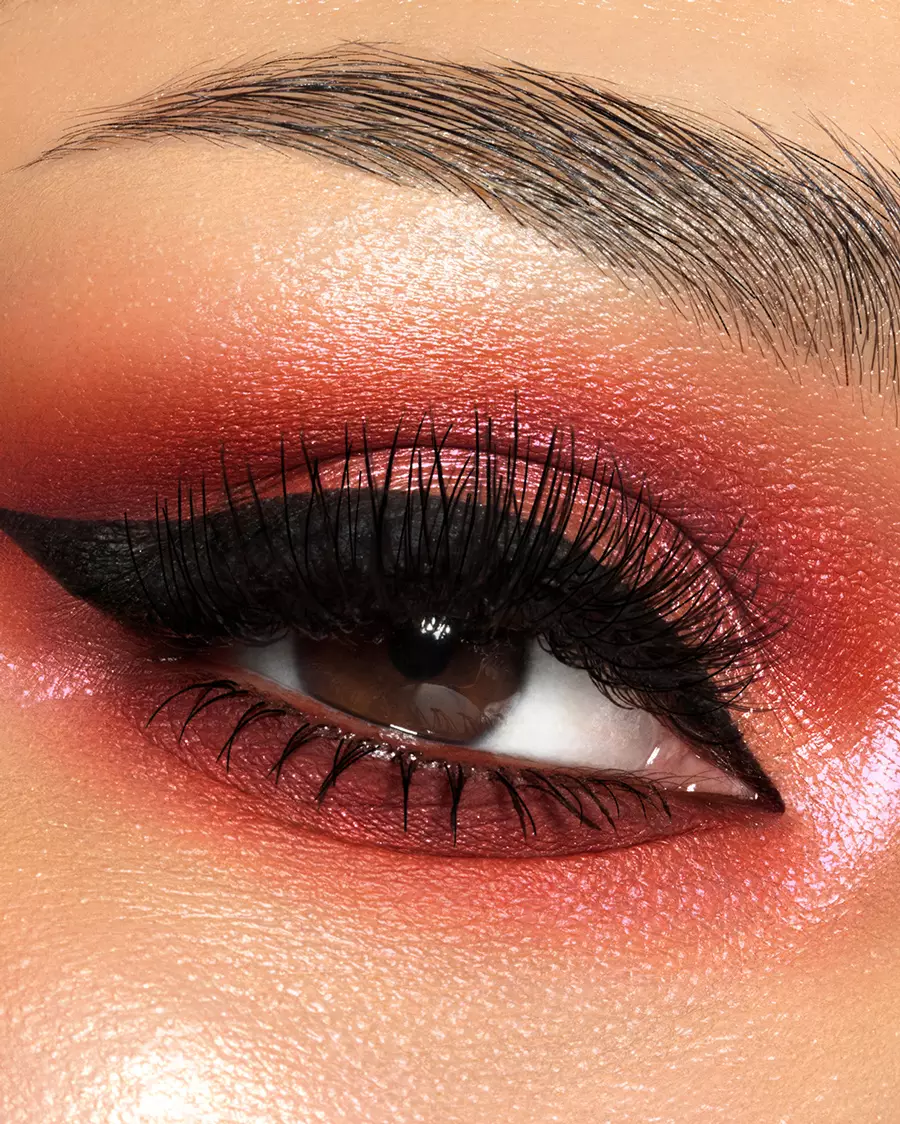
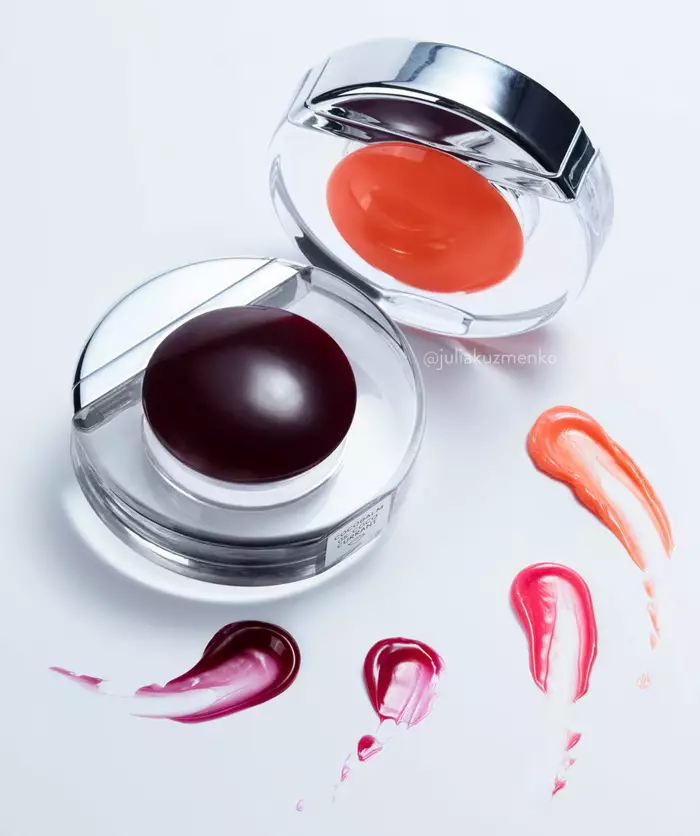
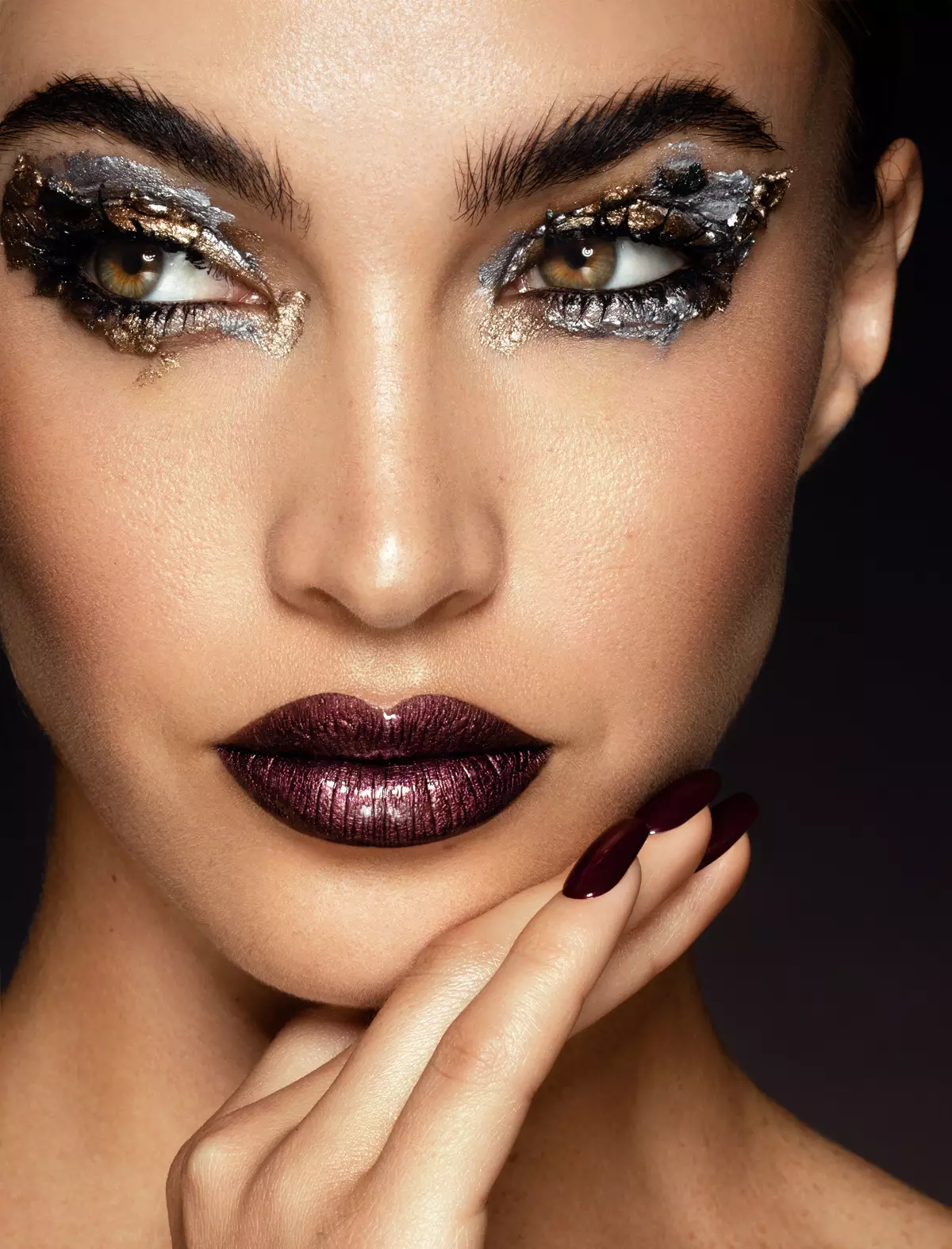
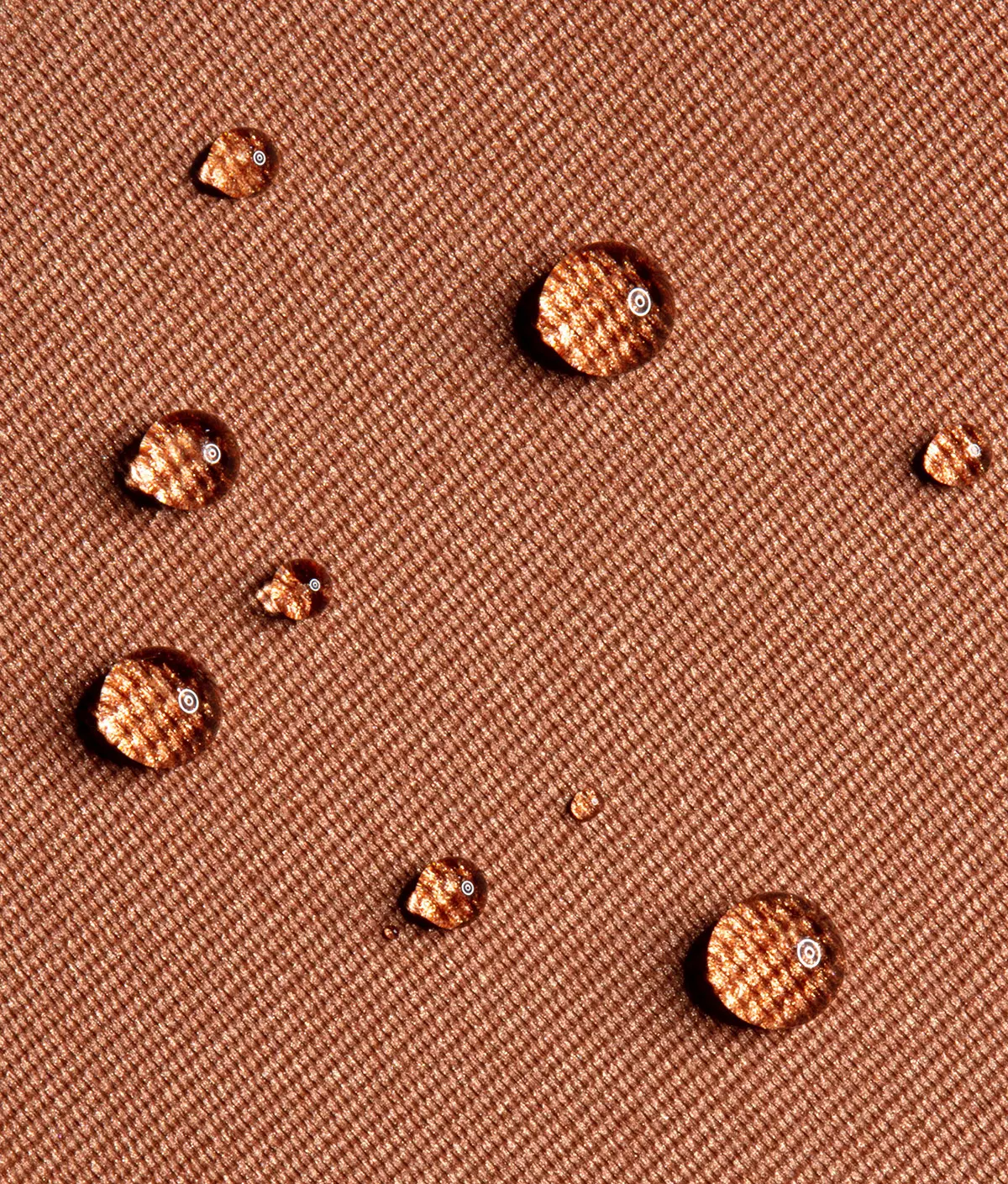
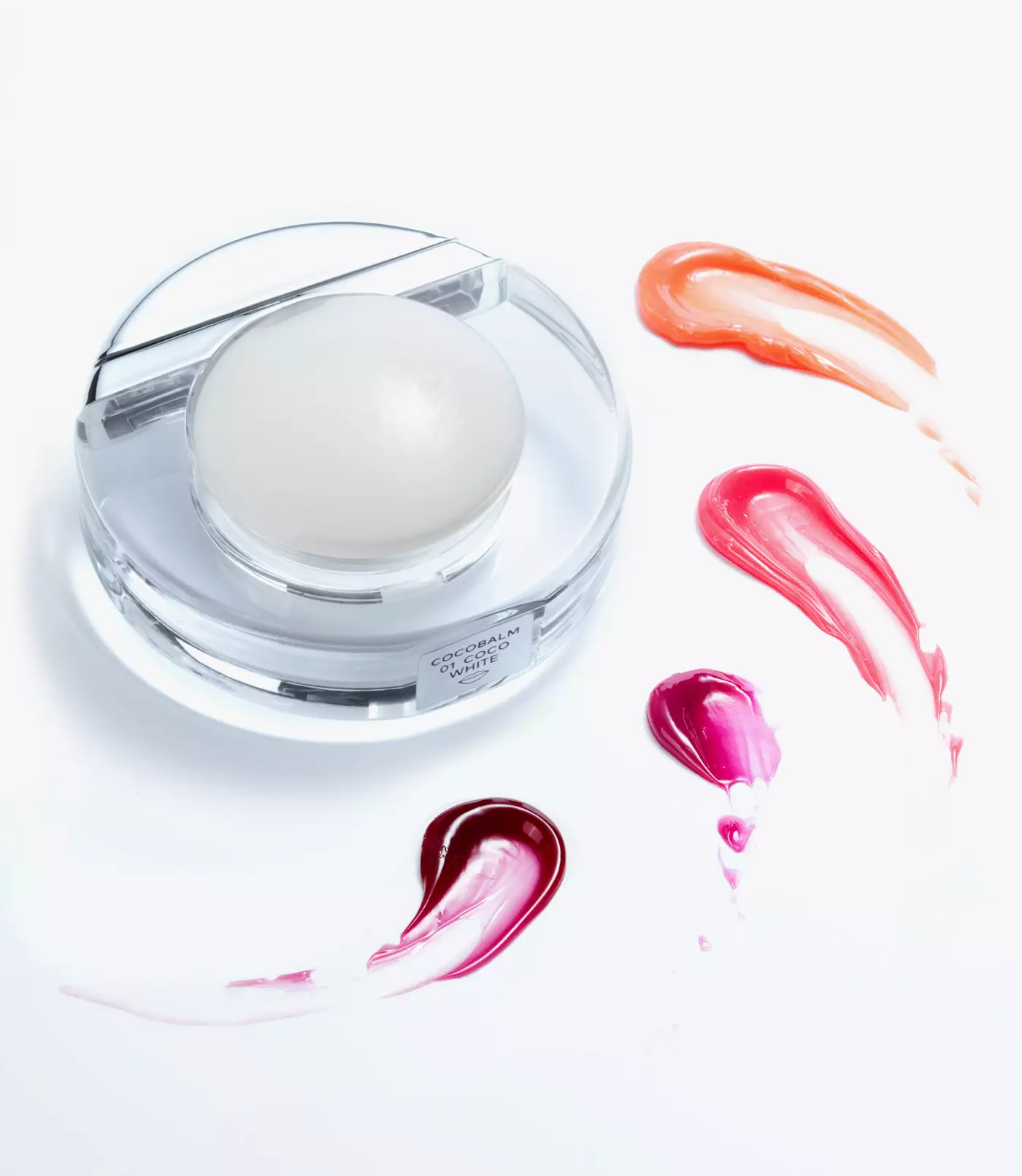
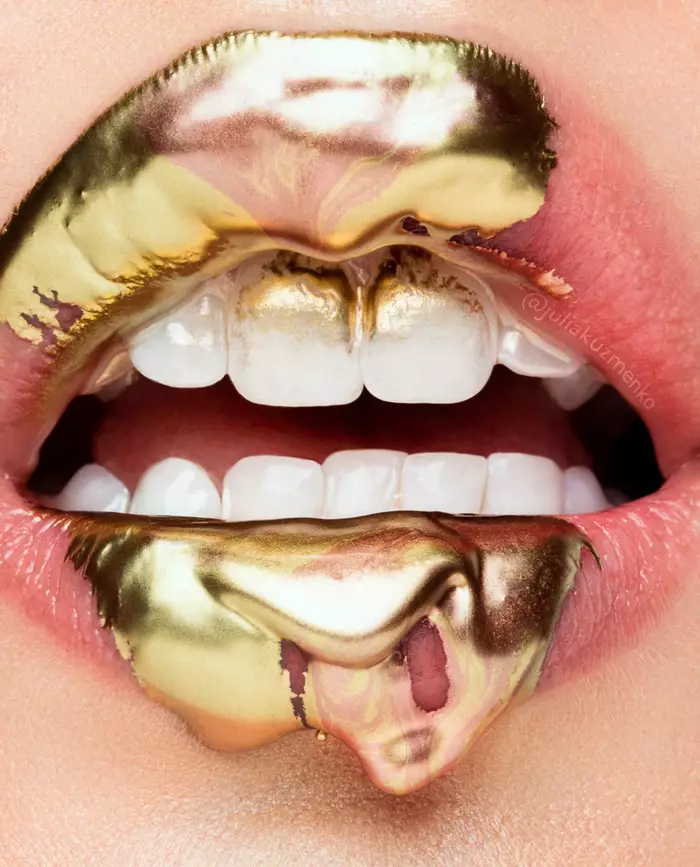
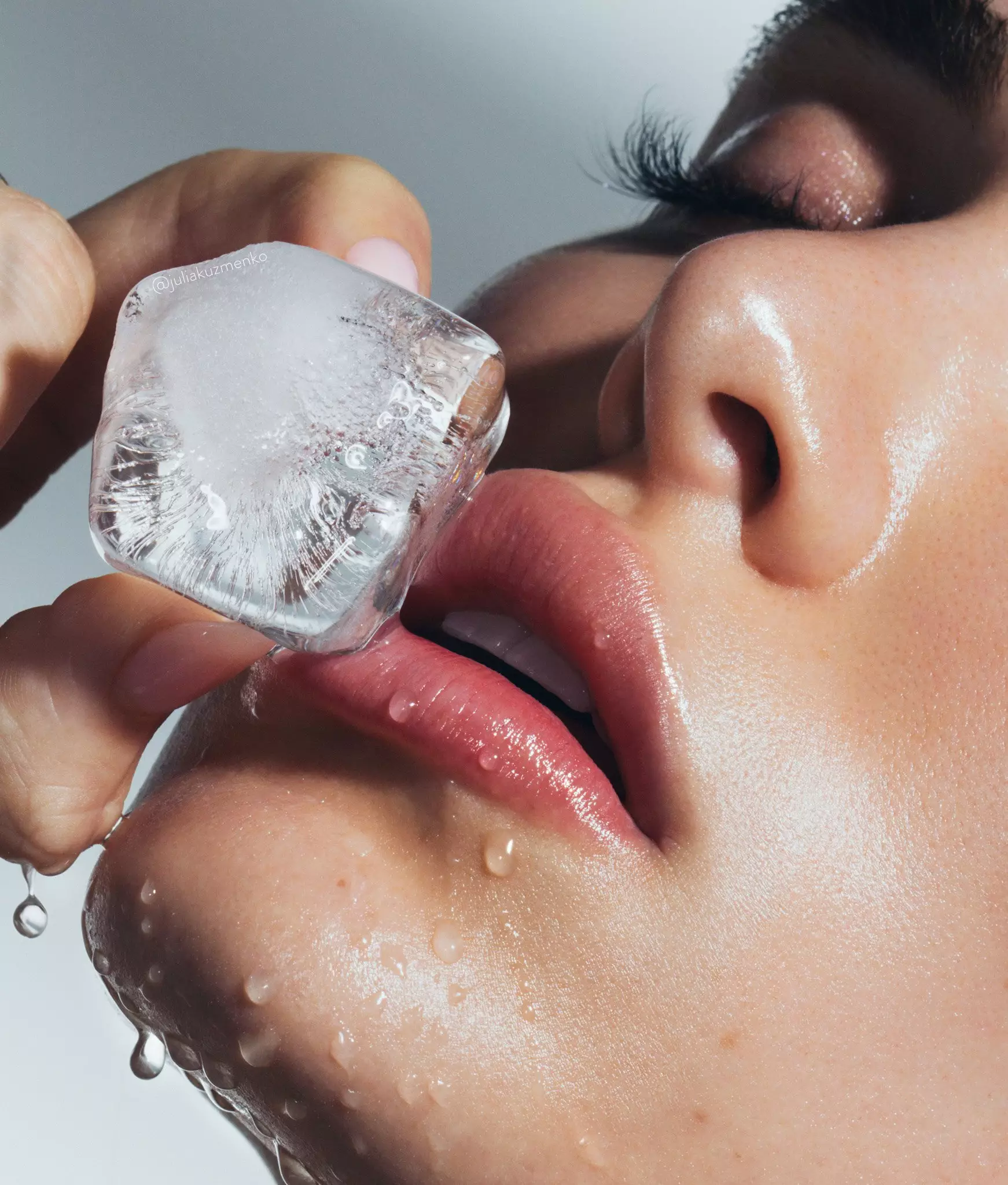
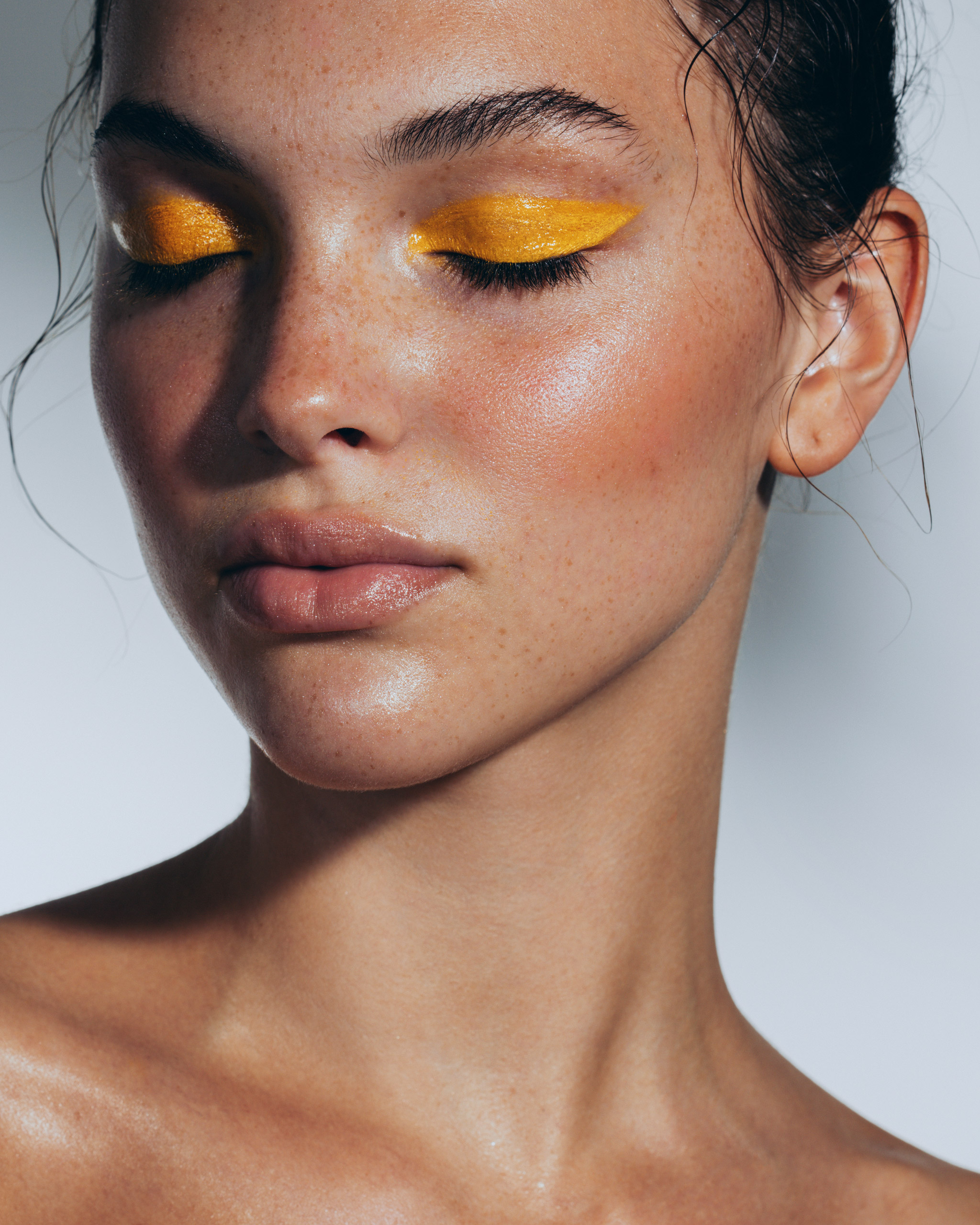
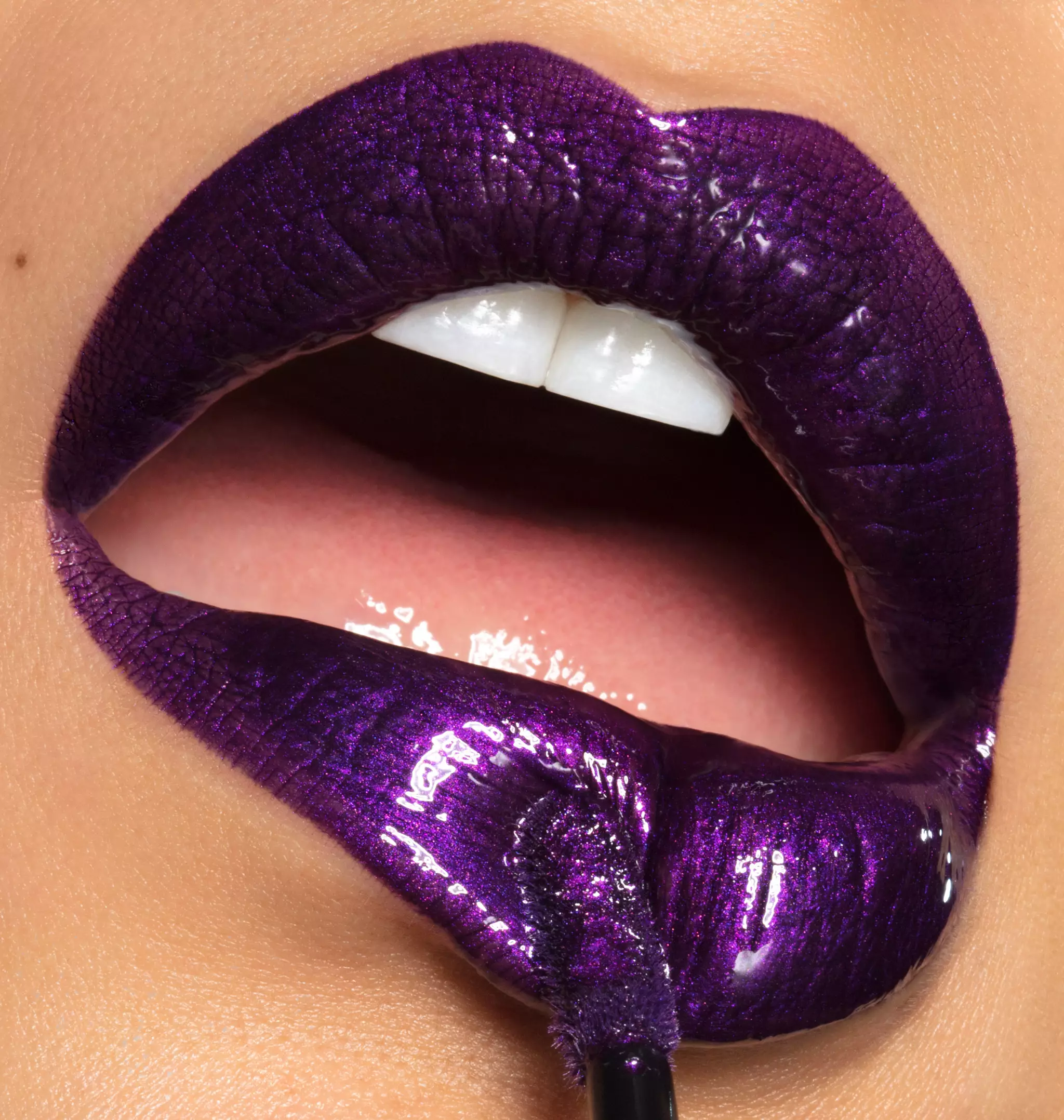
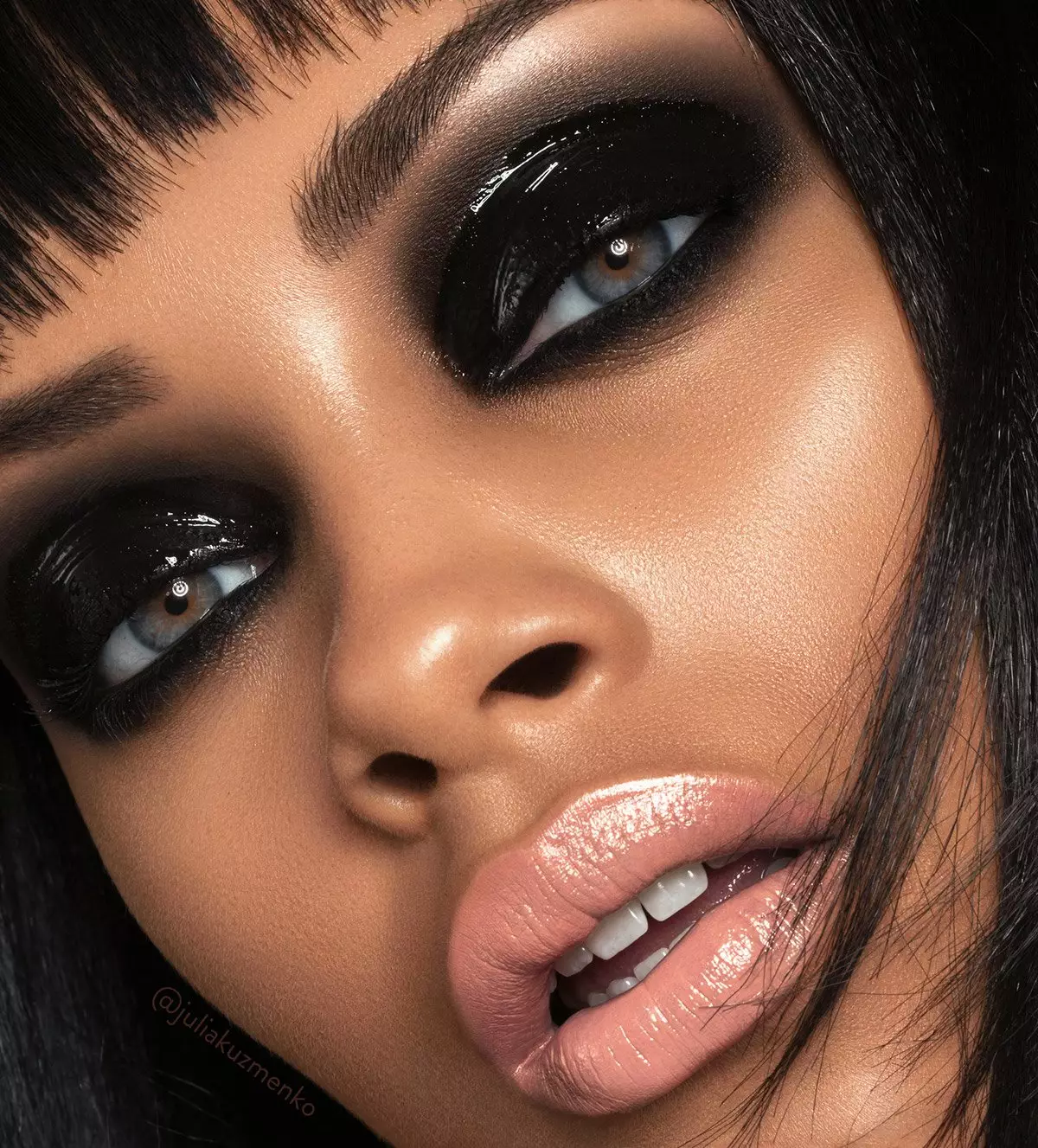
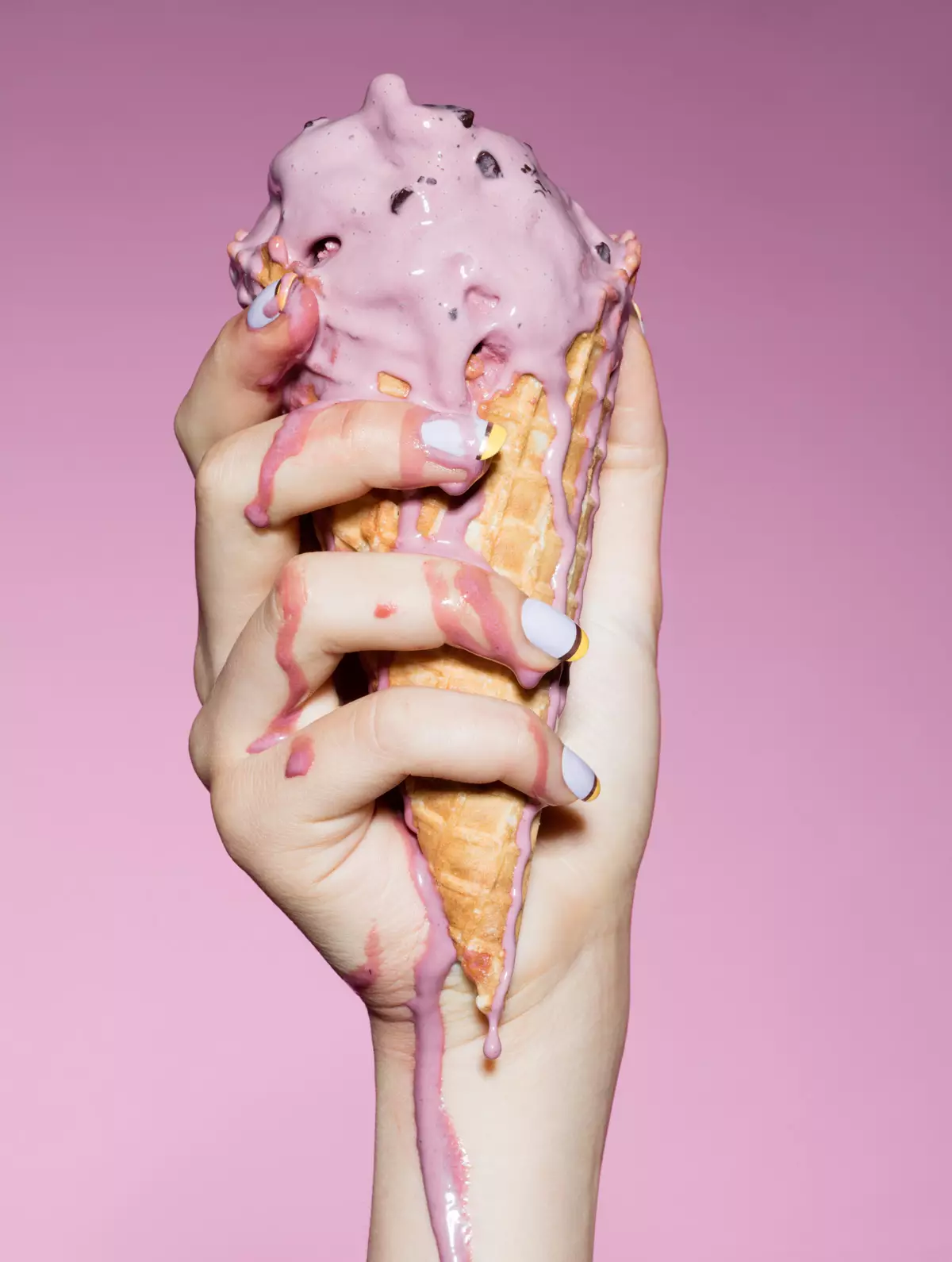
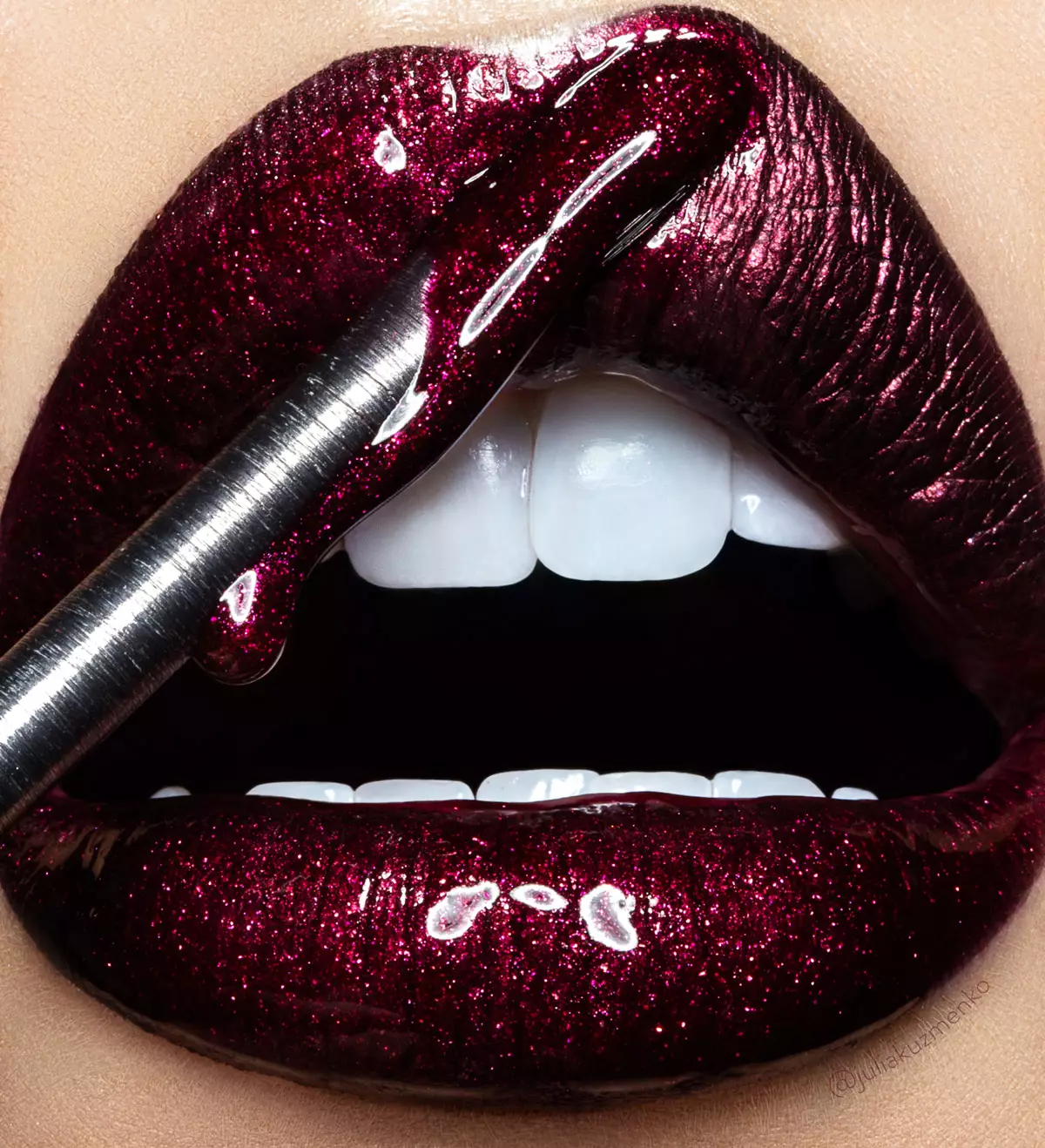
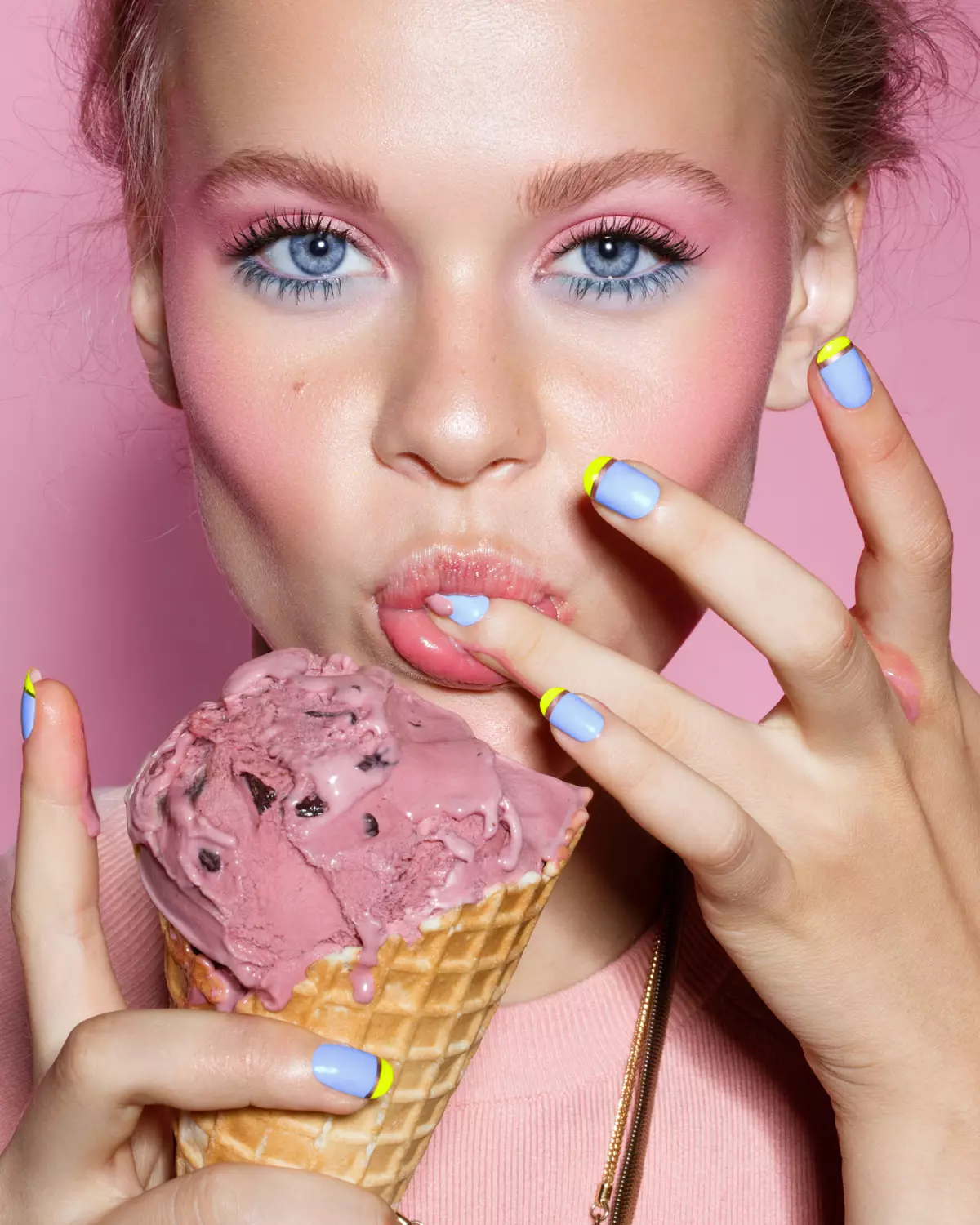
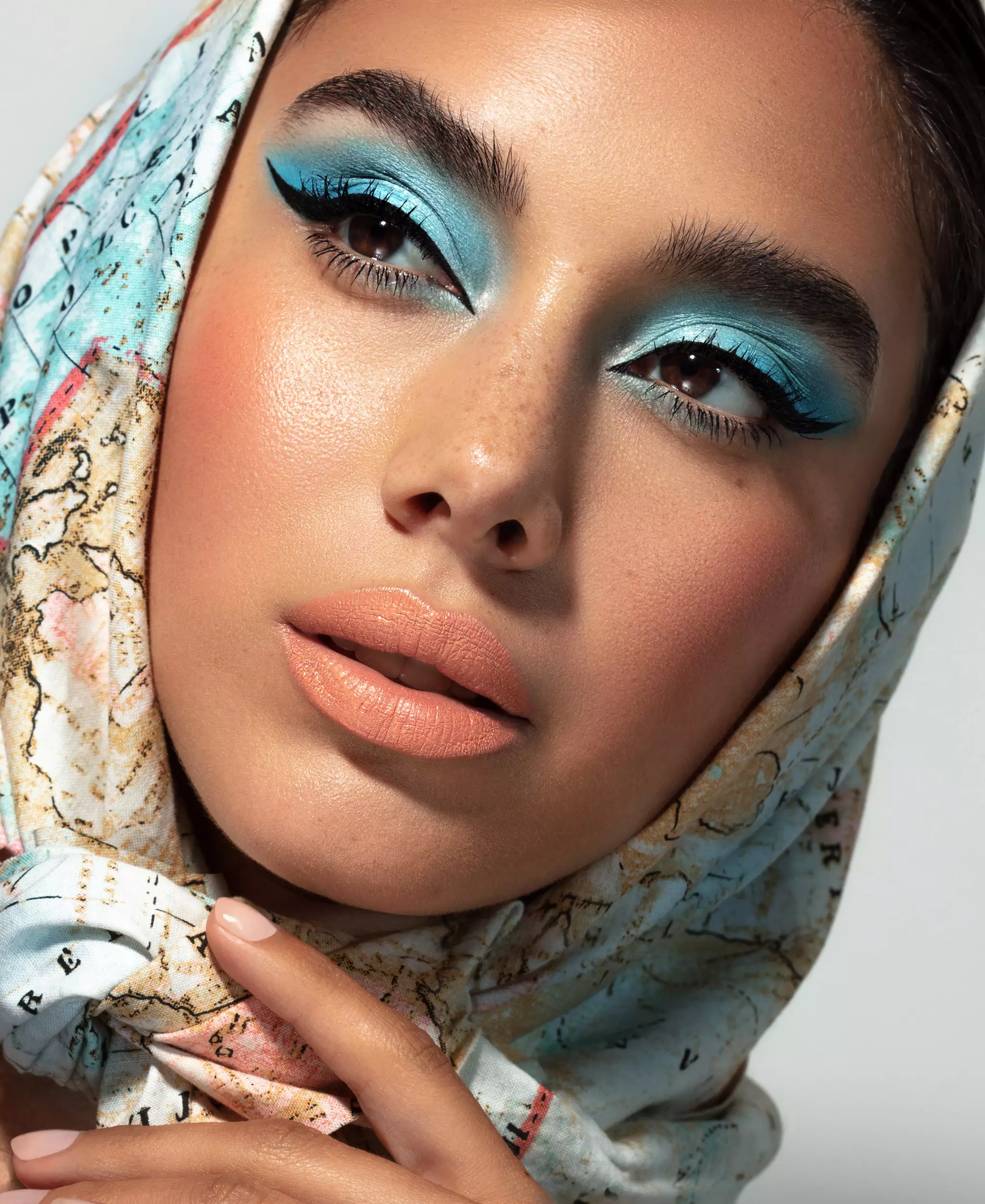
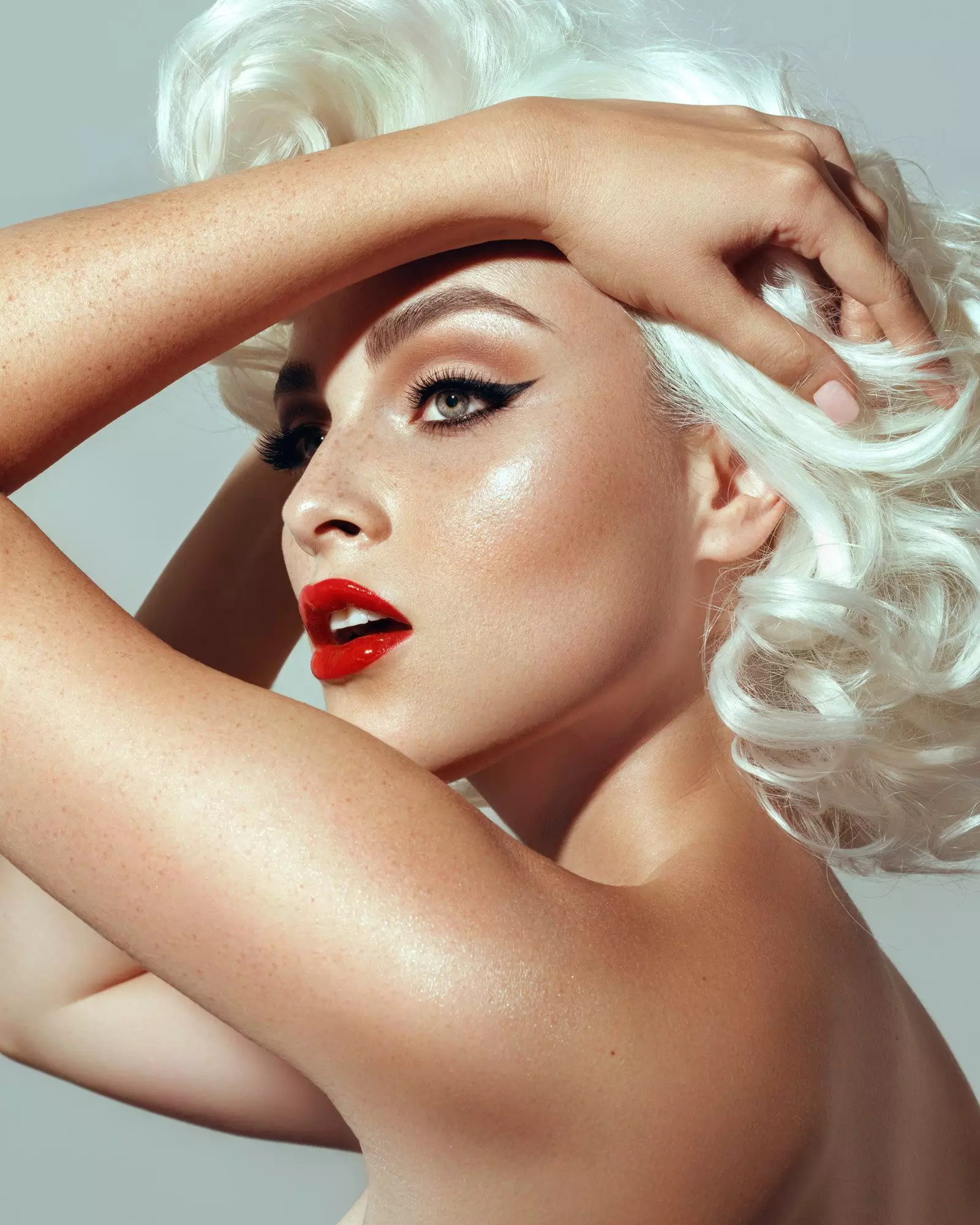
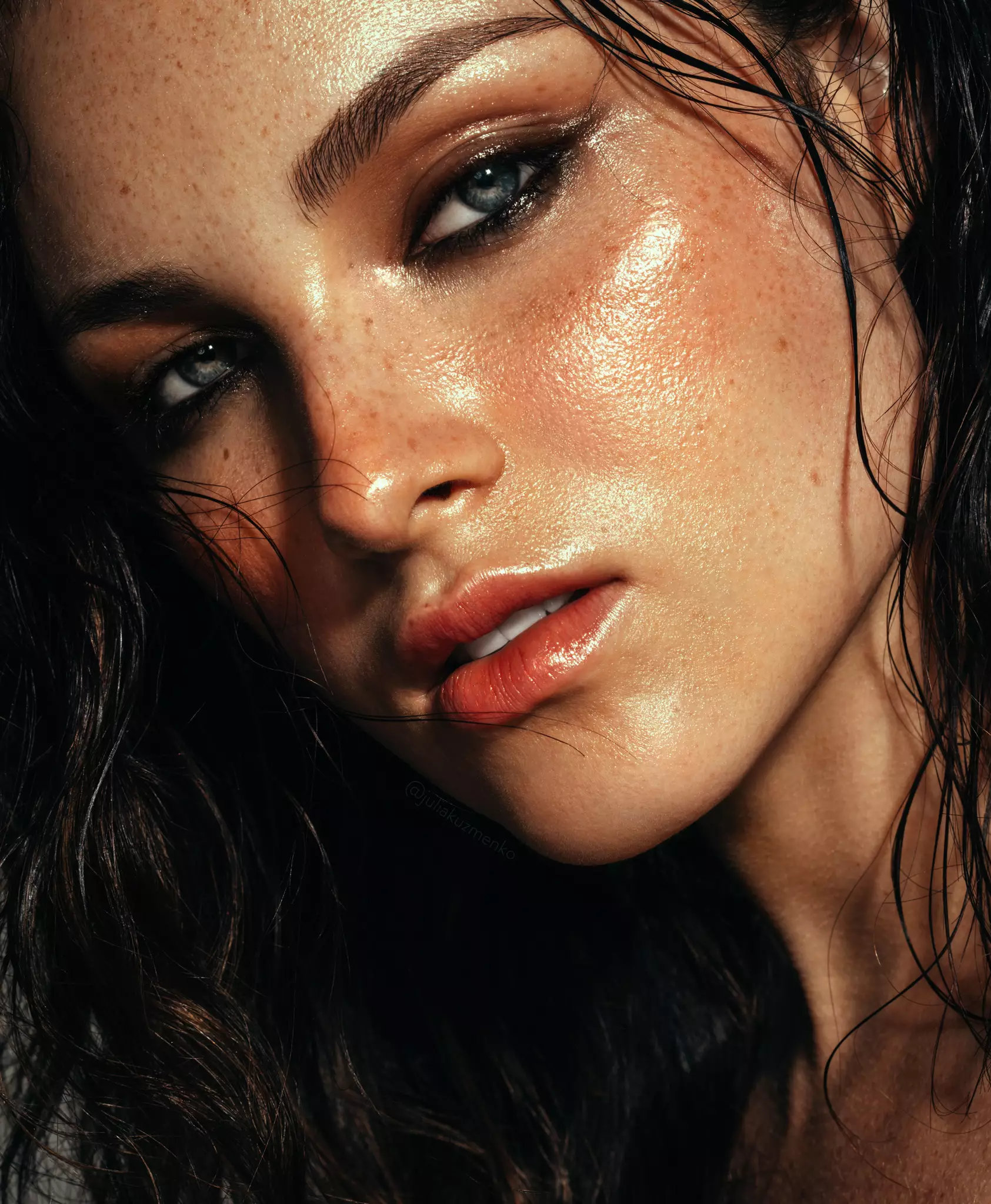
Photography & retouching by Julia Kuzmenko McKim using RA Panels

What Each Panel Does
Two panels that complete each other
Used together, the Beauty Retouch and MUA Retouch panels give you the full beauty retouching workflow, plus a dedicated makeup toolset: digital makeup palettes, color correctors, custom lash and brow brushes, and more. Built for photographers, retouchers, and makeup artists working with beauty, fashion, and portrait images.
| Feature | Beauty RetouchFull workflow | MUA RetouchMakeup-focused |
|---|---|---|
| Key native Photoshop tools and features for the typical beauty retouching workflow | ✓ | ✓ |
| Dodge & Burn ("Foundation Stick PRO" on MUA Retouch) | ✓ | ✓ |
| Custom D&B and Hair brushes | ✓ | ✓ |
| Frequency Separation ("Resurface" on MUA Retouch) | ✓ | ✓ |
| Skin tone & Color corrections scripts | ✓ | ✓ |
| Quality Control, Visual Aid & Export scripts | ✓ | ✓ |
| Detailed video tutorials | ✓ | ✓ |
| Photoshop Essentials for Beauty Retouching course (included with both panels) | ✓ | ✓ |
| Our proprietary Luminosity Masking set for precision color grading and highlights/midtones/shadows work | ✓ | — |
| AI-augmented tools & scripts | ✓ | — |
| Link six of your own actions to use them from the panel's interface | ✓ | — |
| Digital makeup palettes (blush, lipstick, eyeshadow) | — | ✓ |
| Makeup-inspired Color Correctors with Orange Corrector palette for a range of skin tones | — | ✓ |
| Add your own Watermark or Text before exporting | — | ✓ |
| Lash & Brow custom brushes for precision work suitable for ecomm and campaign-level macro beauty images. | — | ✓ |
Incredibly useful, even though I am biased.
Over a decade ago, as I got busier with beauty photography and retouching work, I gradually built and refined a set of actions for myself to save time on the repetitive tasks I was doing in every image. A Retouching Academy colleague suggested we bake them into a Photoshop panel to keep them organized, and because other artists might want them too. We did, and the rest is history.

Refined over a decade of commercial beauty and wellness work, and the day-to-day production at our Avenue visual production studio. These are the tools we use.
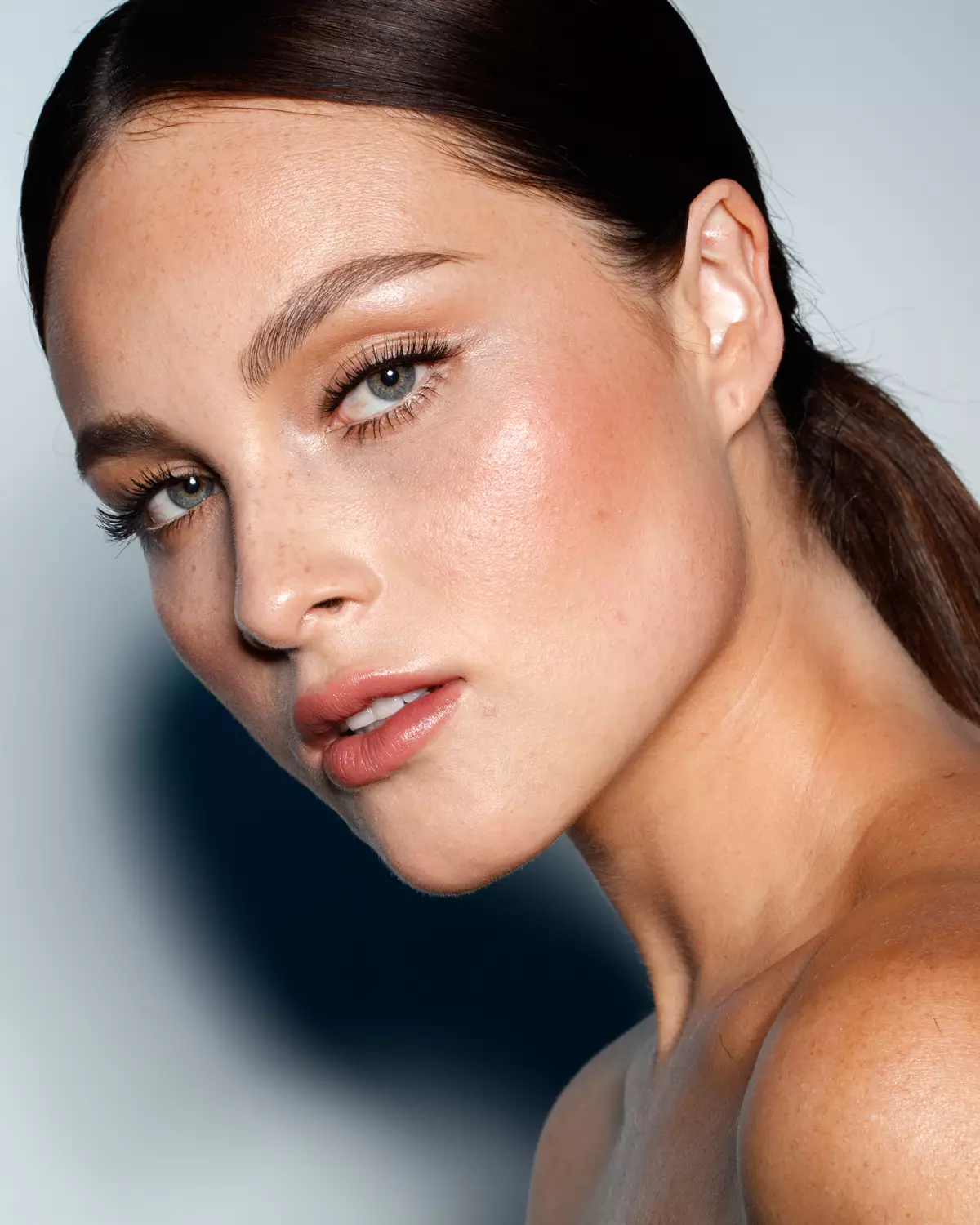
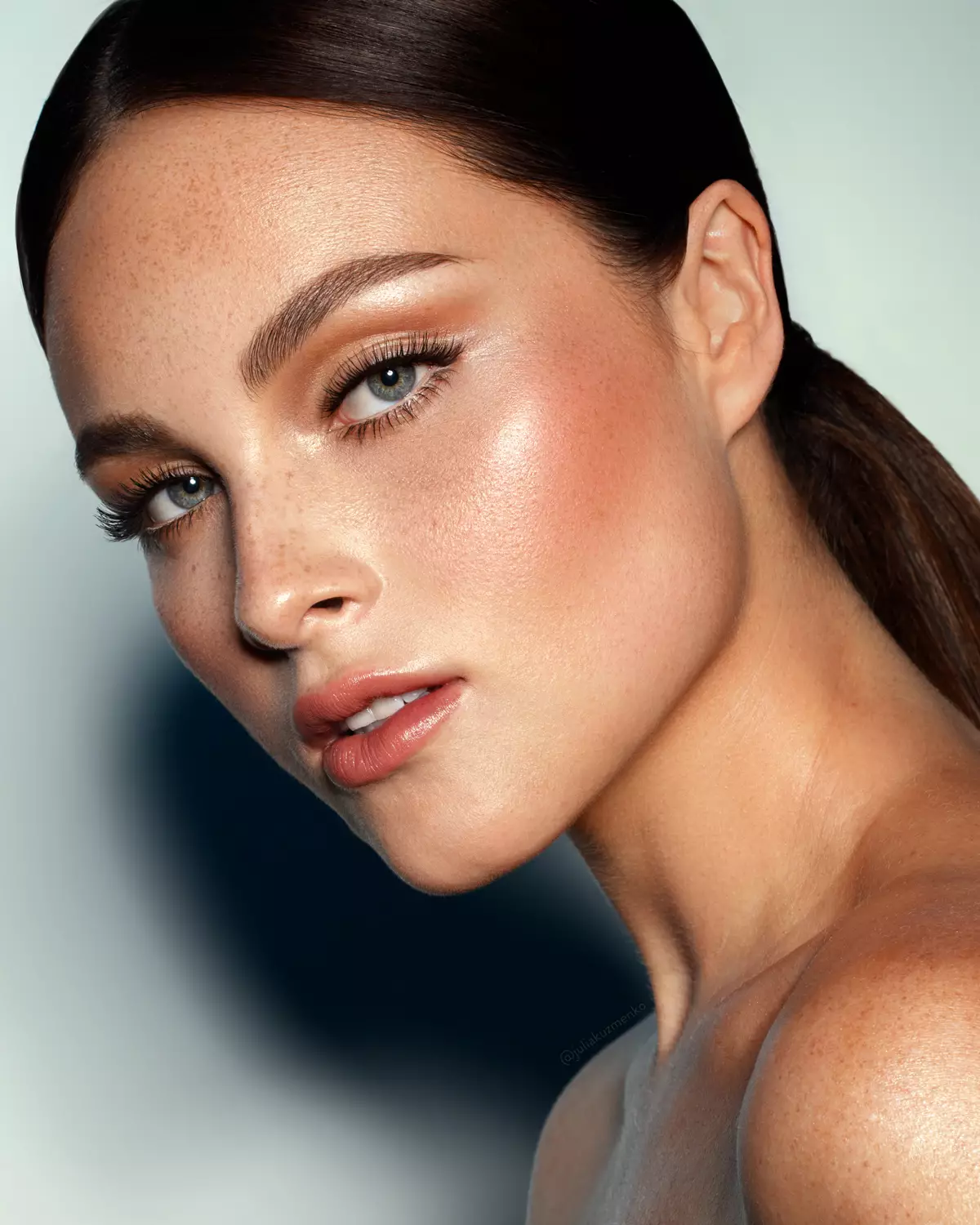
“I retouch skin texture and makeup with both RA Panels. In my work, I can't do without the Beauty Retouch panel!”
What our users
are saying
Photographers, retouchers and makeup artists who use the RA retouching panels in their day-to-day work
The full beauty retouching workflow SuperPack.
The Beauty Retouch panel assists with all key phases of the typical retouching workflow, while the MUA Retouch is built specifically for makeup retouching. Together they help get you to the finish line faster, while your taste and standards stay in control.
Pick your RA Panel
or get both
Every purchase is covered by a 30-day money-back guarantee.
Beauty Retouch panel
For photographers and retouchers who want a faster retouching workflow, improved consistency of skin and tonal work, and less workspace clutter.
- 1 license · use on 2 computers
- Free updates in active account
- Activations reset in account
- D&B, Hair custom brushes & tool presets
- Add six of your own actions to use right from the panel's interface
- Onboarding video tutorials
- Free Photoshop Essentials course
- Email support · 24 h max
- Lifetime license option available
SuperPack
Both panels, Beauty Retouch + MUA Retouch, one non-destructive professional retouching workflow.
- Use both panels on 2 computers
- Free updates in active account
- Activations reset in account
- D&B, Hair custom brushes & tool presets
- Add six of your own actions
- Digital makeup palettes
- Lash & brow custom brushes
- Onboarding video tutorials
- Free Photoshop Essentials course
- Priority support · 12 h
MUA Retouch panel
For beauty, fashion, and portrait photographers, retouchers, and makeup artists who retouch their own work.
- 1 license · use on 2 computers
- Free updates in active account
- Activations reset in account
- Digital makeup palettes
- Lash & brow, D&B custom brushes
- Onboarding video tutorials
- Free Photoshop Essentials course
- Email support · 24 h max
- Lifetime license option available
Common questions
we hear the most.
01What are the RA panels?
Professional retouching panels for Photoshop. They're modern UXP plugins that speed up beauty, fashion, and portrait retouching: skin and facial features, hair and makeup, Luminosity Masking, selections, color, finishing, Smart Liquify, sharpening, export, and more. You can even add six of your own custom actions.
Built by working beauty photographers and retouchers, and a makeup artist who shoots and retouches his own work, Jordan Liberty. In professional use since 2013.
Even if you begin each retouch with a first pass on an AI platform, professional work often needs a more detailed finish in Photoshop, especially if you work (or are looking to work) with commercial clients. The panels help you get to the finish line faster while your taste and standards stay in control, and they can save you hours over the length of a project.
02What's the difference between Beauty Retouch and MUA Retouch?
The Beauty Retouch handles your full beauty and portrait workflow. The MUA Retouch focuses on makeup and color correction, but has a few key retouching scripts so it can be used on its own, too. The SuperPack bundles both.
03Do I need Photoshop to use these panels?
Yes. Our retouching panels are Photoshop plugins. The current versions of the RA Panels can be installed on Adobe® Photoshop® 2024 (v25.3) or later, on macOS and Windows, including Apple silicon (M-series). However, to ensure all tools and scripts on the panel work as intended, Photoshop® 2026 (v27.9) or later is required. Updated for the new UI Engine for Photoshop® v27.9+.
04Do I need an Adobe Creative Cloud subscription?
Yes. All Photoshop plugins are installed via the desktop Creative Cloud app.
05How many computers can I use the panels on?
Install and use each panel on 2 computers, Mac or Windows, Apple silicon (M-series) included. When you need to move, reset your License Activations from your Member Account, no support ticket required.
Learn more: Software Product License.
06Can I move my licenses between computers?
Yes. Every license allows two simultaneous activations. When you need to use the panel on another computer, reset one license activation from your Member Account (no ticket required), then activate the panel on that other computer.
07Why do I need an active subscription?
The RA Panels are subscription-based, which is the industry standard for professional software. Most of our users are working photographers and retouchers who rely on the panels nearly every day, so when a regular Photoshop update breaks something, we fix it quickly.
Maintaining the panels and providing daily Customer Support is a full-time job for our small team. And the little ongoing fixes are only half of it: we keep improving the panels, and new versions land in your Member Account at no extra cost while your subscription is active.
Your annual Maintenance & Support fee $39.99 (roughly $0.10 a day) keeps our Customer Support and Development teams always ready to respond to your support requests, and the panels compatible with new Photoshop versions, and improving over time. Your first year of Maintenance & Support subscription is included in your purchase.
Prefer to pay once? The Beauty Retouch lifetime license and MUA Retouch lifetime license options are there for that.
08Do people use both panels?
Absolutely. We created the MUA Retouch panel as a makeup companion for the Beauty Retouch panel, which carries the core of the beauty, fashion and portrait workflow. Each panel can be used independently, and together they are most helpful for professionals who do beauty, fashion and female portrait work: compare the panels.
We offer $50+ off the MUA Retouch panel when you buy both.
09Is there a free trial?
No. Instead, every purchase is covered by a 30-day money-back guarantee. If it's not for you, reach out within 30 days and we'll make things right.
10What happens after I buy?
You'll get two emails: one to create your account and set a password, and a second with your order confirmation, download link and invoice. More detail here: Right after your RA Panel purchase.
Need help? Submit a Support Ticket, we're in Los Angeles, CA and Dallas, TX, and we reply to every support ticket within 24 hours (priority tickets sooner).