
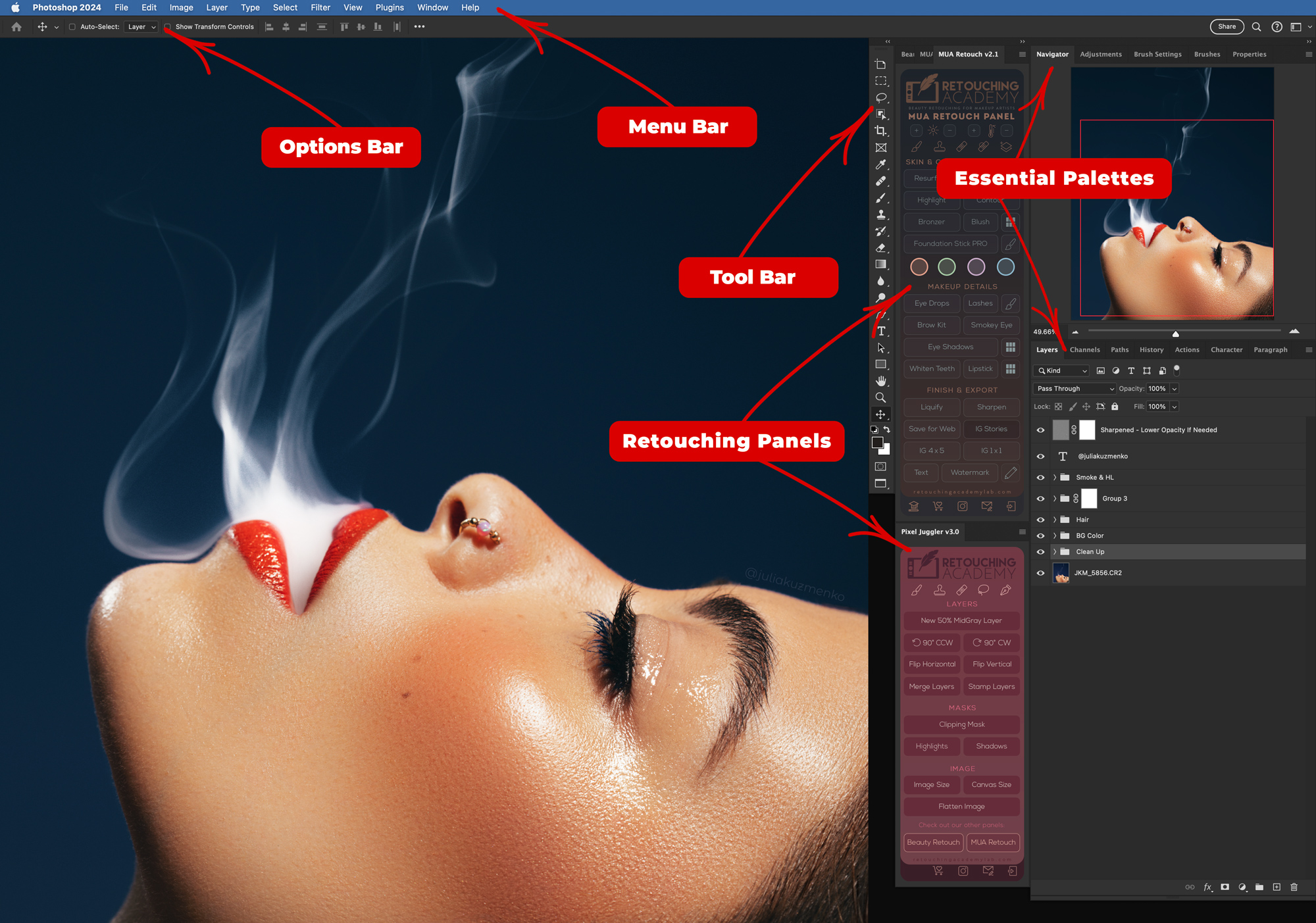
Photoshop Essential Panels for Beauty Retouching
Photoshop essential palettes are a powerful tool for content creators. They are one of the core aspects of navigating Photoshop efficiently. To customize your Photoshop workspace, select palettes via the "Window" menu in the top menu bar. Toggle different palettes like "Layers," "History," or "Channels" on or off by clicking their titles.
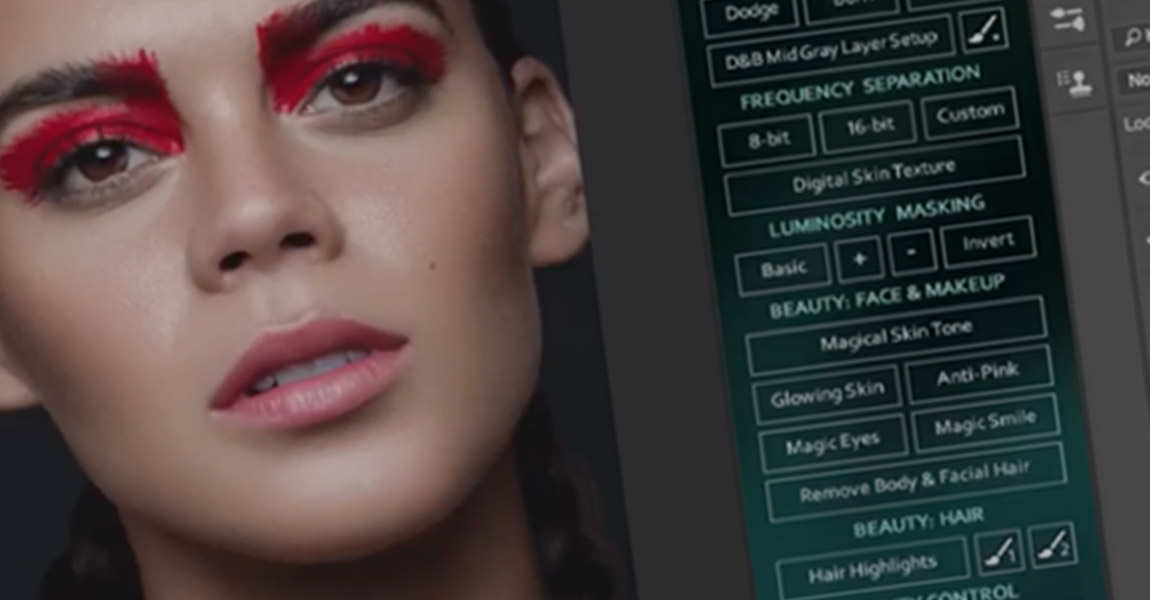
New Review of the Beauty Retouch Panel
For thousands of retouchers around the world, the Beauty Retouch and Pixel Juggler Panels have brought efficiency to their workflow by optimizing the retouching techniques we often use. RA Panels are an extension that works with Adobe Photoshop CS6 and CC versions, allowing users the ability to dodge and burn, use visual aids, add digital skin texture, correct skin tones, liquify, fix teeth and eyes and more with a click of a button. The shortcuts and
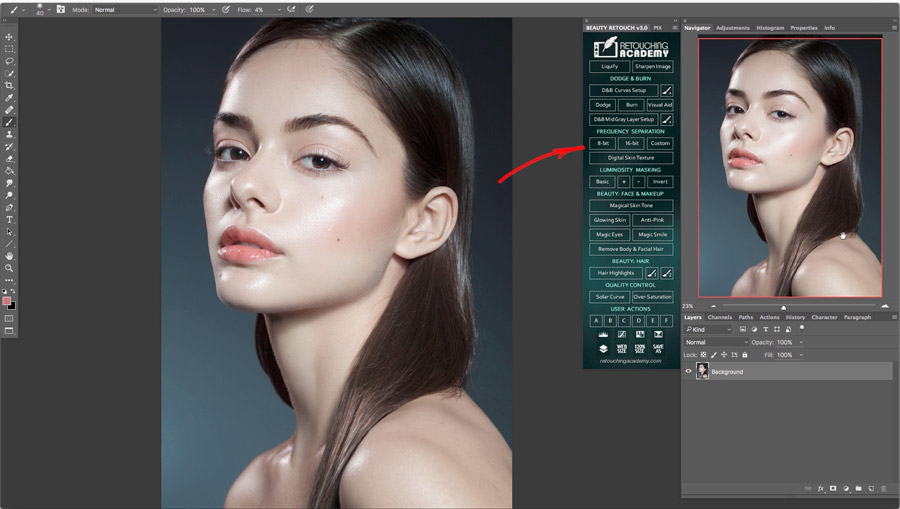
New Video Tutorial on Frequency Separation Scripts
Check out this new video tutorial on how to use our Frequency Separation scripts on the Beauty Retouch panel. Out of all retouching tools and techniques, Frequency Separation, when misused or used incorrectly can easily ruin your retouching results, so always remember to use it sparingly, mainly correcting midsize issues that represent a mix of color, value and texture problems in one place. For anything else when retouching skin use either the simple retouching tools such as the Clone