Important Update: Legacy RA Panels (CEP) and the New UXP Upgrade
Since 2022, Adobe has been retiring the legacy CEP framework used by non-UXP Photoshop extensions. With the most recent security updates, CEP extensions can no longer be installed or used, even inside older Photoshop environments on both Windows and macOS. Because this change was made at the platform level by Adobe, it is unfortunately not technically possible for us to maintain, reinstall, or update the old panels.
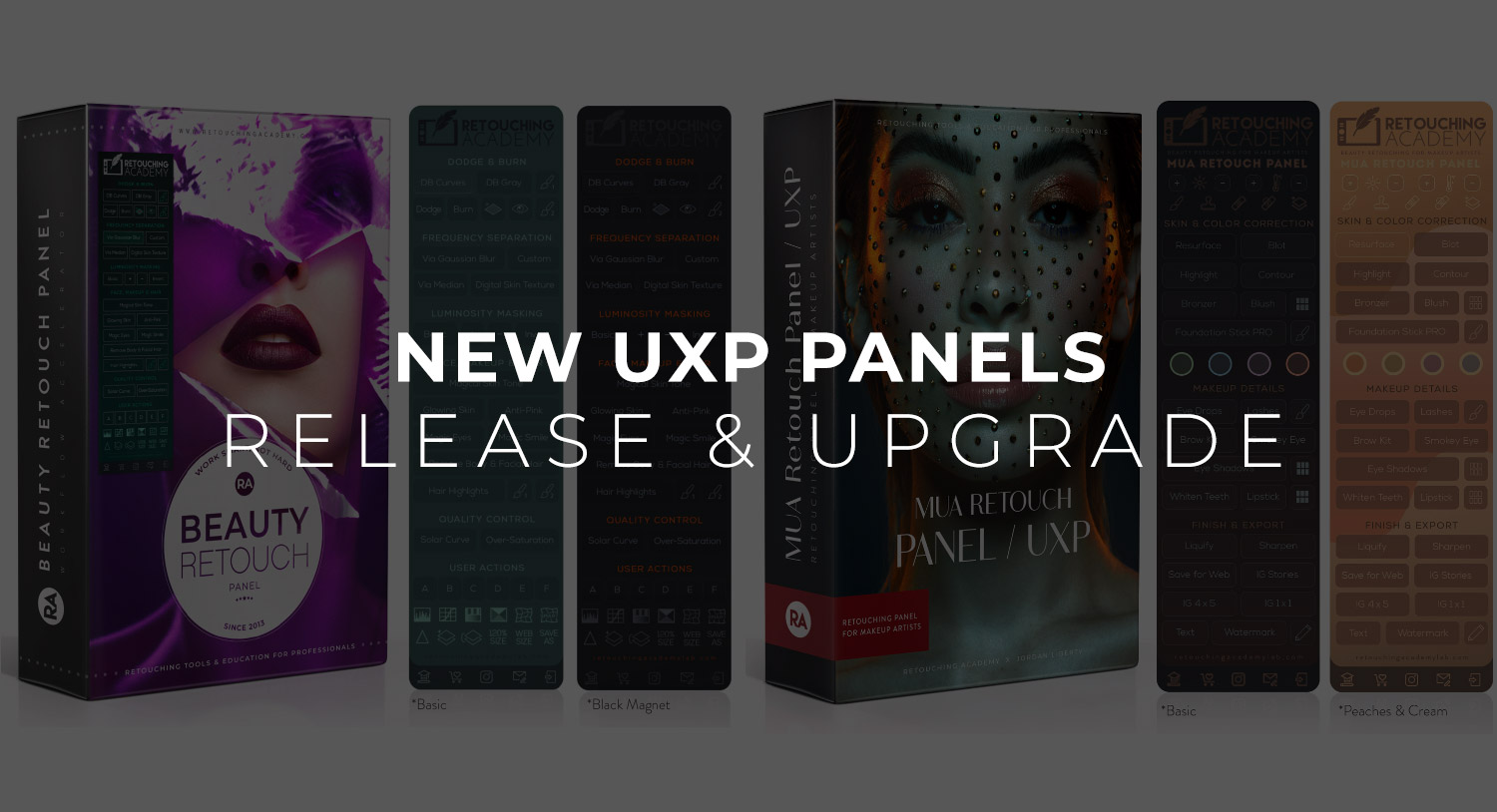
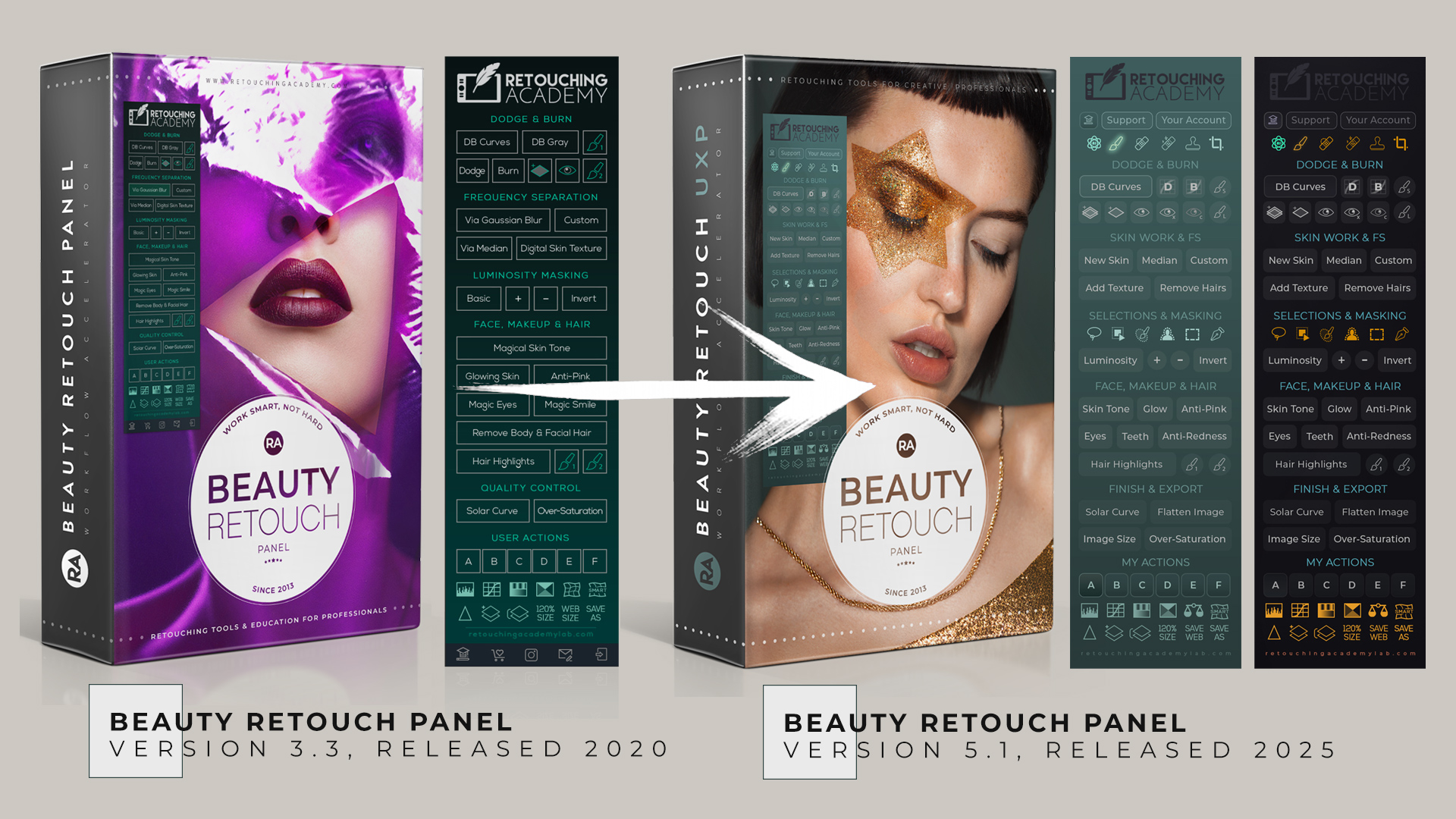
To ensure continuity for professionals who rely on our scripts, we spent over a year rebuilding all RA Panels from the ground up in Adobe’s UXP format – the only plugin framework supported in current Photoshop versions. The UXP versions preserve the familiar workflows from our legacy panels and minimize any need to re-learn processes.
With that said, your options are:
► Keep your legacy purchase (we won’t remove it from your account) and use it only on older Photoshop versions that still allowed CEP extensions (functionality not guaranteed and no longer supported by Adobe).
► Upgrade to the new UXP version for ongoing compatibility, updates, and support.
🔐 To log into your Member Account, please use the email address that this message was sent to. If you cannot log in, please follow these instructions.
To honor the original investment of our long-time panel users, we offer a significant legacy-user discount. You can subscribe at a discounted upgrade fee of $29 (see available billing options on the upgrade page linked below).
We also honor the original annual Maintenance & Support fee at $29/year that was set when the UXP panels just came out, while it is now $39.99/year for all new users. You can lock that in your account when you upgrade today.
Upgrade to Beauty Retouch v5 (UXP) »
📌 Over 90% of our old panels’ users have already upgraded to the UXP versions to continue saving their precious time while retouching.
Please review some Frequently Asked Questions at the bottom of this page.
Our New UXP Panels
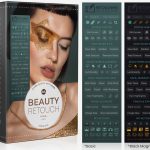
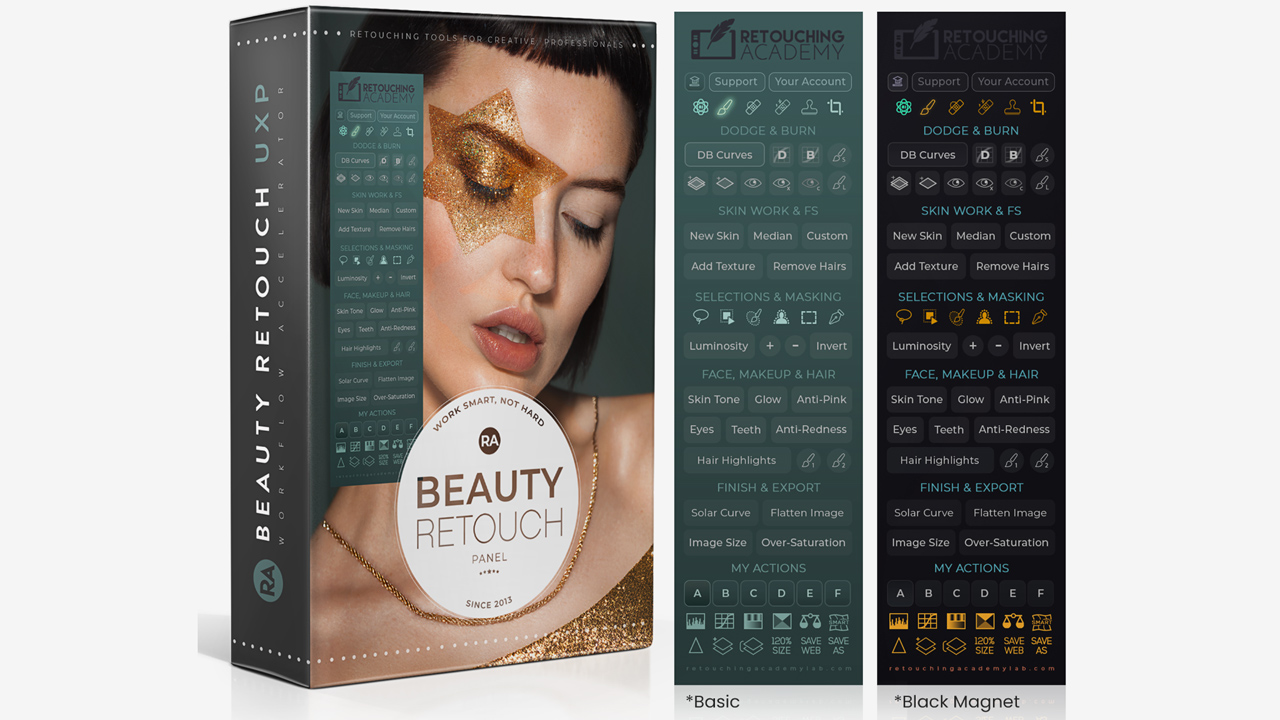
Today, the new Beauty Retouch v5 is equipped with even newer tools and scripts:
● Includes all legacy panel scripts and workflows.
● Read about the only script that has been removed from the old panel here and more: Frequency Separation: Gaussian Blur vs Median.
● Adds new AI-powered tools for even more efficient professional-level retouching
● Installs via Creative Cloud and appears under the Plugins menu in Photoshop
● Fully compatible with current Photoshop on both Windows and macOS, including M-series Apple computers.
● One of the many upsides of the UXP Panels is that one Software License allows you to install and use your RA Panel on both Windows and Mac OS computers.
🔴 You will find all the instructions here: Upgrade Your Legacy Panel to the latest UXP version (including the option to upgrade to the UXP panel as a one-time payment, no annual fees going forward).
Now, we are working on the MUA Retouch panel upgrade.
Below are some video tutorials demonstrating the new functionality of the Beauty Retouch UXP v5.
New AI-Powered Tools for Beauty Retouching
The creative industry has been dramatically changing with the introduction of new AI tools.
One of the biggest shifts in today’s professional photography and retouching is the growing client demand for faster, more affordable high-quality results.
Clients now often choose to hire creative professionals who leverage automation and smart retouching tools so they can offer high-quality work at lower rates.
Here’s a video tutorial on how the new Beauty Retouch v5 panel’s AI Tool button works:
AI-Powered Tools for Hair Retouching
In this new Hair Retouching course lesson, we share how these new AI-powered and latest selection tools in Photoshop can help get hair retouching work done faster in beauty and portraits: AI-Powered Tools for Hair Retouching
Can You Retouch Skin in Just a Couple of Minutes?
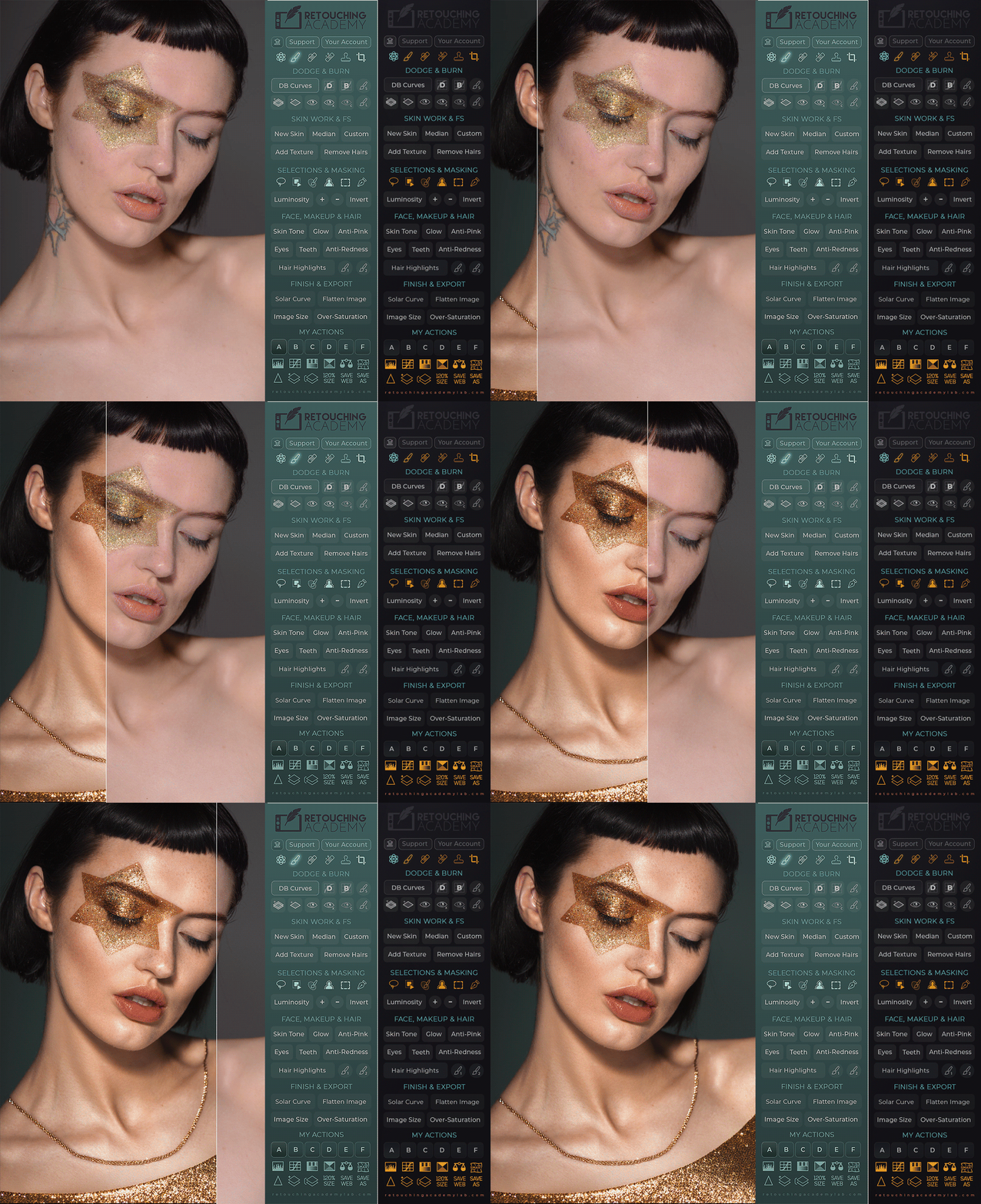
One of the most exciting additions to the new Beauty Retouch v5 Panel is the New Skin script.
In just a couple of minutes, it will help you even out skin tone, remove blemishes, and blend in a realistic skin texture layer, all while allowing you to keep full control over the final look.
This script is designed specifically for close-up beauty and portraits, where we always want to preserve as much visible skin texture as we can while combating the blotchiness and imperfections.
Here is a quick video of what it can do for you: Retouch Skin in a Couple of Minutes? On that page, scroll down past the video to see all the new buttons and functions of the new Beauty Retouch v5.
You can also enroll in our FREE Beauty Retouch panel Training for the detailed tutorial: The New Skin Script Lesson.
Frequently Asked Questions
I purchased a lifetime license for Beauty Retouch panel. Why do I have to pay for it again?
Your original purchase was indeed a lifetime license for the old RA Panel (Photoshop CEP legacy extension). The new UXP panel is not the same product, it was designed to copy the functionality of the old product to minimize the need for our existing users to re-learn anything.
When upgrading your old panel to this new UXP plugin, you are reimbursed for what you had already paid by using the significant legacy-user discount that is listed on the upgrade page.
So, no, you are not asked to pay for the same product again, but you do have an option to upgrade if you find the new panel’s scripts beneficial and want to continue using them for your retouching work even though Adobe discontinued the old panels (Photoshop Legacy Extensions).
Why do I have to pay for a subscription?
When we found out that Adobe was going to eventually discontinue legacy extensions in Photoshop, our small team invested a whole year of our time, energy, and funding to create a new product for thousands of our users who loved and trusted the retouching scripts on our old panels and wanted to continue using them in their work.
We wanted to give our users a choice: to continue using our scripts on the new panels (even though in a completely new format) in the newer versions of Photoshop, OR to stay in the older versions of Photoshop with the Legacy Extensions that they had purchased as a “one-time payment” before, if they do not wish to upgrade. Unfortunately, the Legacy Extensions got abandoned by Adobe anyway.
It was a very long, difficult, and costly project, which made us realize that, as a small business, to continue supporting 18K+ (at the time) of our existing users, we must change to a subscription model for the new UXP panels, or go out of business and leave all of our users with nothing at all.
Yes, we are as saddened as you that it is simply unrealistic for a small business in today’s economic landscape to provide perpetual maintenance and support for software through a one-time purchase.
Maintaining, updating, and upgrading our panels while providing support requires a significant monthly investment. A subscription model allows us to continue offering high-quality service, everyday technical support, and periodical updates and enhancements for our amazing retouching panels that professionals around the world love, trust, and use every day.
We are confident that you understand this basic logic!
How do I log in to my RA Lab Member Account?
Please log in to your Member Account here with the same email address you used at the time of purchase.
If you cannot log in, please follow these instructions.
Then, proceed to Upgrade Your Legacy Panel to the latest UXP version.
We hope this helps, and you will be delighted to start using the latest Beauty Retouch UXP panel!
If you have any further questions, please reach out to our friendly RA Panels Support Team!