
Your Makeup Retouching Secret Sauce.
The MUA (Makeup Artist) Retouch panel is a Photoshop plugin created by beauty industry professionals for campaign-level beauty and makeup retouching. It is programmed to mimic the effects of real makeup and color correctors, so it maps to how creative professionals in beauty and fashion already think about makeup.
The MUA Retouch panel pulls makeup-specific retouching tools and scripts into one place. Loved by beauty photographers, retouchers, and makeup artists who shoot and retouch their own work.
-
Color Corrector scripts The effects of our digital Color Correctors are designed based on how makeup correctors are used in real life. Created in collaboration with Jordan Liberty.
-
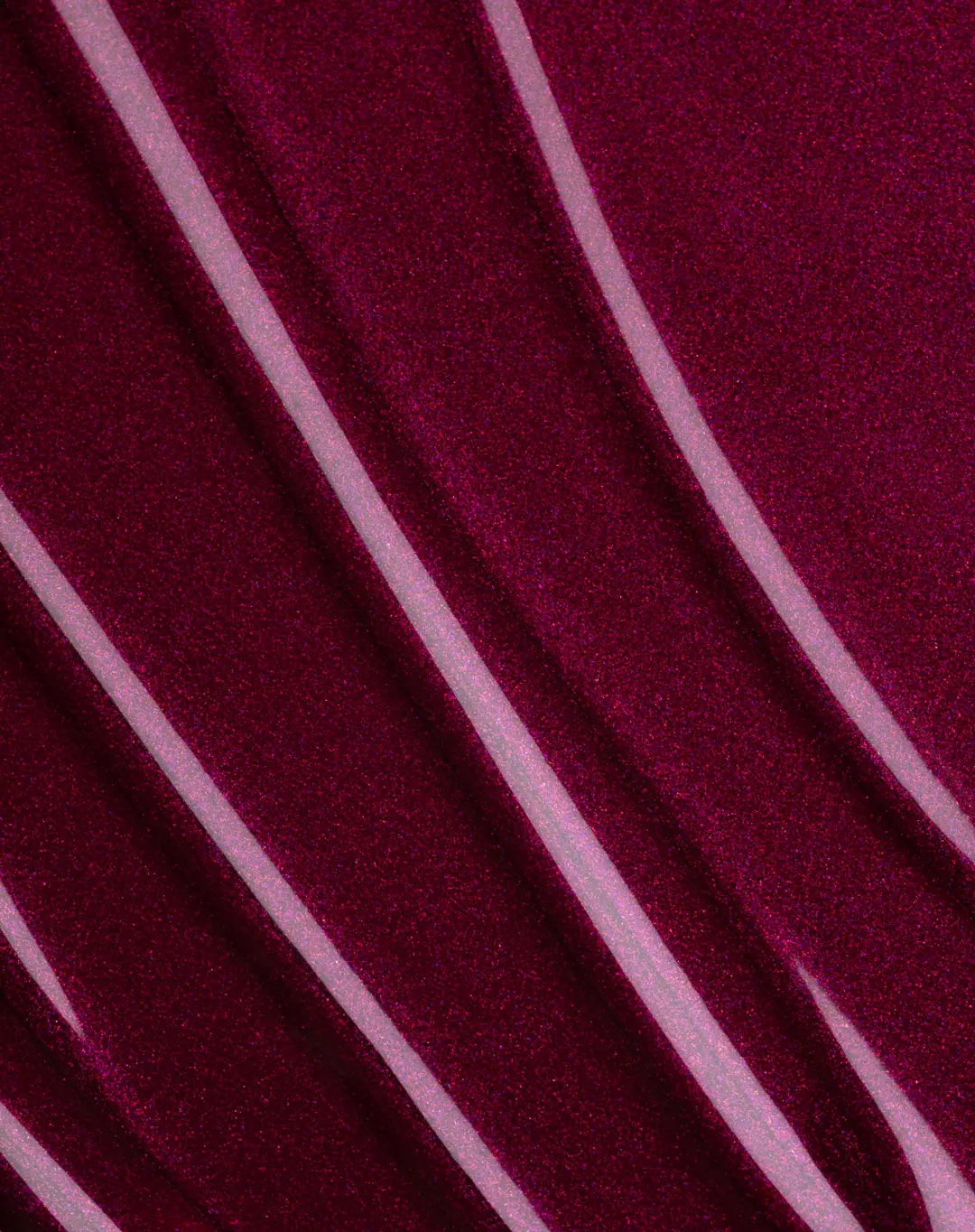
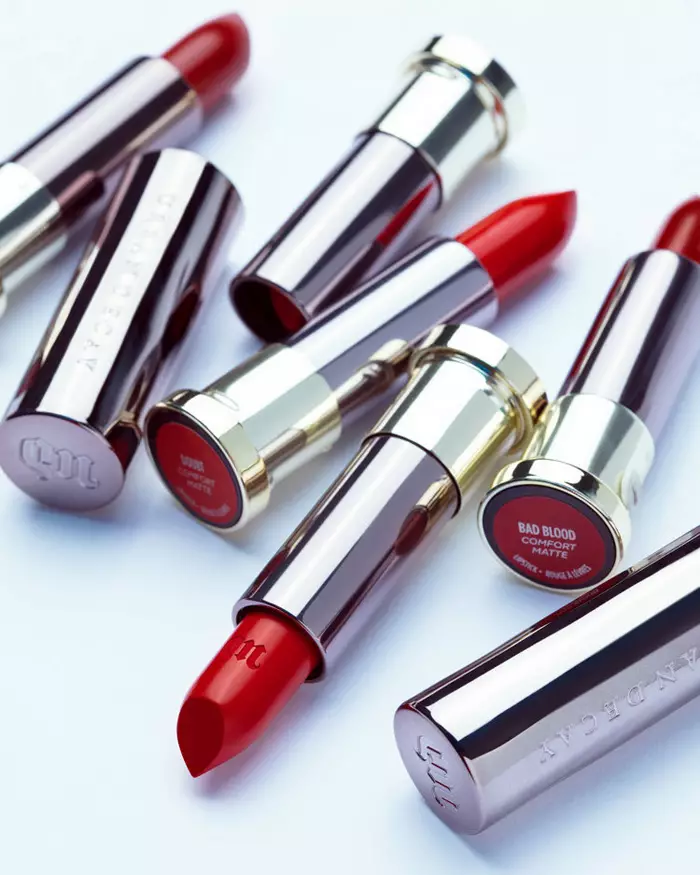
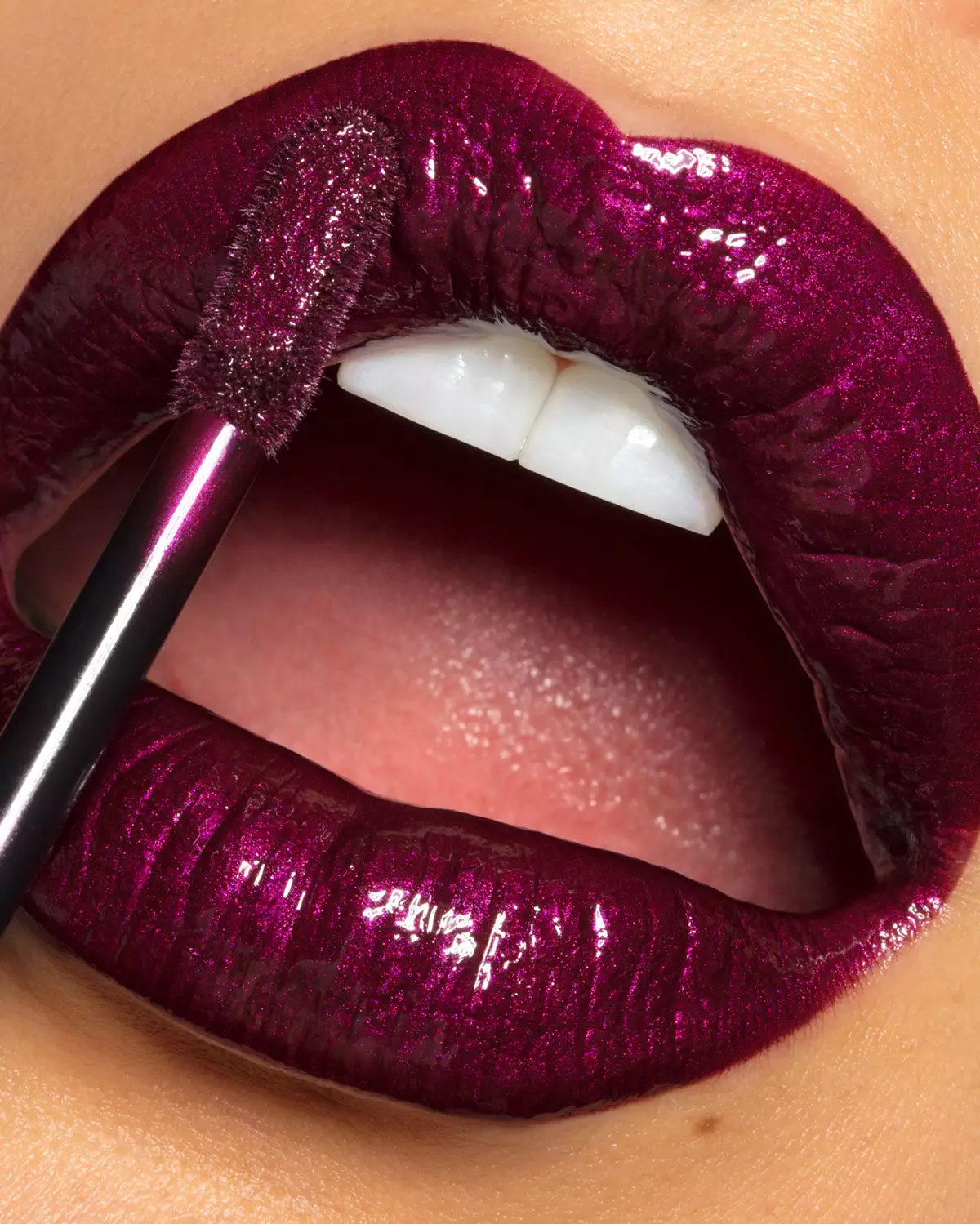
Digital makeup palettes Digital makeup palettes for Blush, Lipstick, Eye Shadows and a selection of Orange Corrector options for a range of skin tones from light to dark.
-
Lash & Brow brushes Custom brushes that help fill in lashes and brows with realistic precision, even in macro beauty images.
-
Free Course for Beginners Photoshop Essentials for Beauty Retouching course for beginners included with both panels.
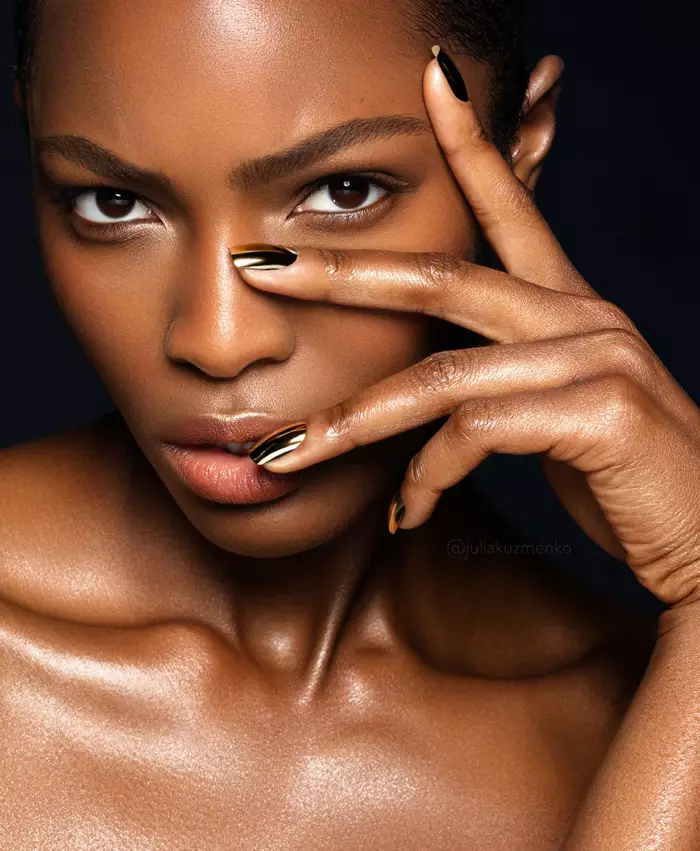
Photography & retouching by Julia Kuzmenko McKim using RA Panels
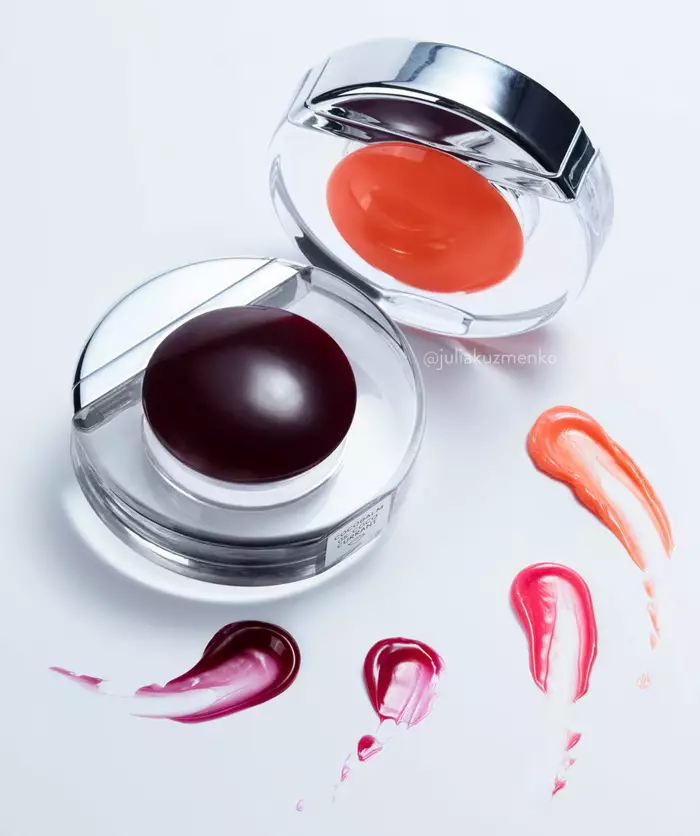
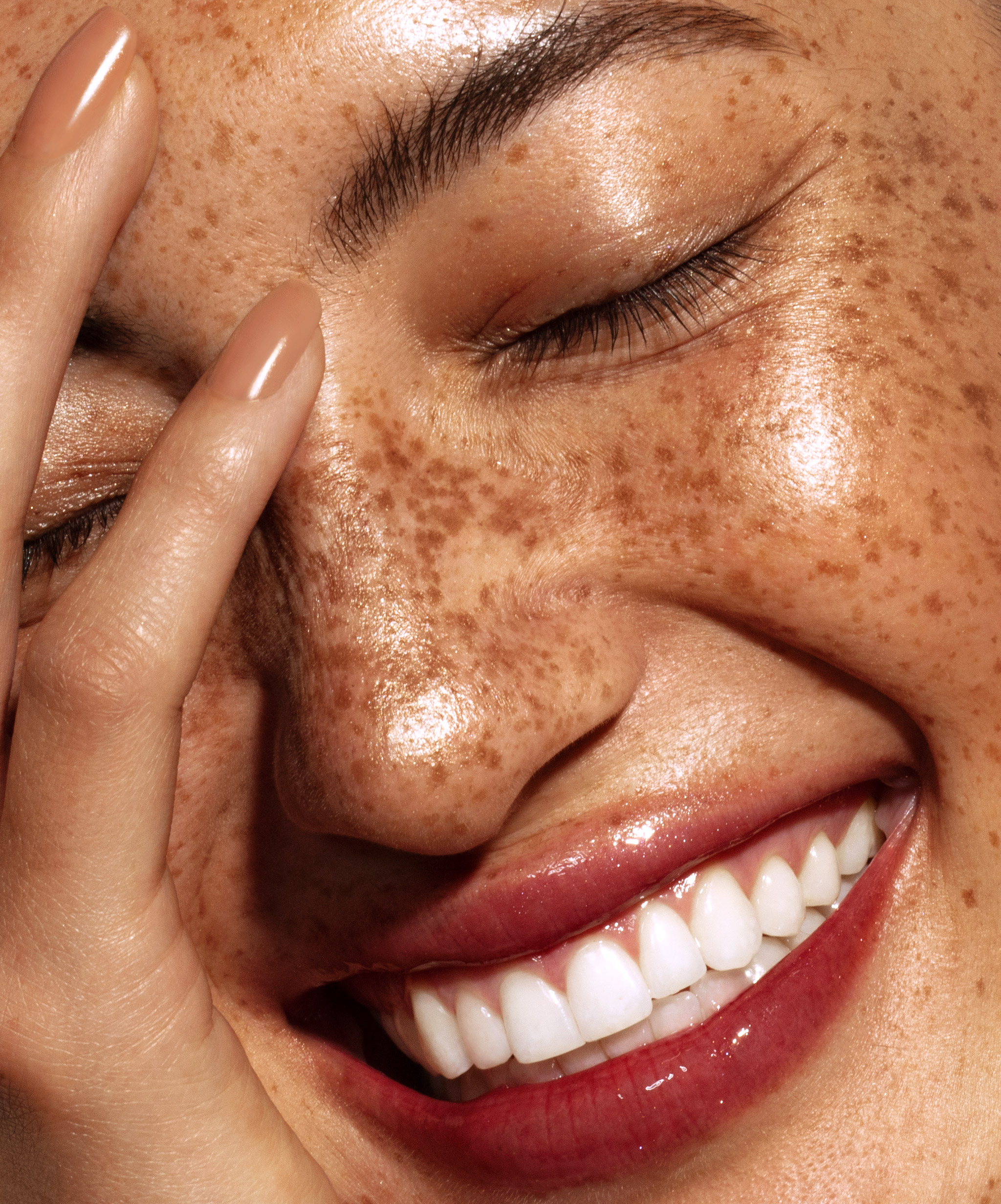
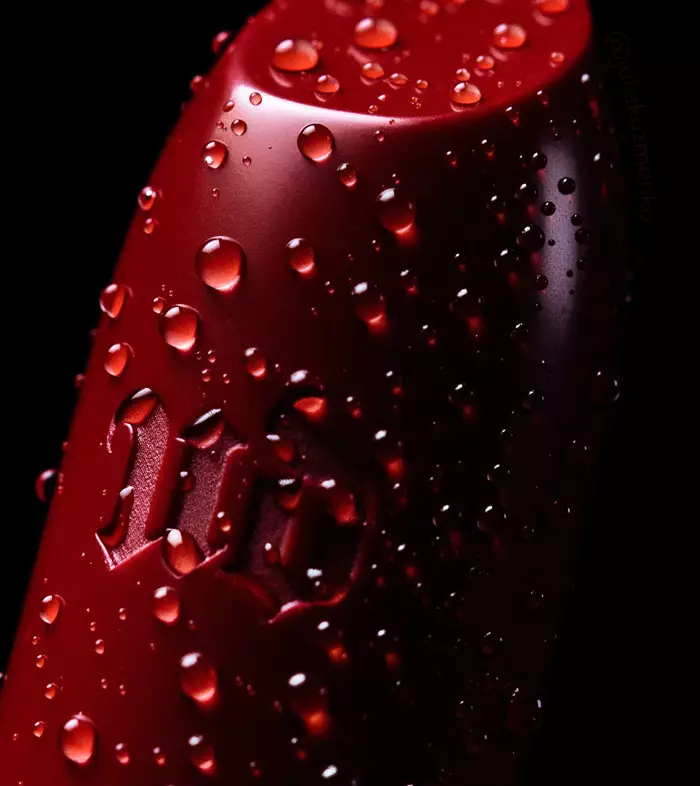
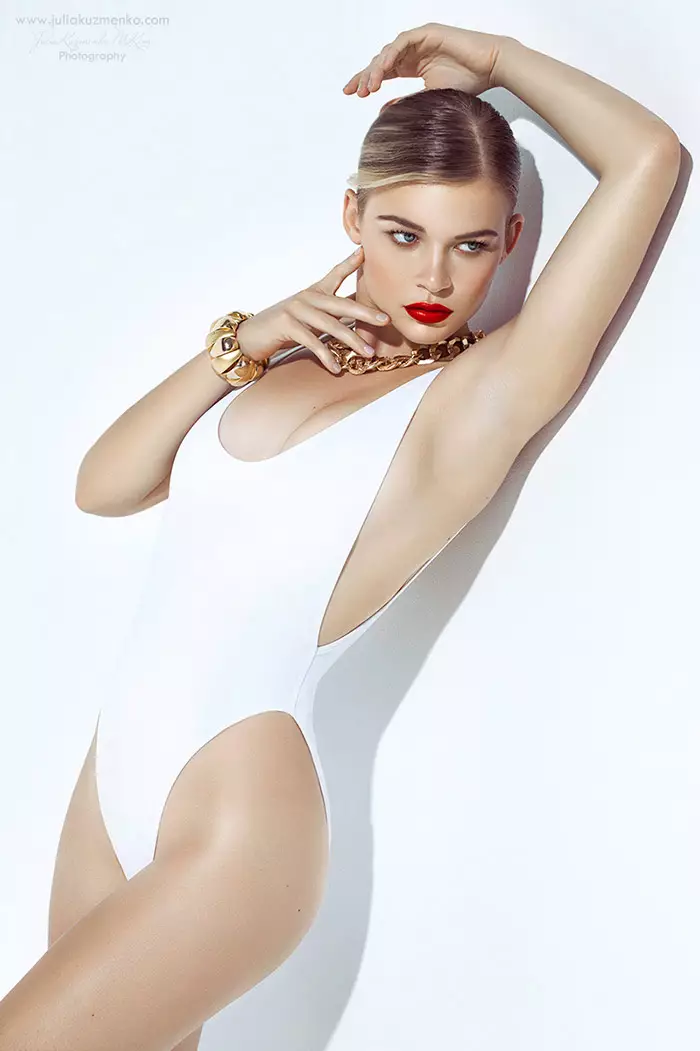
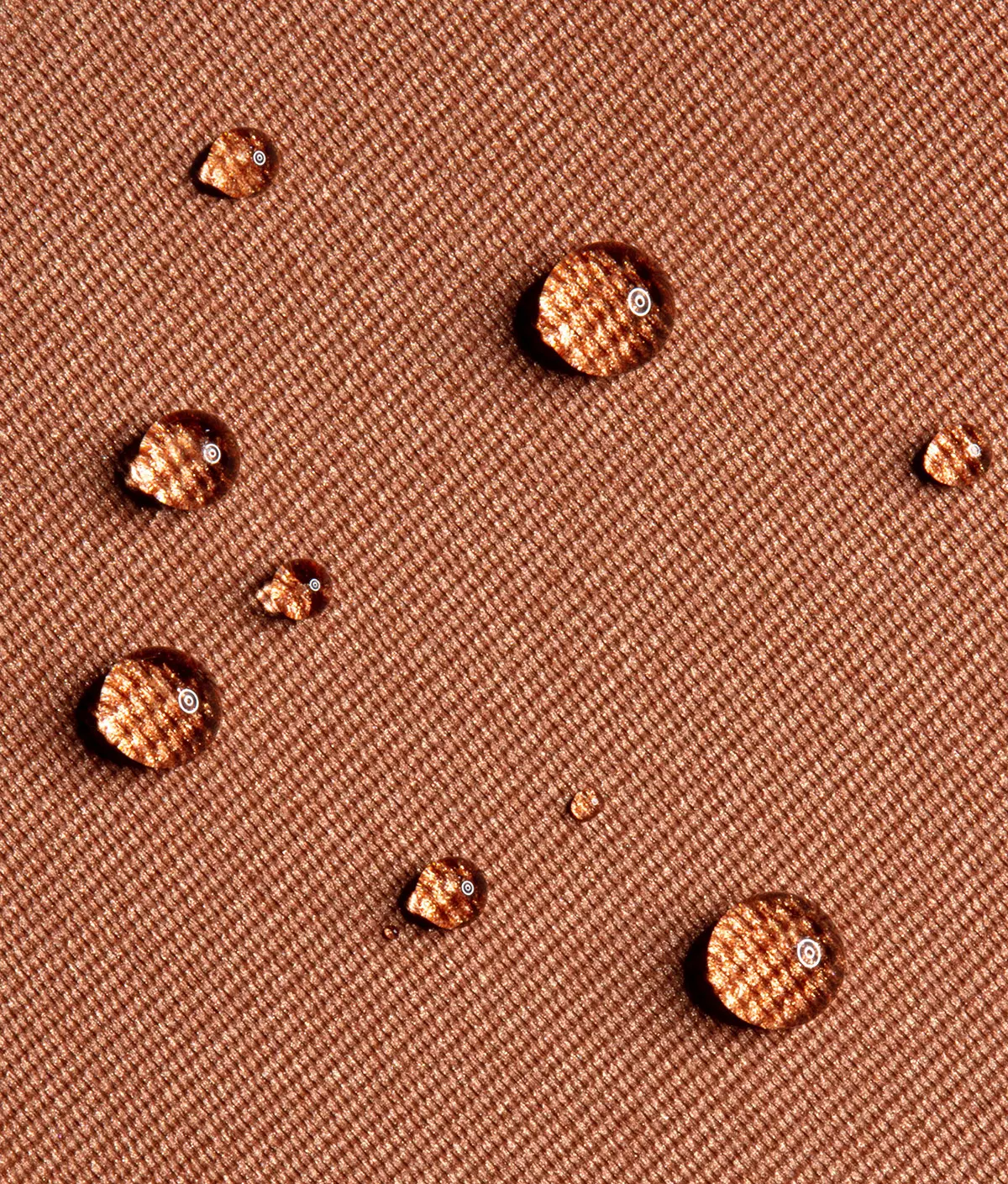
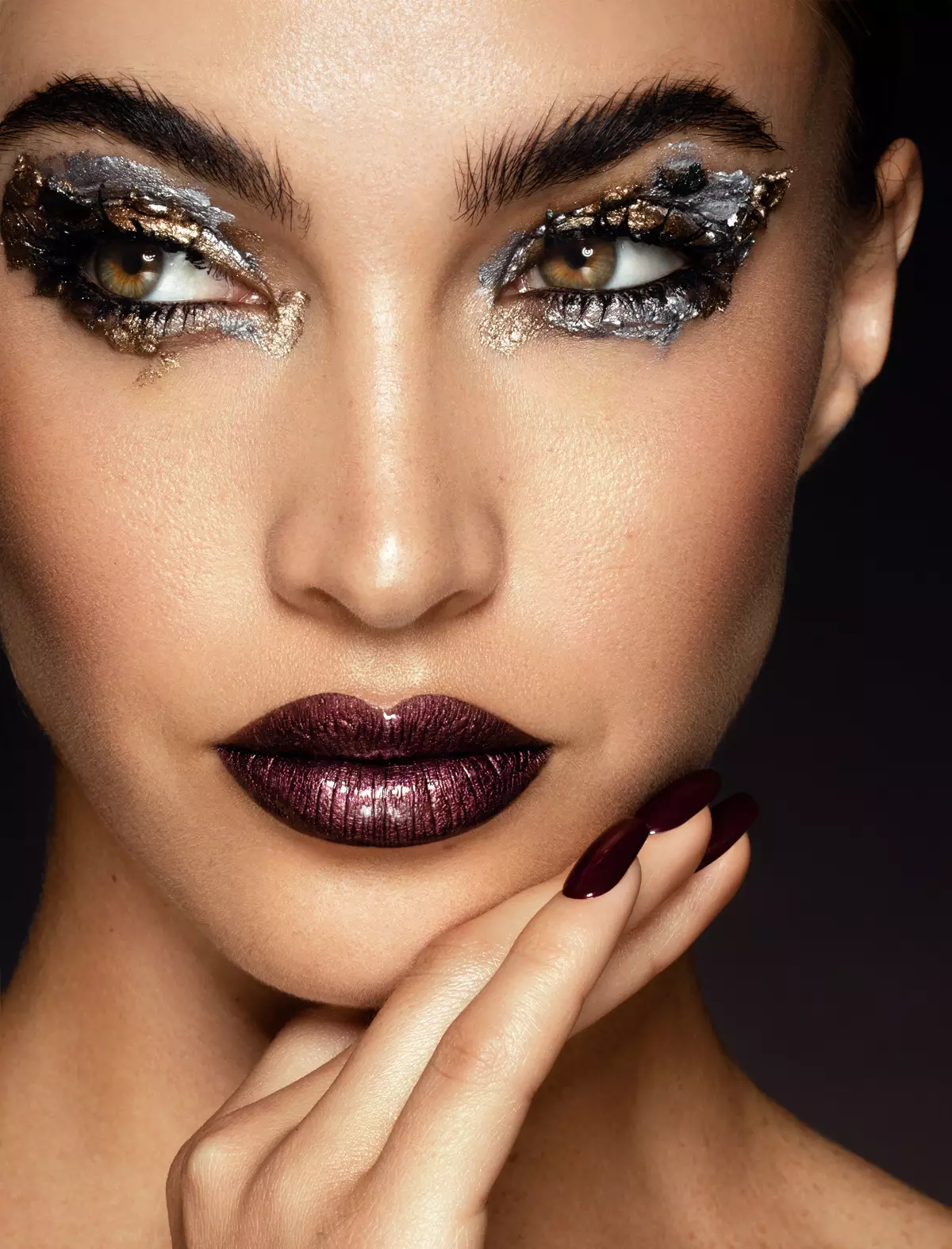
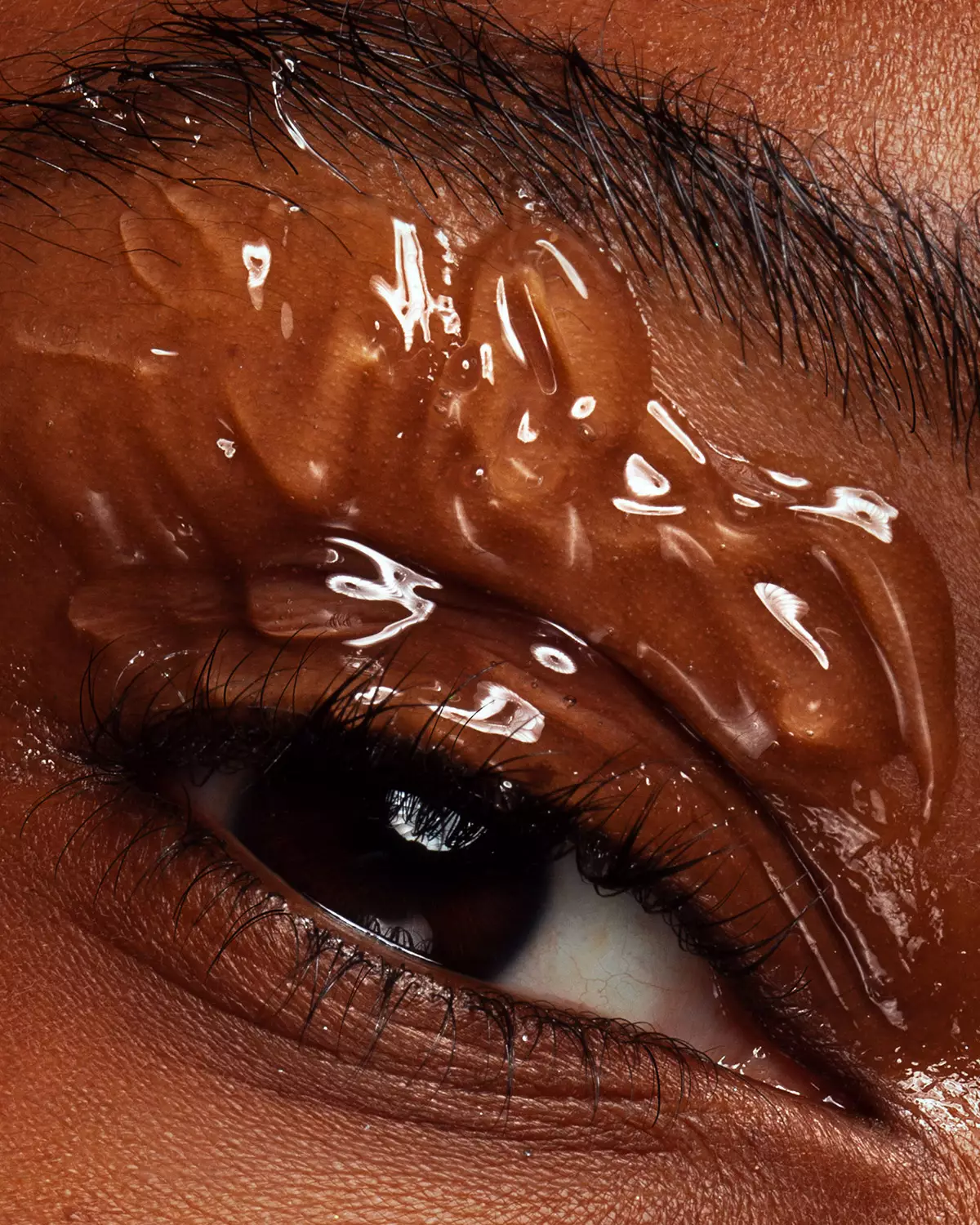
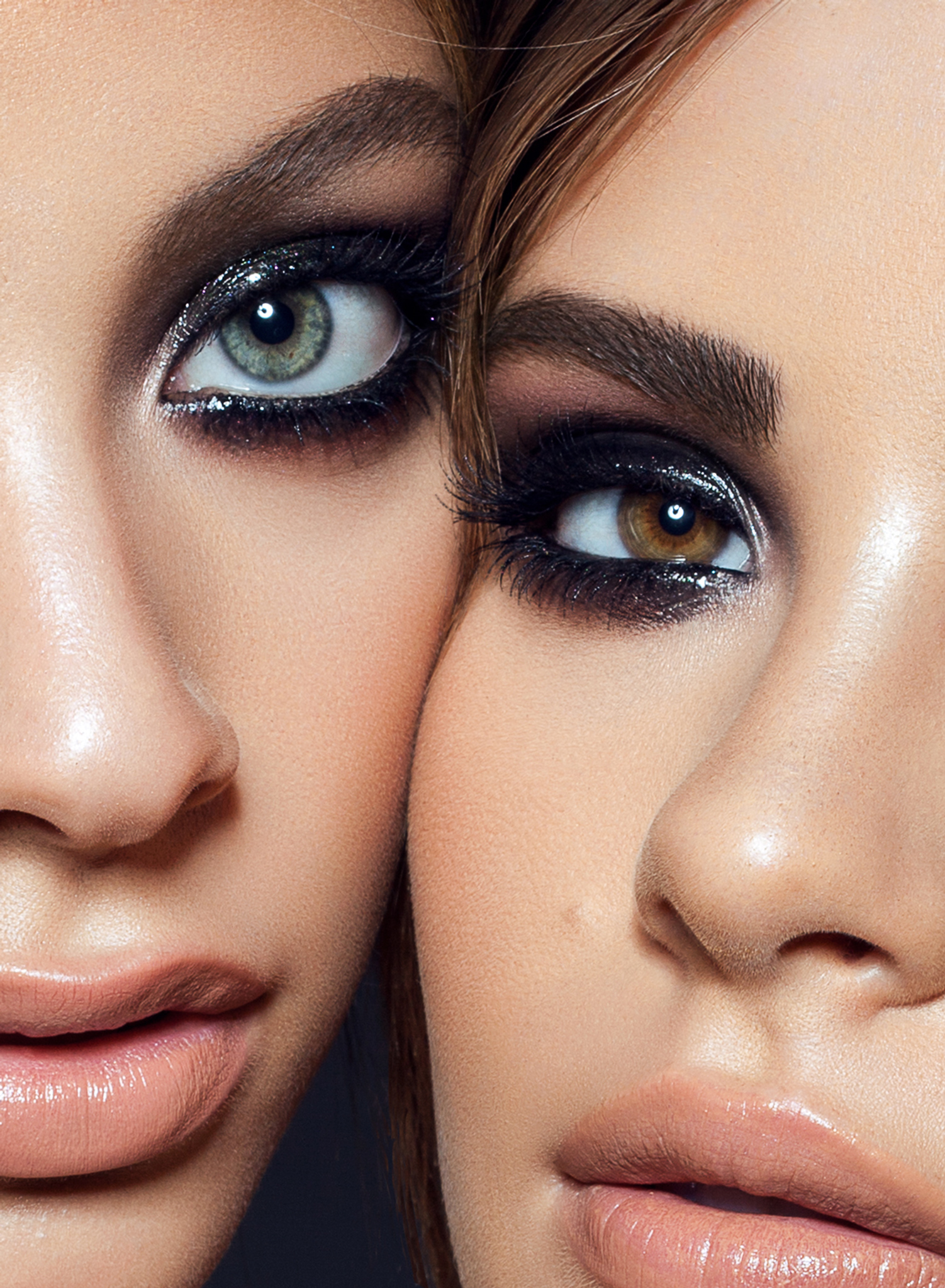
Everything a beauty retoucher needs.
In one place.
Each section of the panel has a specific role and follows the order of the typical professional beauty retouching workflow, from top to bottom.
Exposure and color corrections, plus the main retouching tools you reach for in every beauty retouch.
Clean up and even out skin texture and tonal inconsistencies for a natural, campaign-level finish.
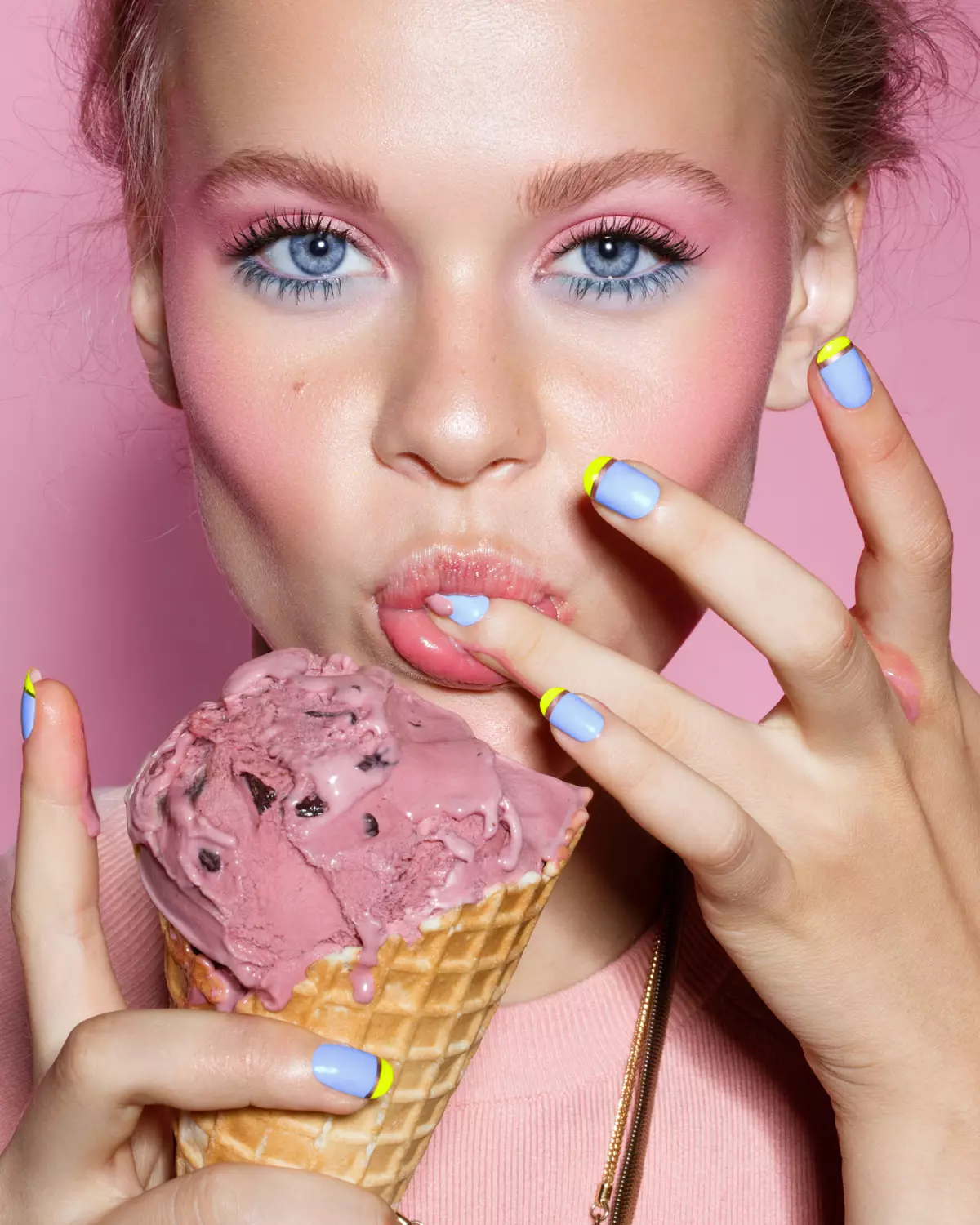
Green, blue, purple and orange correctors for a range of skin tones, guided by Jordan Liberty.
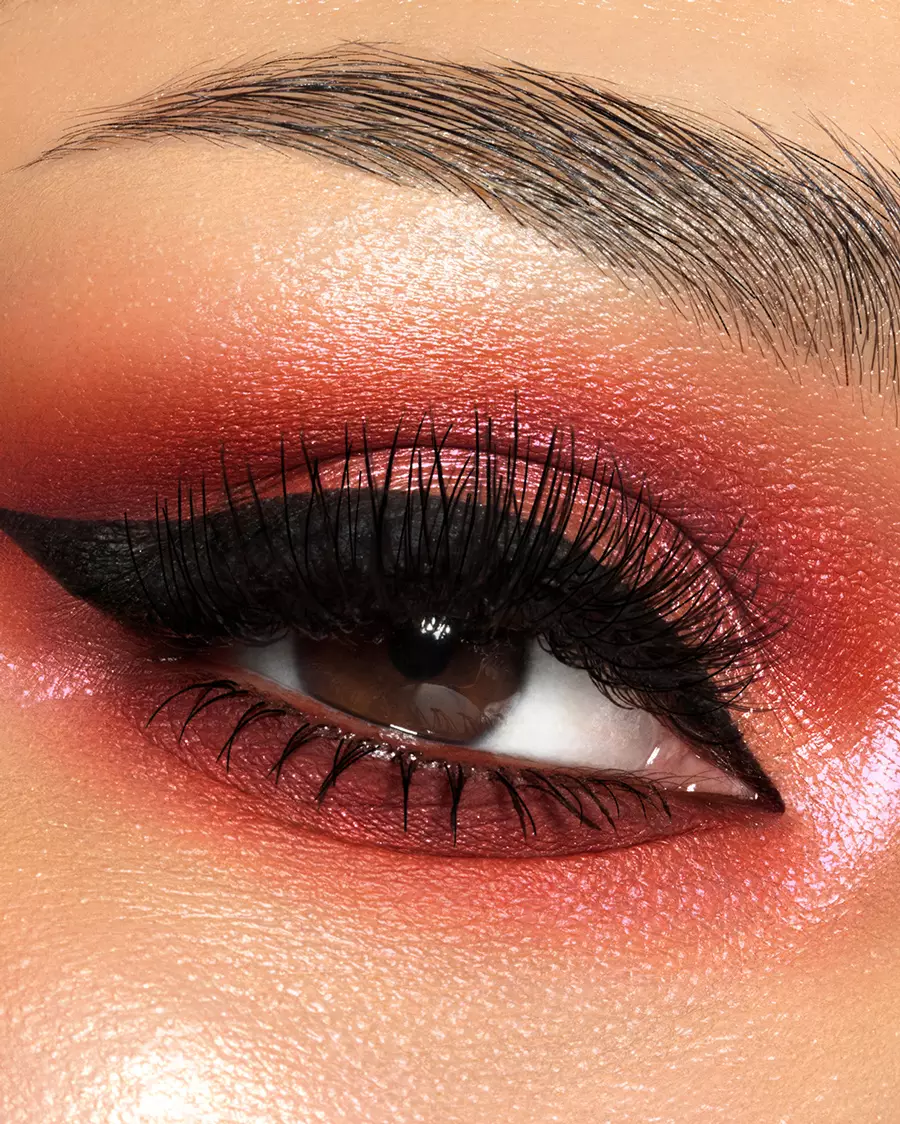
Eyes, teeth and makeup scripts; fill in lashes and brows with realistic precision, even in macro beauty.
Blush, lipstick, eyeshadow and orange corrector palettes. Adjust or add makeup exactly how you envisioned it to look.
Finalize, sharpen, adjust shapes with Smart Liquify, crop, add a watermark, and export in the right format for web and socials.
“As a makeup artist, photographer and retoucher all in one, I can say this panel changed my life.”

Watch the panel
in action.
A sample tutorial on changing eyeshadows with the MUA Retouch panel, using our digital eyeshadow palette.
The boring details
& tech specs.
Built on Adobe's UXP plugin runtime. Installs through the Creative Cloud app in under a minute.
Add the Beauty Retouch panel for full beauty retouching workflow.
Beauty Retouch panel handles the key phases of the general retouching workflow, while the MUA Retouch is built specifically for makeup retouching. Together they help get to the finish line faster, while your taste and standards stay in control.
Use code SUPERPACK for $50+ off
What our users
are saying
Photographers, retouchers and makeup artists who use the MUA Retouch panel in their day-to-day work.
MUA Retouch Panel.
Pay your way.
Get to the finish line faster, while your taste and standards stay in control. Every purchase is covered by a 30-day money-back guarantee. Updated for the Photoshop 27.9+ new UI Engine.
Solo
For beauty, fashion, and portrait photographers, retouchers, and makeup artists who retouch their own work.
- 1 seat · use on 2 computers
- Free updates in active account
- Updated for new UI Engine for PS 27.9+
- Activations reset in account
- Onboarding video tutorials
- Free Photoshop Essentials course
- Digital makeup palettes
- Lash & brow & D&B custom brushes
- Email support · 24 h max
SuperPack
Both panels, Beauty Retouch + MUA Retouch, one non-destructive professional retouching workflow.
- Use both panels on 2 computers
- Free updates in active account
- Updated for new UI Engine for PS 27.9+
- Activations reset in account
- Onboarding video tutorials
- Free Photoshop Essentials course
- Digital makeup palettes
- Lash & brow & D&B custom brushes
- Link 6 of your own custom actions
- Priority support · 12 h
Lifetime
Pay once. Come back for free updates and support, your license does not expire.
- 1 seat · use on 2 computers
- Lifetime updates in your account
- Updated for new UI Engine for PS 27.9+
- Activations reset in account
- Onboarding video tutorials
- Free Photoshop Essentials course
- Digital makeup palettes
- Lash & brow custom brushes
- Priority support · 12 h
Common questions, we hear the most.
01Who is the MUA Retouch panel for?
The MUA Retouch panel is for creative professionals who work with beauty portraits, fashion, editorial, or commercial beauty images where makeup often takes the central stage. Its functionality is based on the effects of real makeup and color correctors, so it is intuitively easy to understand how it works for creatives in those fields. A lot of makeup artists who photograph and retouch their own work use this panel; you can see what they say about it in the testimonials above.
02Do I need Adobe Photoshop?
Yes. Our retouching panels are Photoshop plugins. The current versions of the RA Panels can be installed on Adobe® Photoshop® 2024 (v25.3) or later, on macOS and Windows, including Apple silicon (M-series). However, to ensure all tools and scripts on the panel work as intended, Photoshop® 2026 (v27.9) or later is required. Updated for the new UI Engine for Photoshop® v27.9+.
03Do people use both panels?
Absolutely. We created the MUA Retouch panel as a makeup companion for the Beauty Retouch panel, which carries the core of the beauty, fashion and portrait workflow. Each panel can be used independently, and together they cover everything for professionals who work in beauty. We offer $50+ off the MUA Retouch panel when you buy both. Compare the panels.
04How many computers can I use it on?
Install and use the panel on 2 computers, Mac or Windows. Need to move it? Reset Your License Activations from your Member Account, no support ticket required.
Learn more: Software Product License.
05Why do I need an active subscription?
The RA Panels are subscription-based, which is the industry standard for professional software. Most of our users are working photographers and retouchers who rely on the panels nearly every day, so when a regular Photoshop update breaks something, we fix it quickly.
Maintaining the panels and providing daily Customer Support is a full-time job for our small team. And the little ongoing fixes are only half of it: we keep improving the panels, and new versions land in your Member Account at no extra cost while your subscription is active.
Your annual Maintenance & Support fee $39.99 (roughly $0.10 a day) keeps our Customer Support and Development teams always ready to respond to your support requests, and the panels compatible with new Photoshop versions, and improving over time. Your first year of Maintenance & Support subscription is included in your purchase.
Your license stays in effect while your Maintenance & Support subscription is active, and for 30 days after it lapses or is cancelled. If your subscription lapses or is cancelled, the panels stop working. You can renew it from your Member Account, or through our Support Team, within 30 days of that date. After 30 days, the license ends, and you will need to purchase a new license to use the RA Panels again.
Prefer to pay once? The lifetime license is there for that, it needs no subscription and does not lapse.
06Is there a free trial?
No. Instead, every purchase is covered by a 30-day money-back guarantee. If it's not for you, reach out within 30 days and we'll make it right.
07What happens after I buy?
You'll get two emails: one to create your account and set a password, and your order confirmation with the download link and invoice. Full detail here: Right after your RA Panel purchase.
Still have questions? Visit our Help Center or Submit a Support Ticket.