
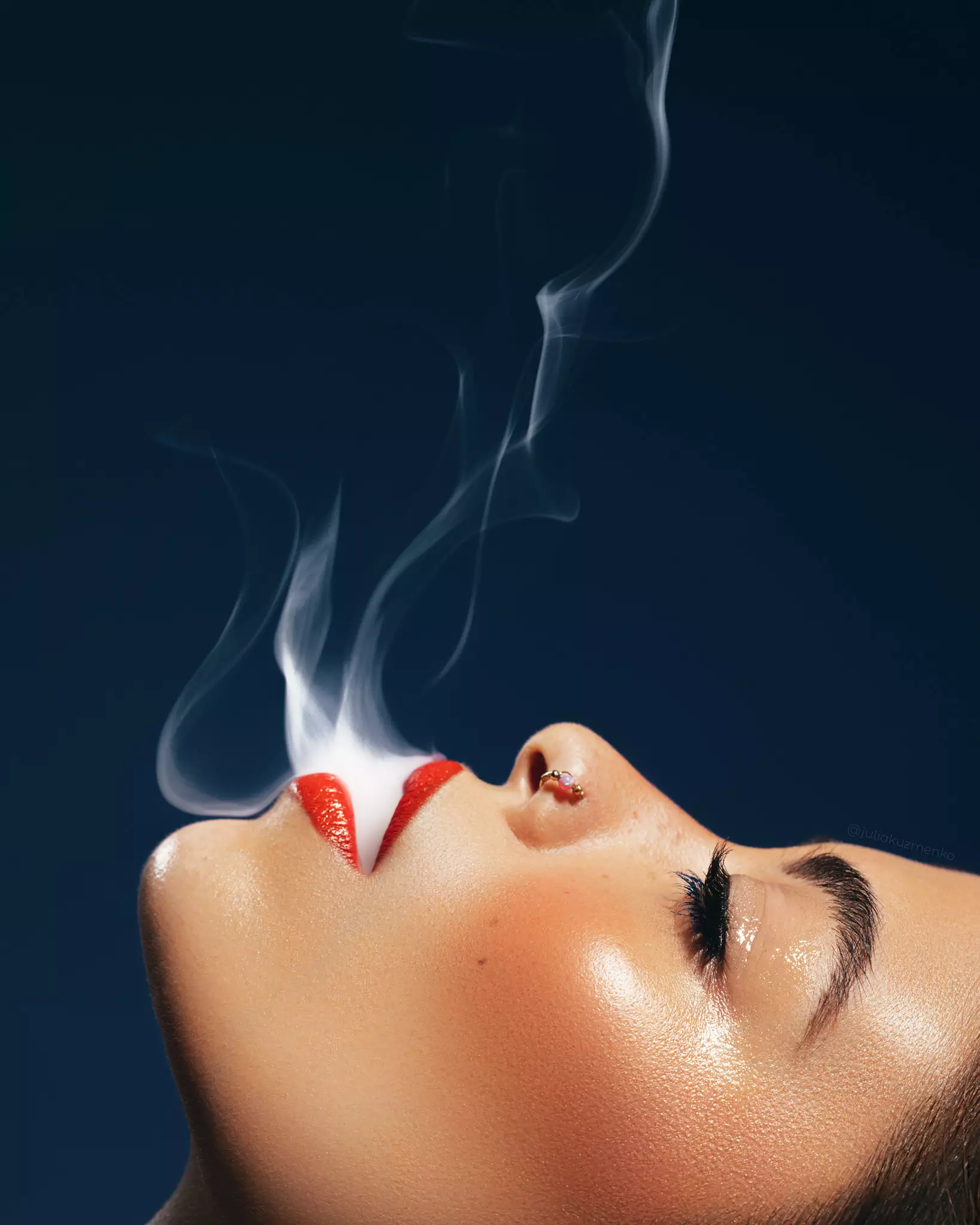
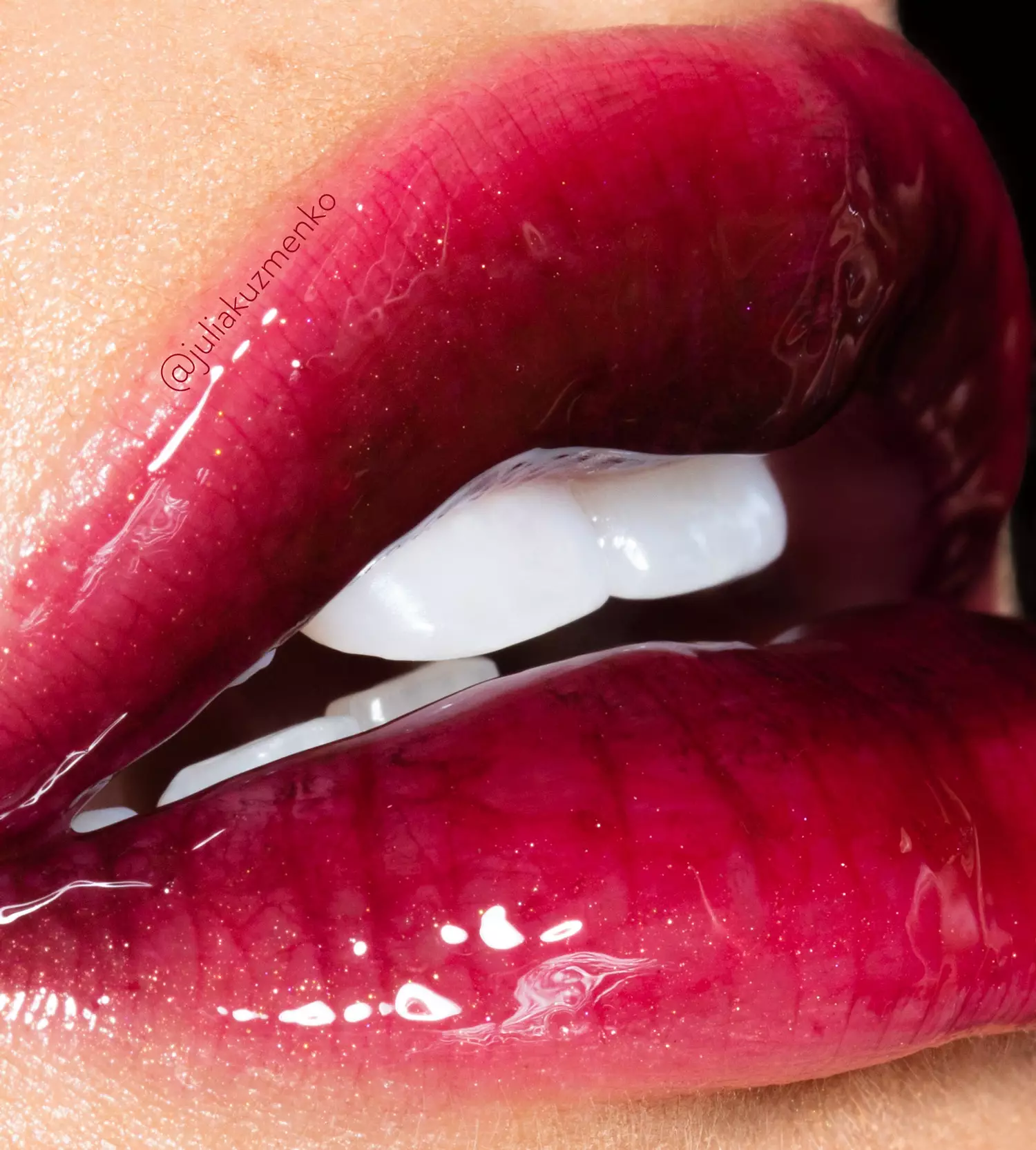
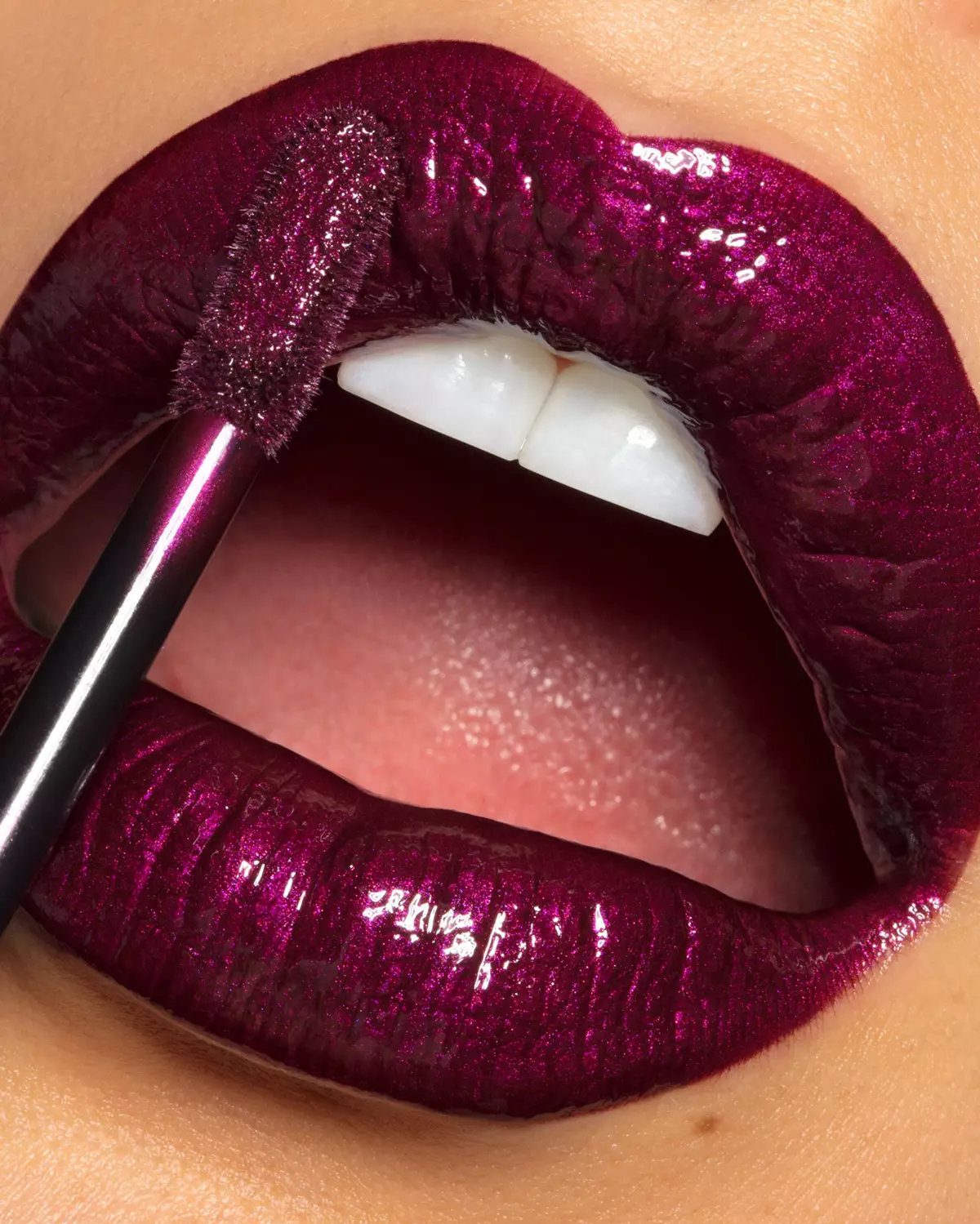
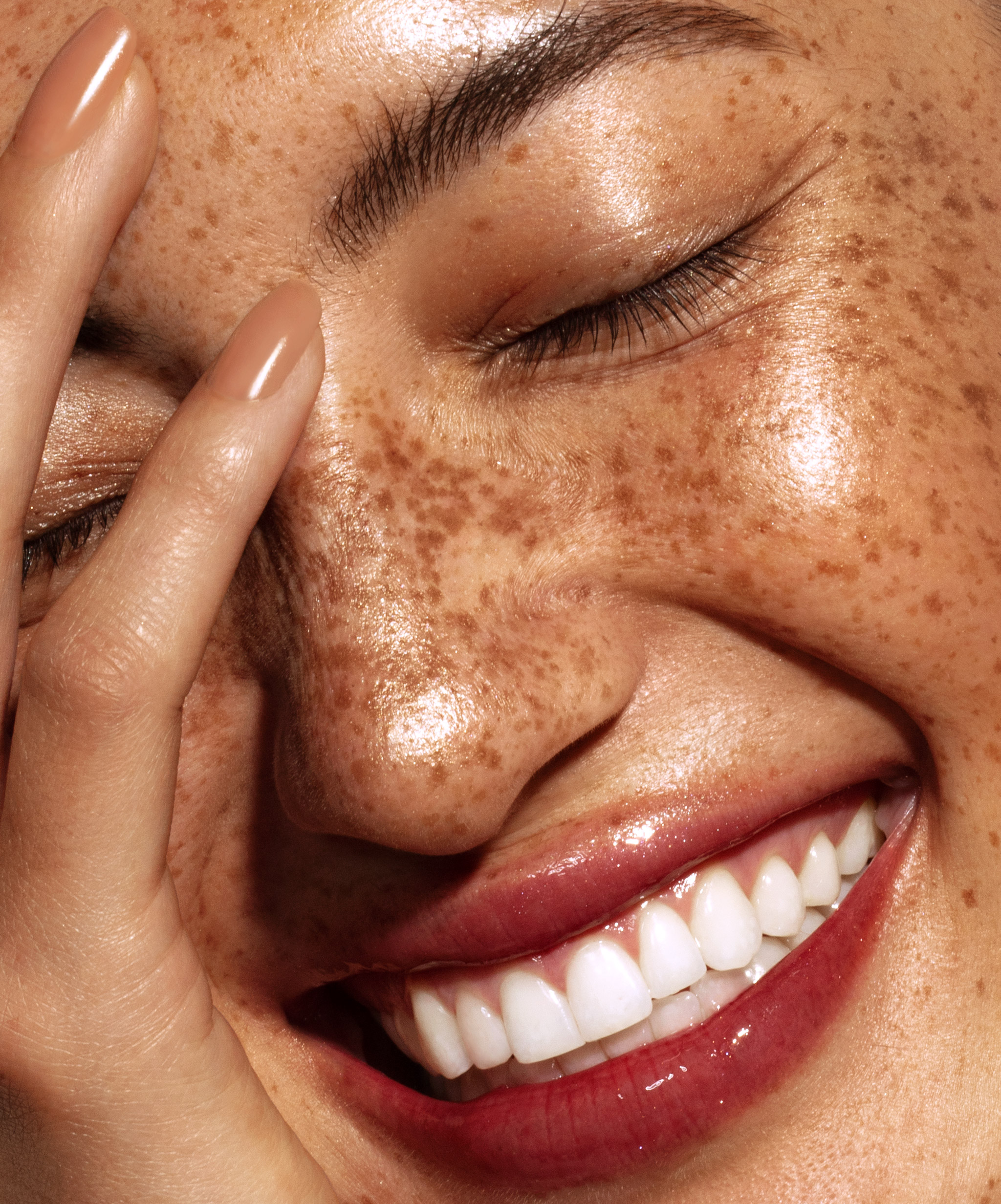
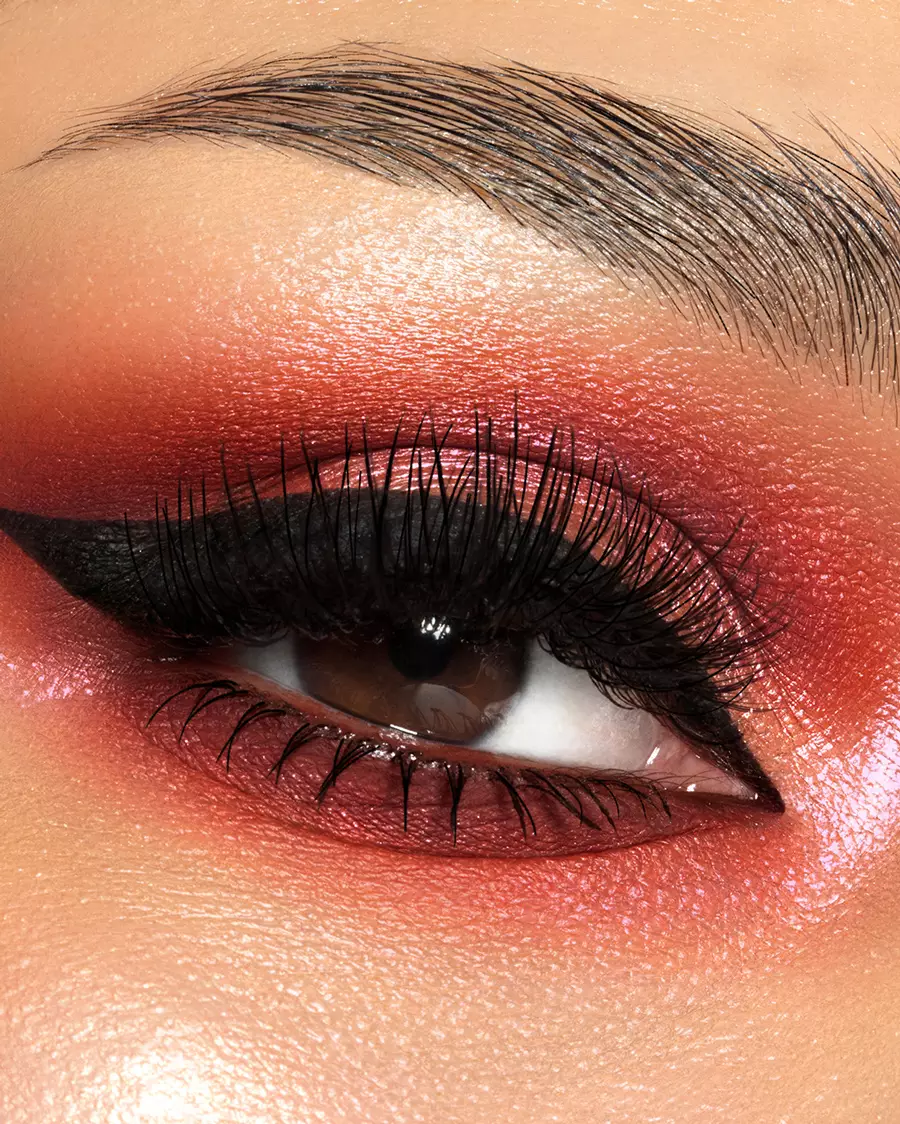
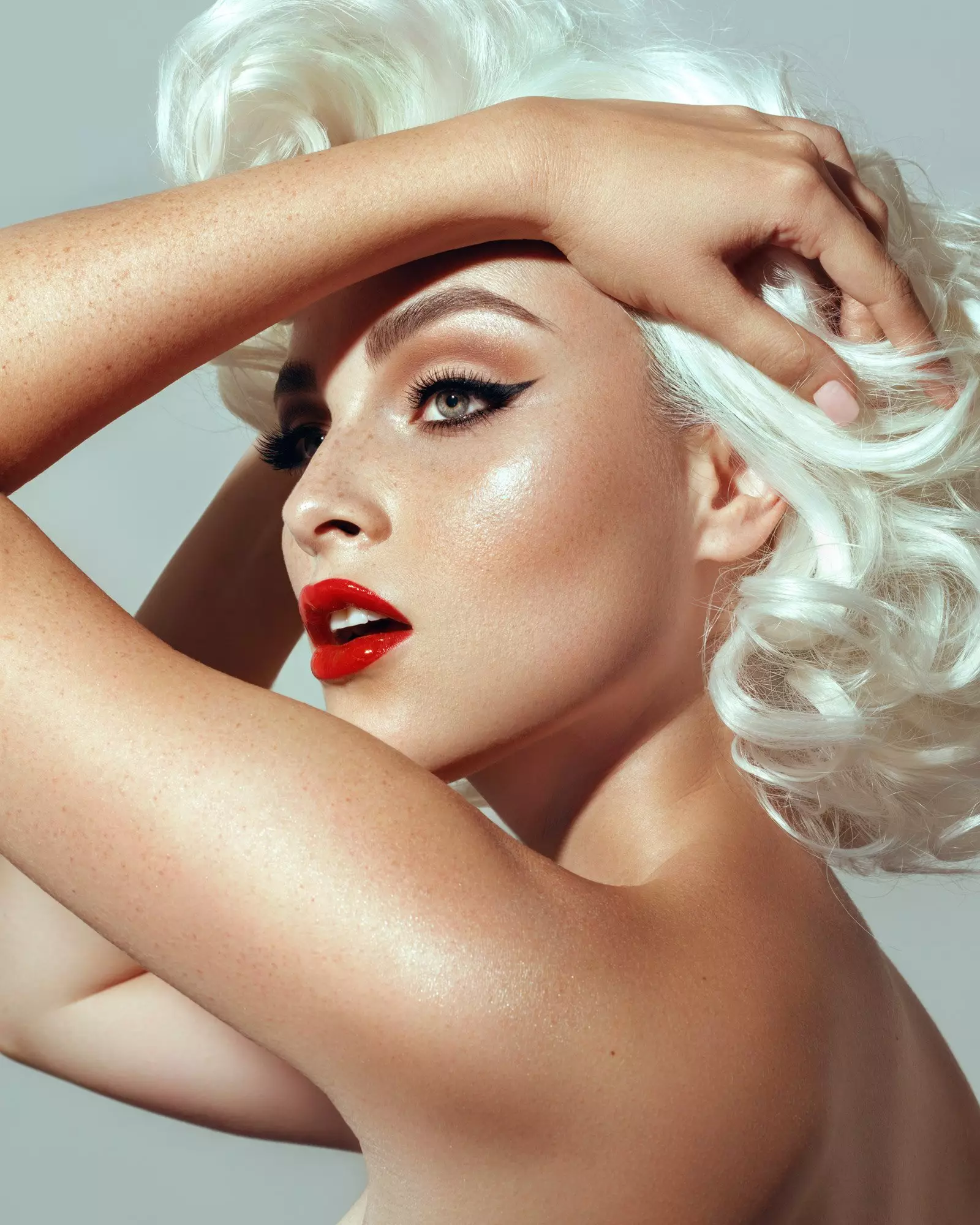
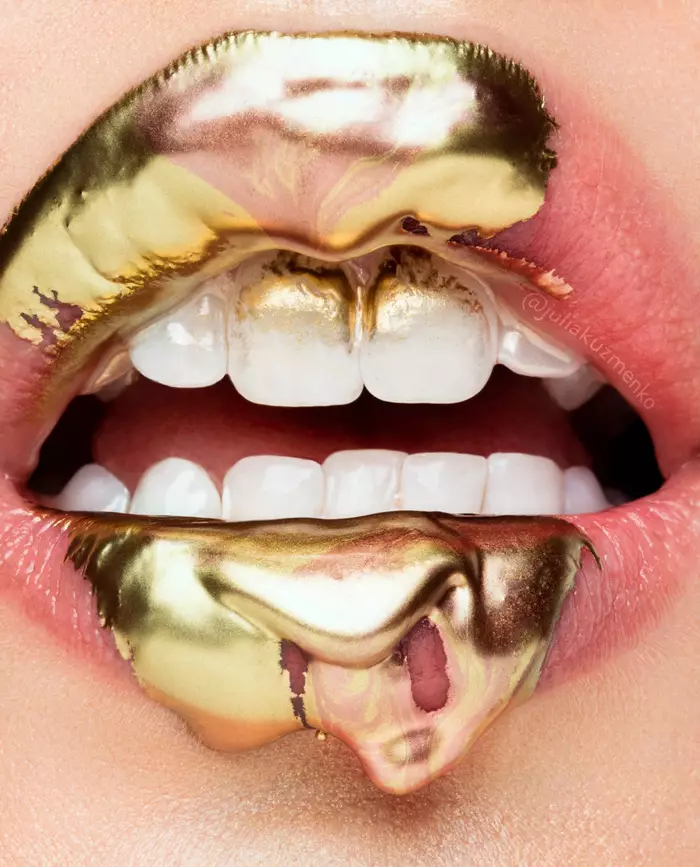
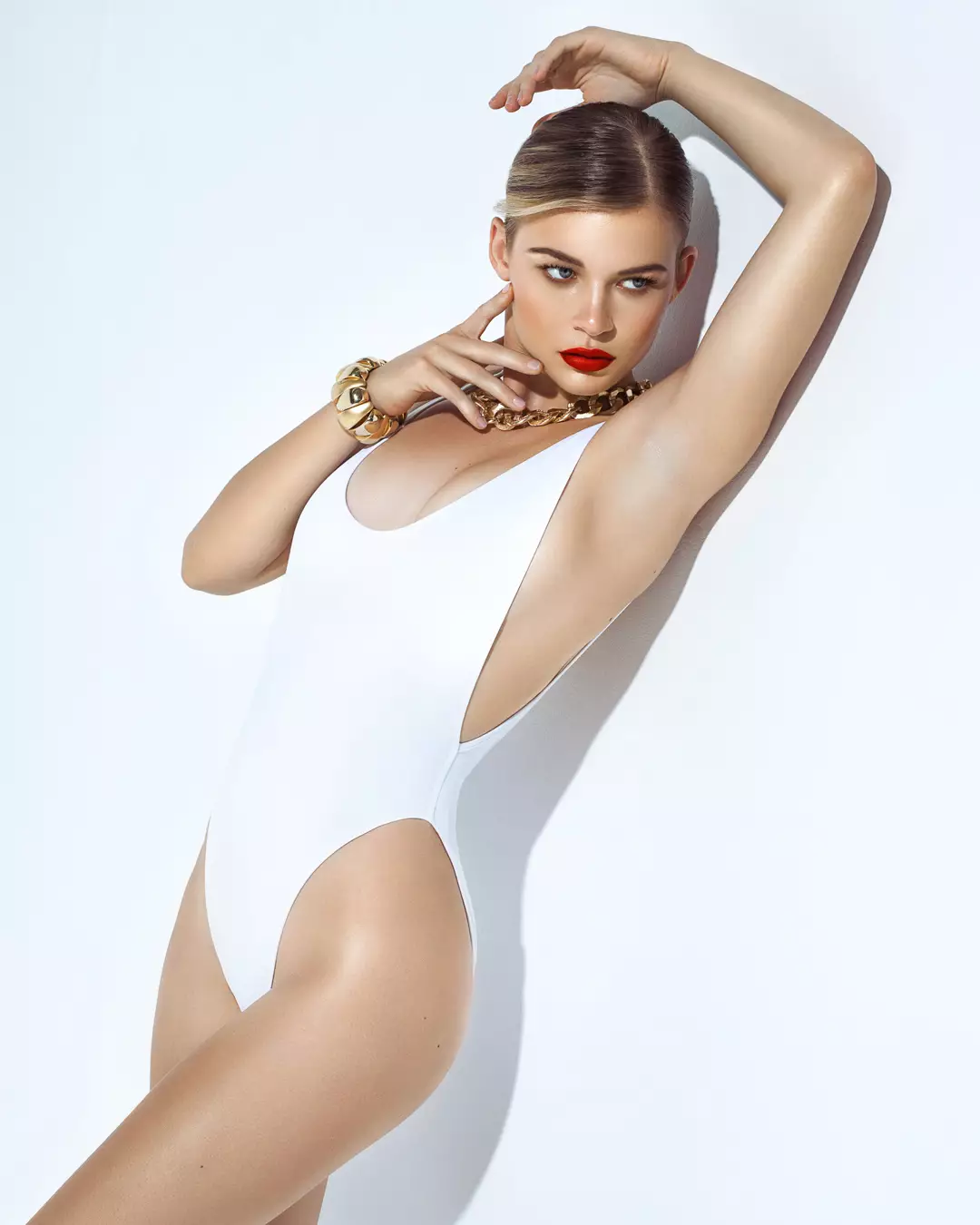
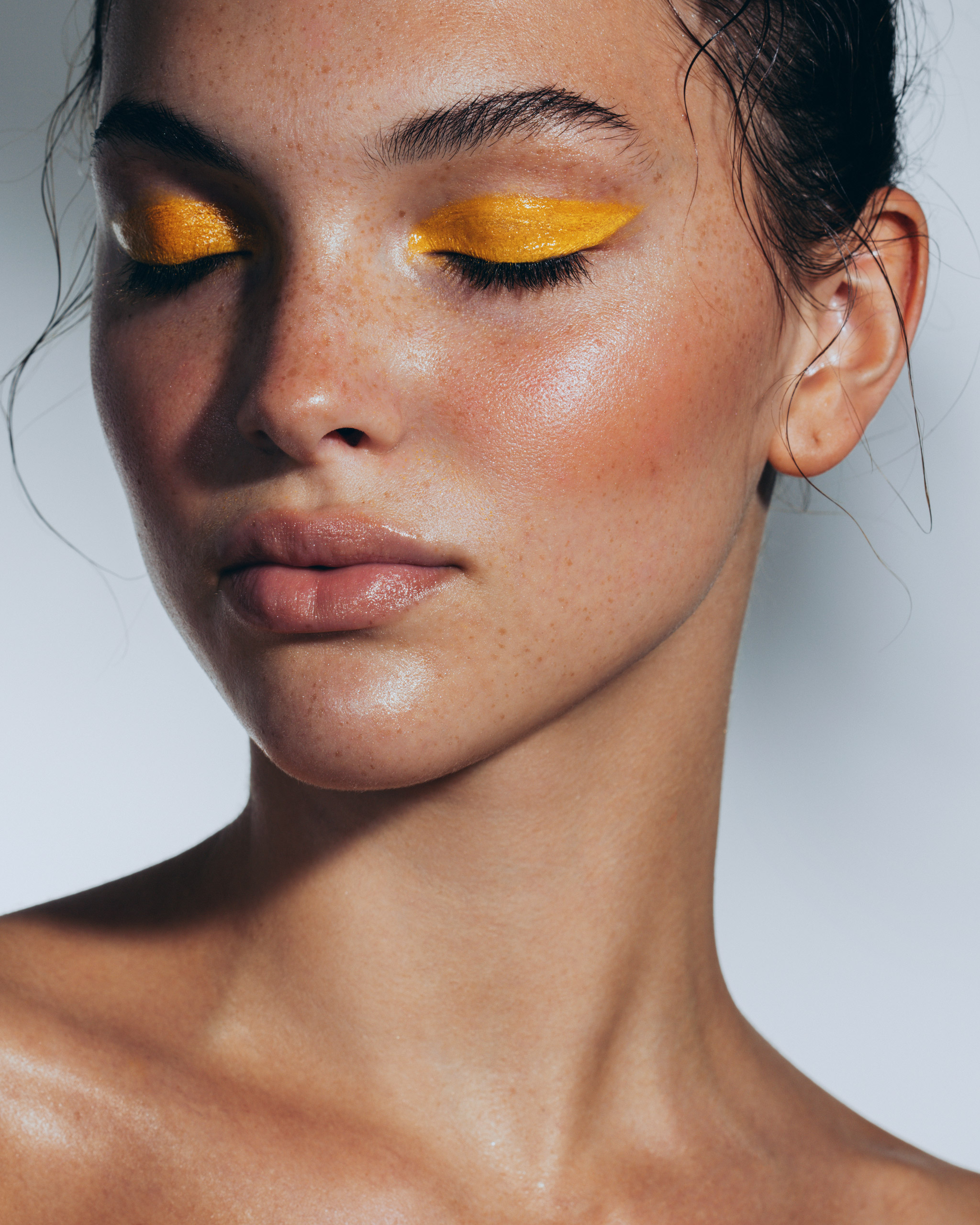
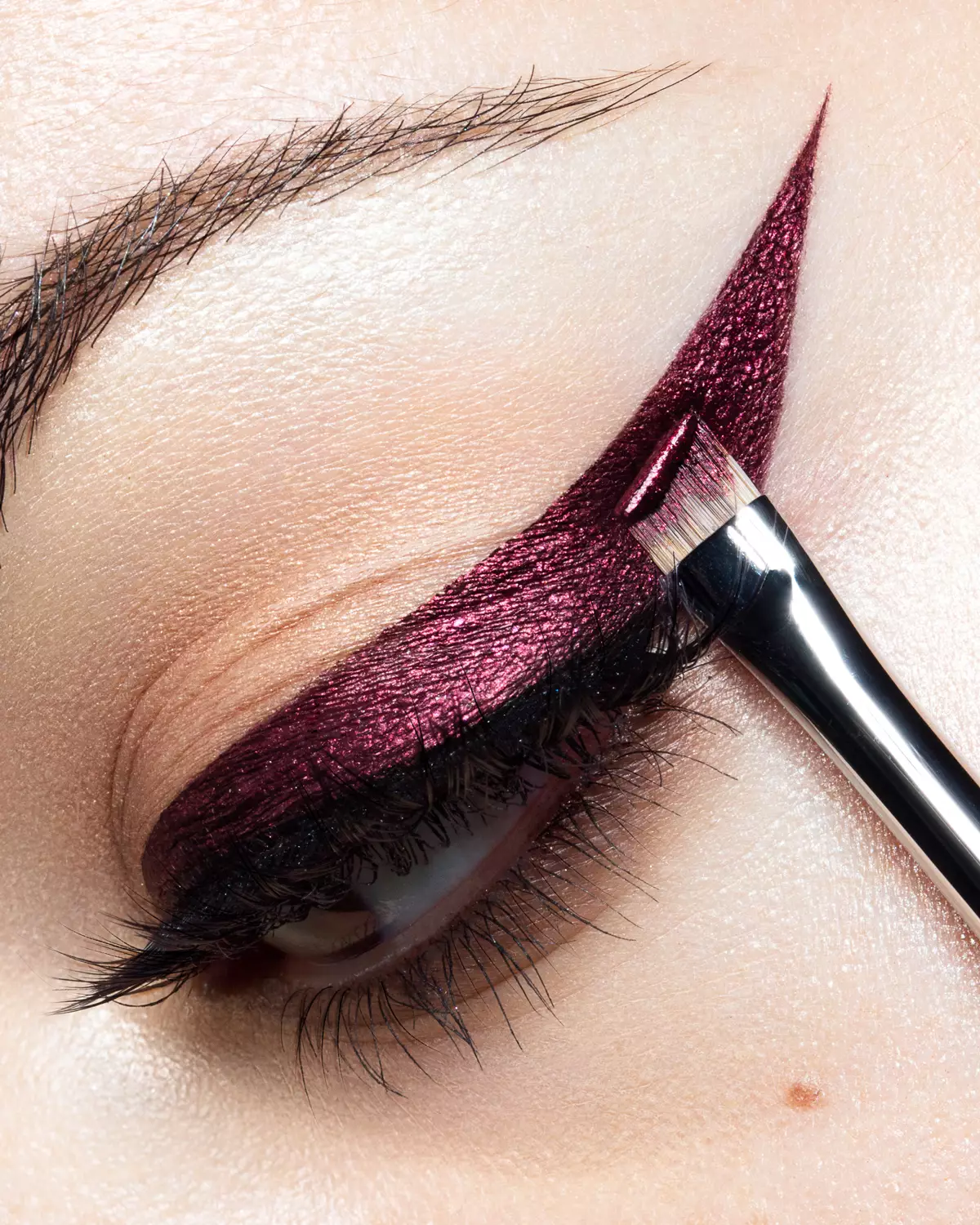
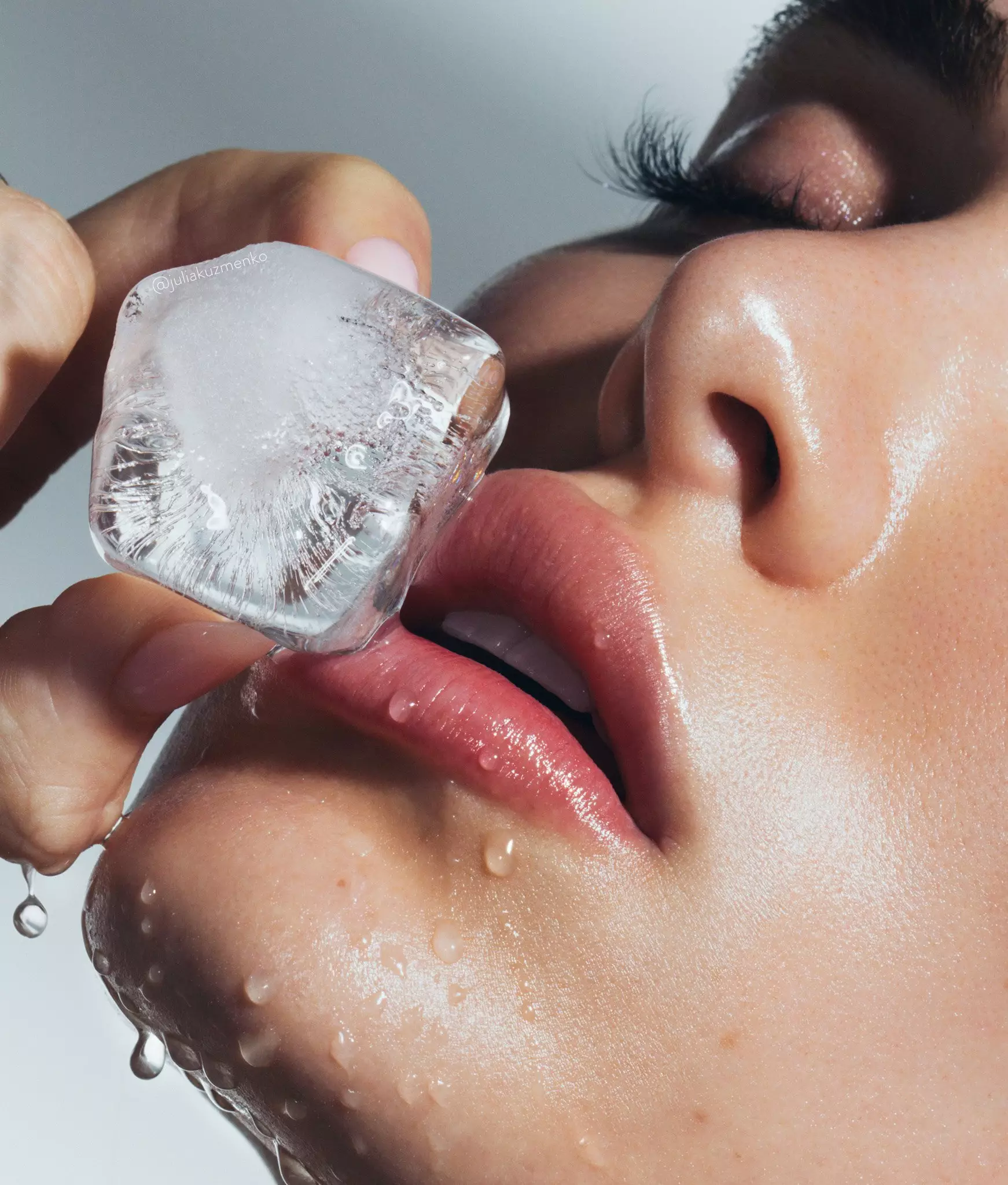
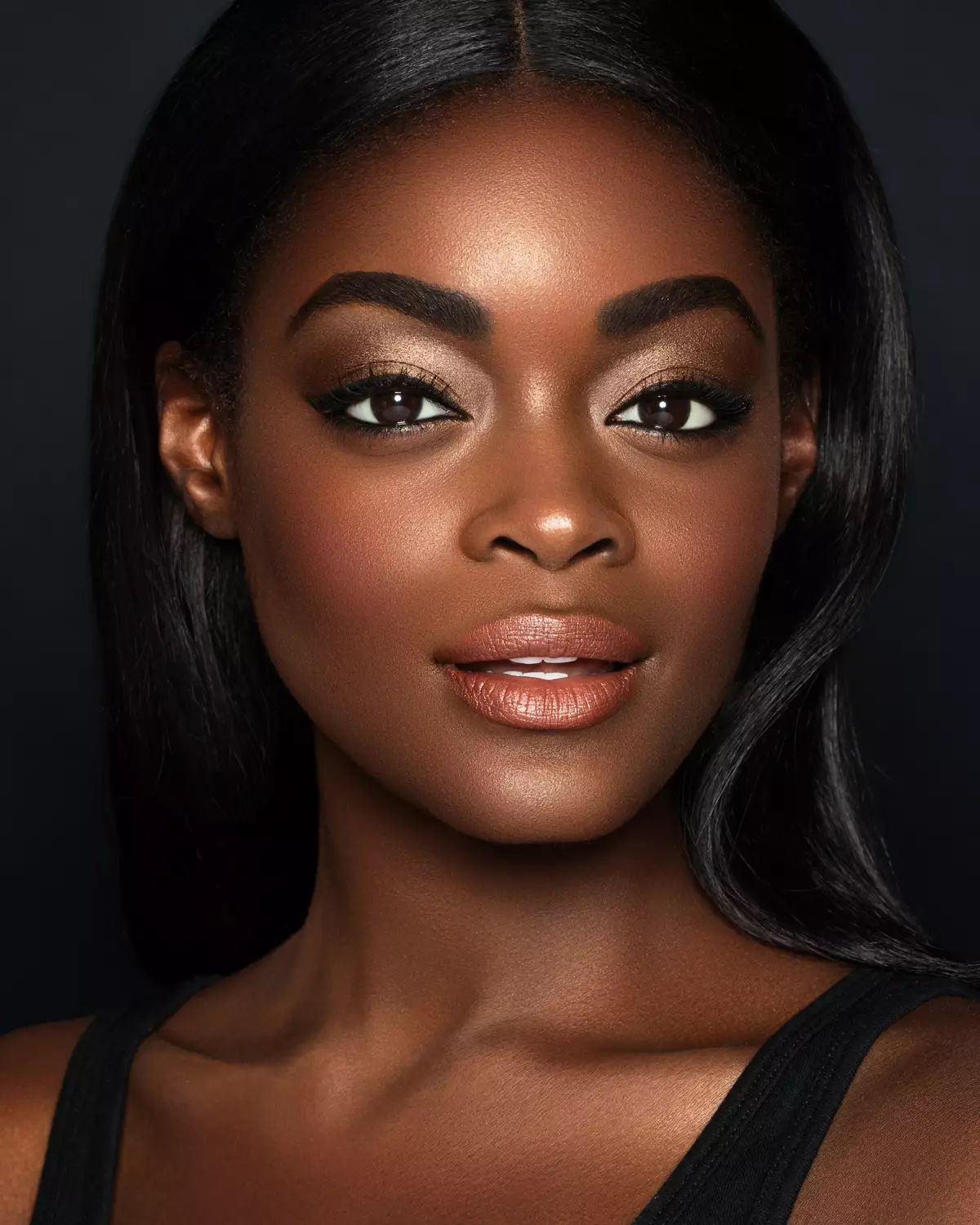
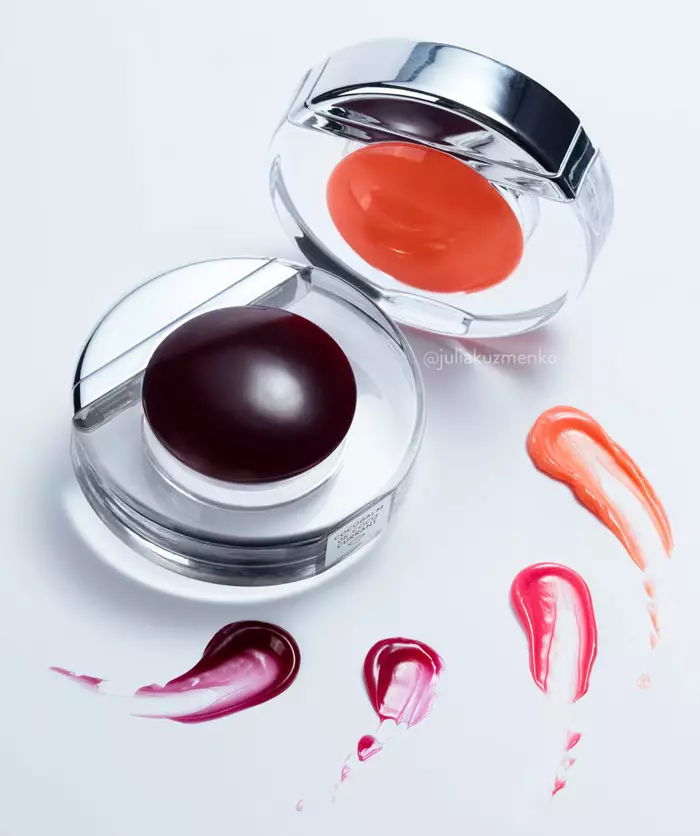
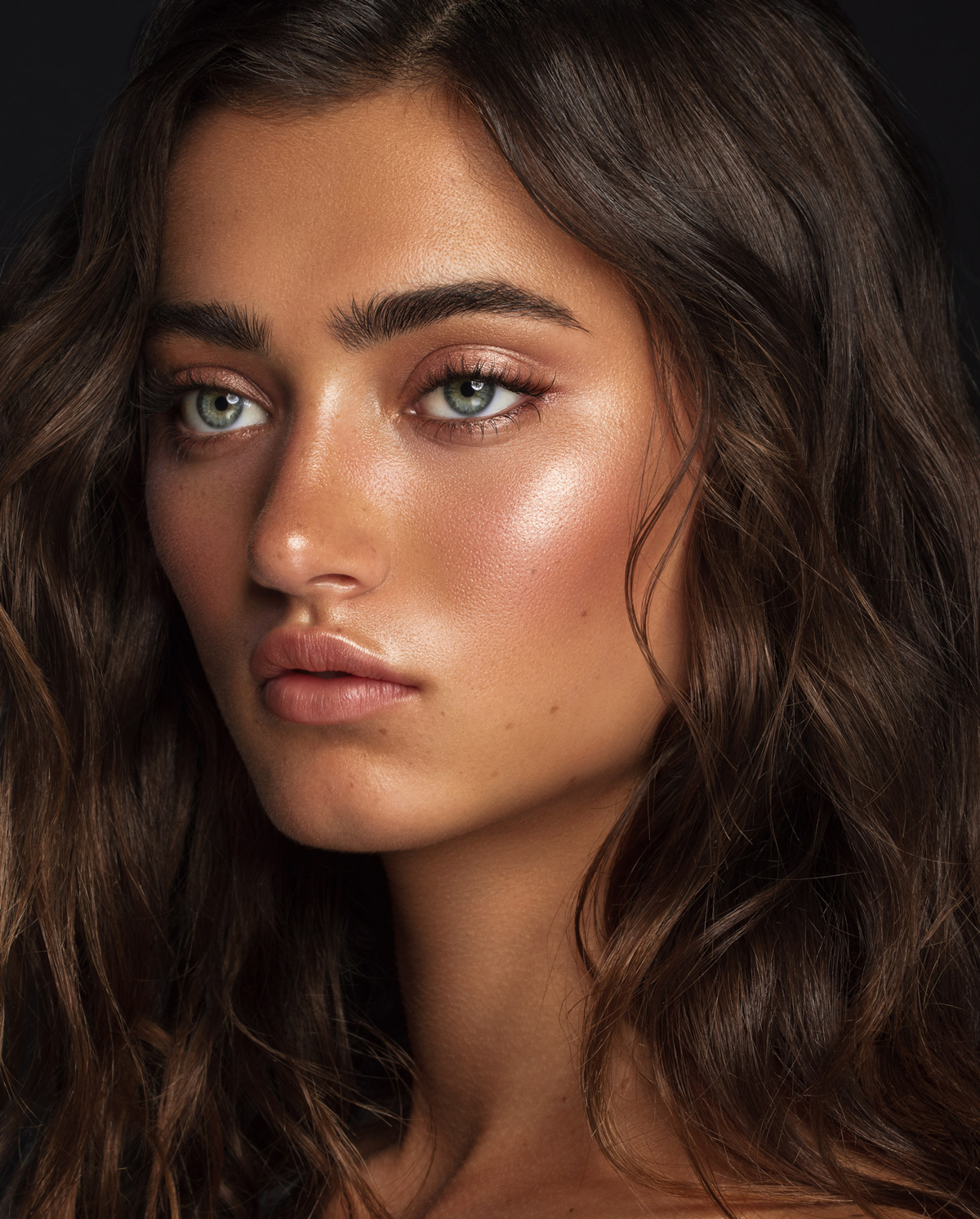
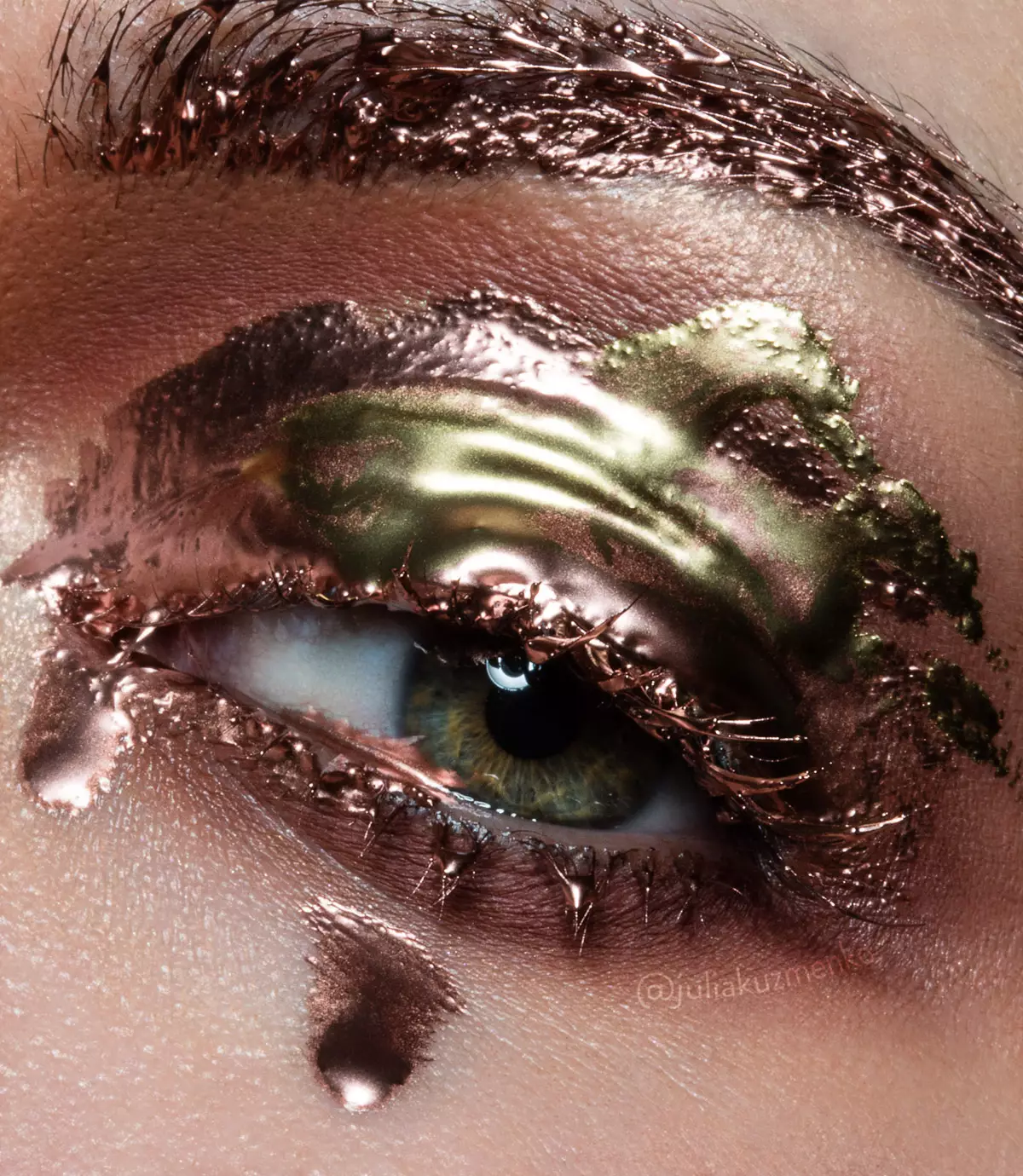
Photography & retouching by Julia Kuzmenko McKim using RA Panels
The most advanced and helpful versions of the Beauty Retouch 6.0 tools need the latest Adobe® Photoshop®. In Photoshop 2026 (v27.9) or later, Skin Tone, Glow, Anti-Pink, Eyes, Teeth and Hair Highlights arrive masked, Auto Skin Mask masks the skin of the face, and the auto-selection buttons select the eyes, lips, teeth, face and upper body, and hair for you. In earlier versions, you paint those masks yourself and the auto-selection buttons do not run. Each module notes what changes in earlier versions.
Panel Functionality Tutorials
Beauty Retouch 6.0
Panel Training
Important. We are recording the video lessons for Beauty Retouch 6.0, and they will gradually replace the current videos. The written lessons already cover Beauty Retouch 6.0. Despite the current differences in the panel’s appearance, its scripts should be used as demonstrated in the video lessons.
This linear-progression training is created to help you improve your retouching, as you incorporate the Beauty Retouch panel into your workflow, and get the most out of its custom scripts.
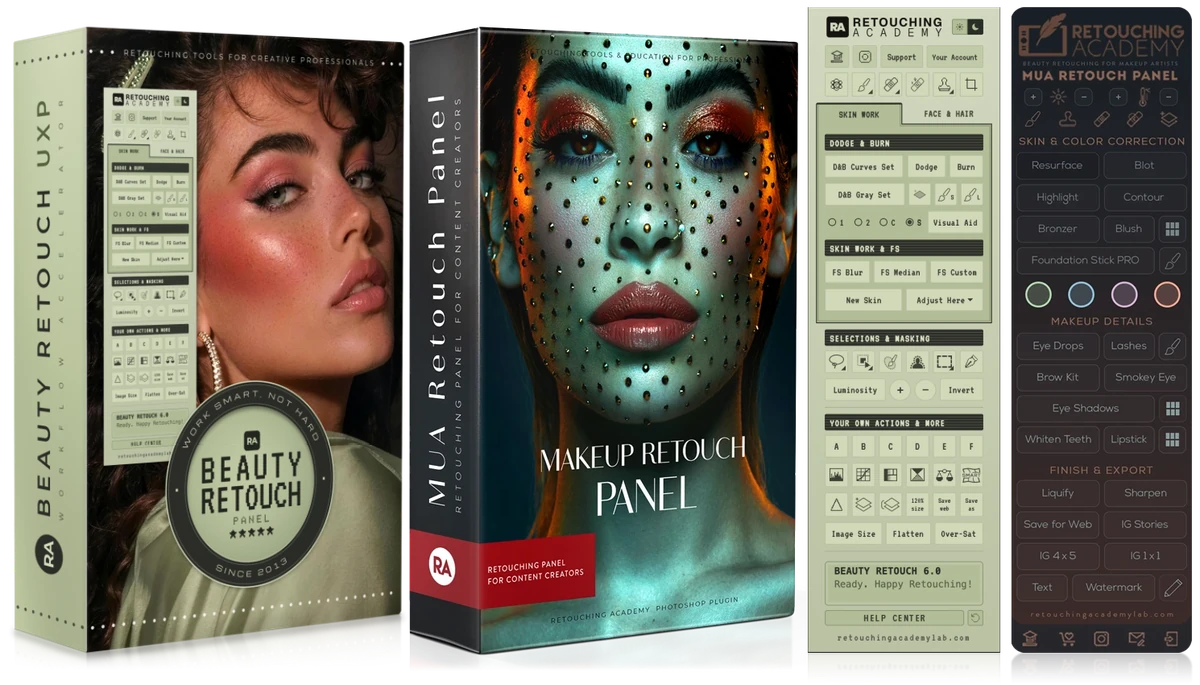
If you are new to Photoshop, start with our Photoshop Basics for Beauty Retouching course, it is free for RA Panels users.
If you are interested in learning beauty retouching at a professional level, check out our All-in-One Beauty Retouch Course Bundle, it offers $282 in savings.
Course Curriculum:
Modules & Lessons
Need a hand?
If you have any questions, please reach out to our Support Team, we are here to help!