
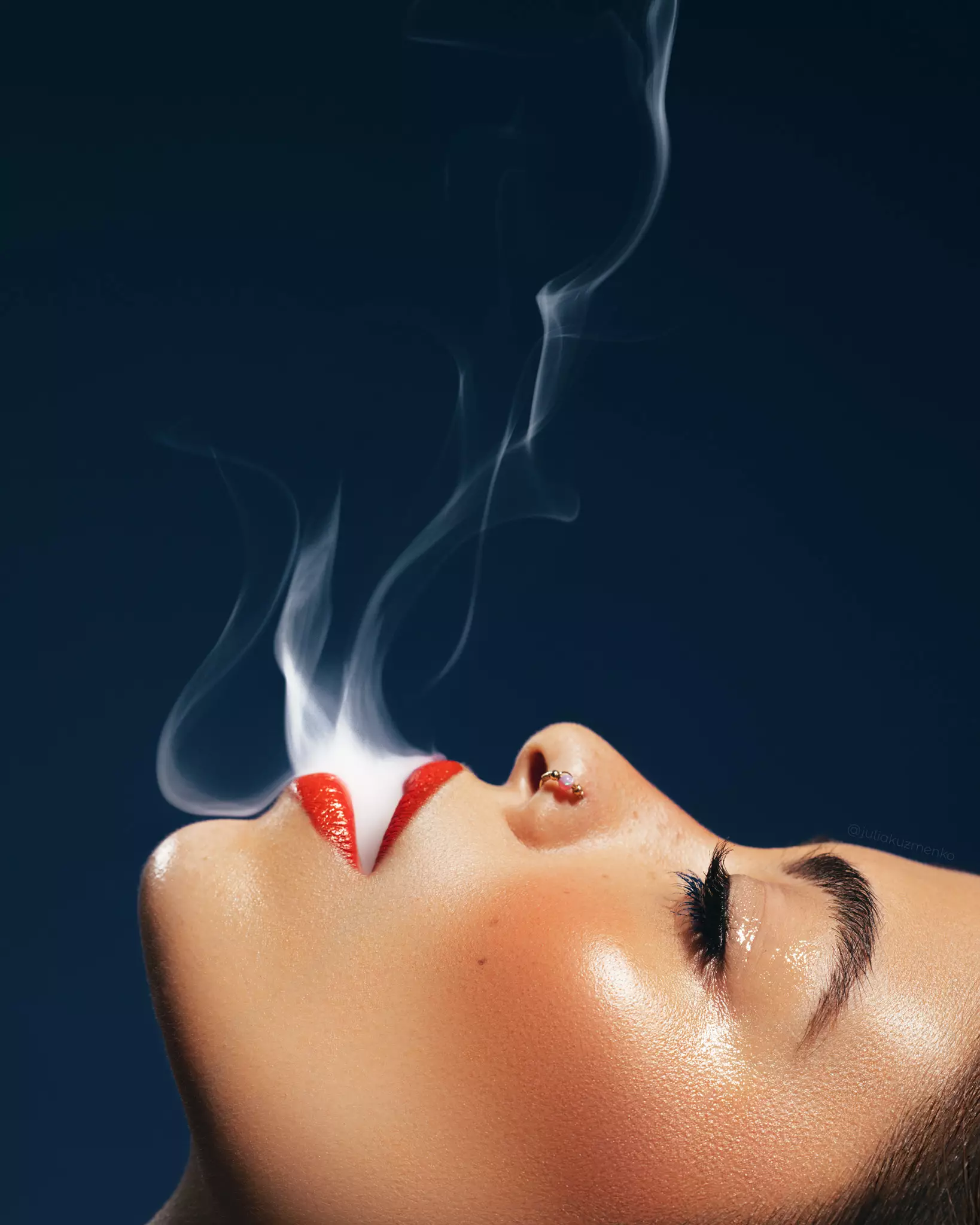
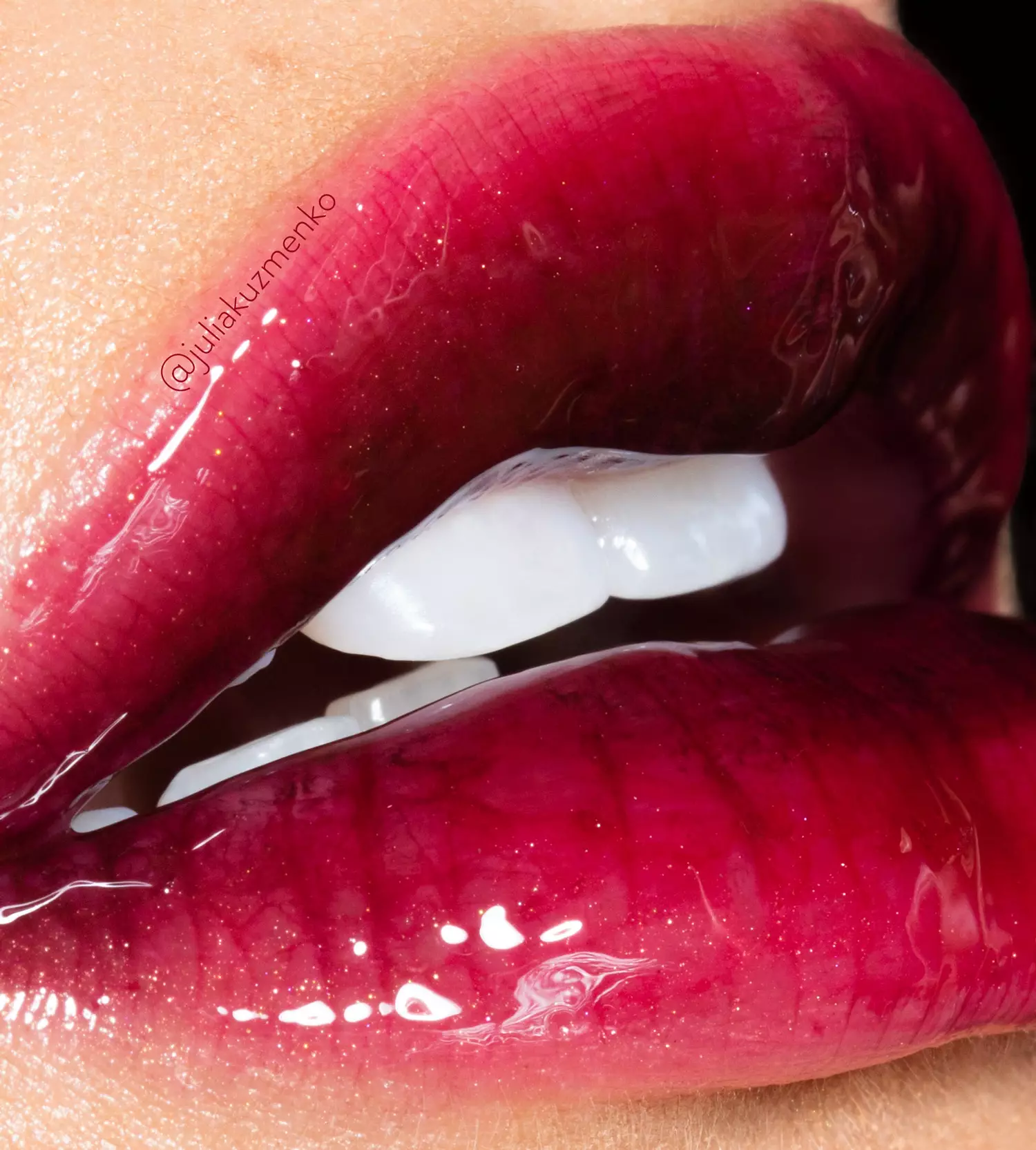
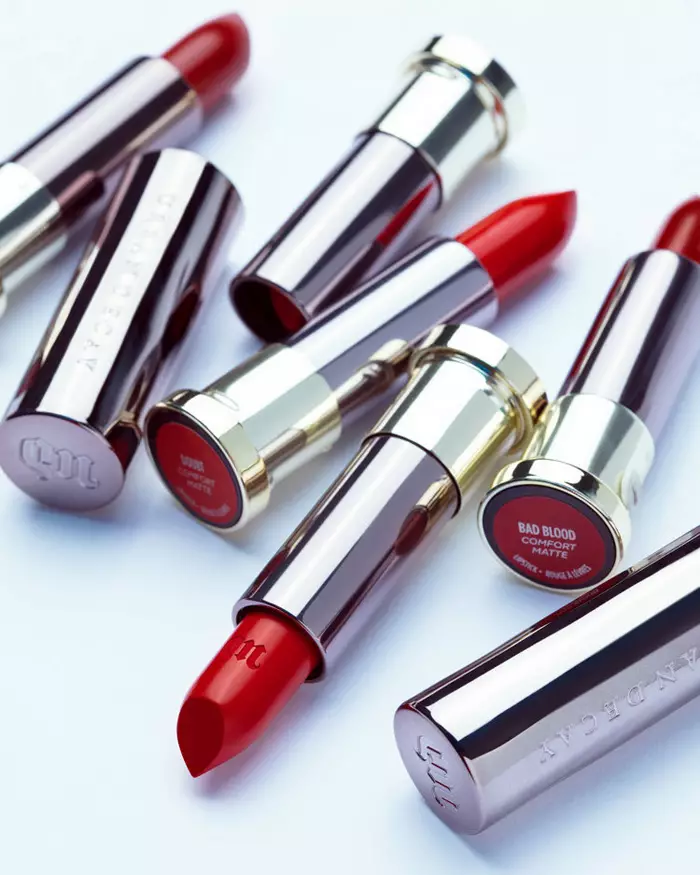
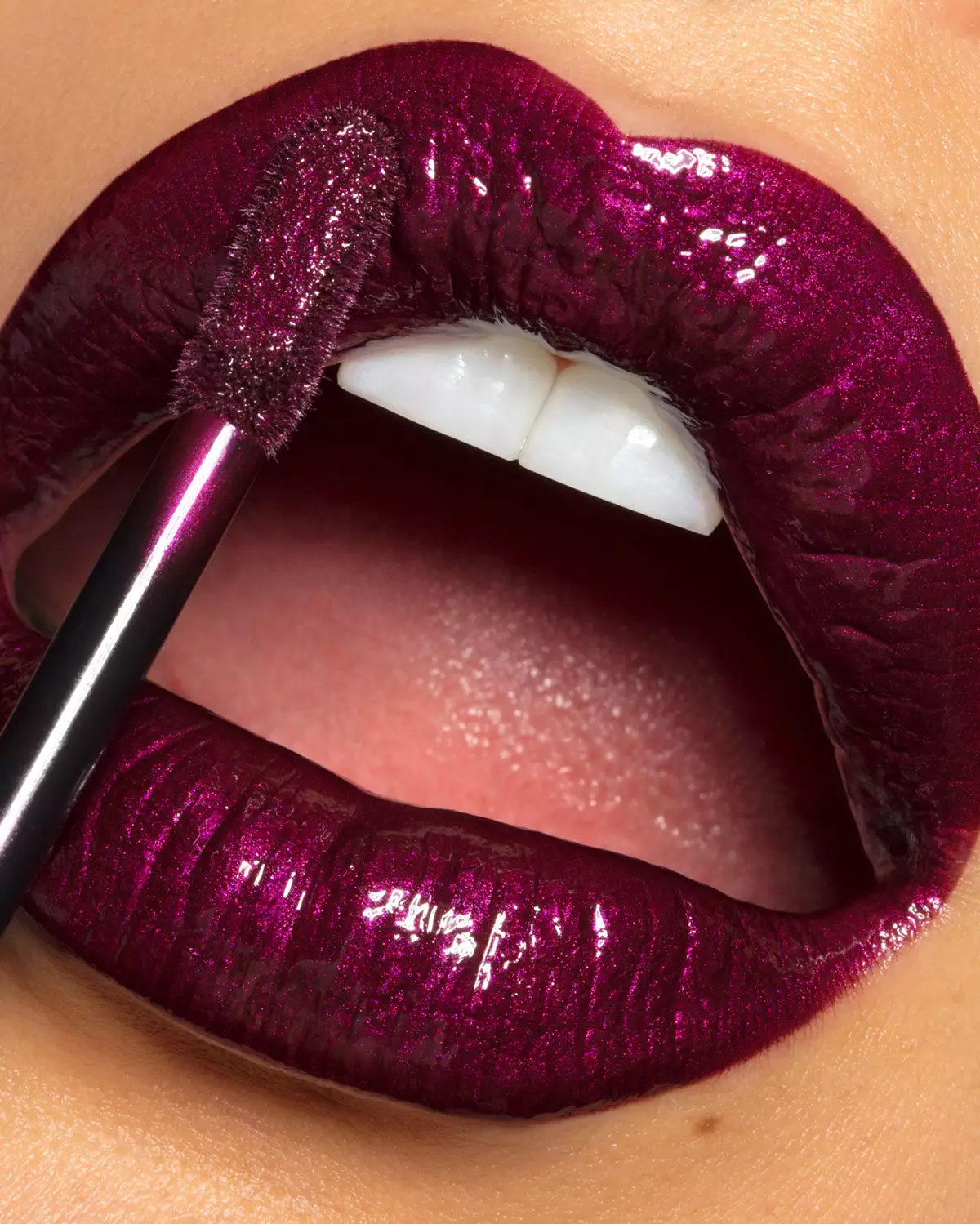
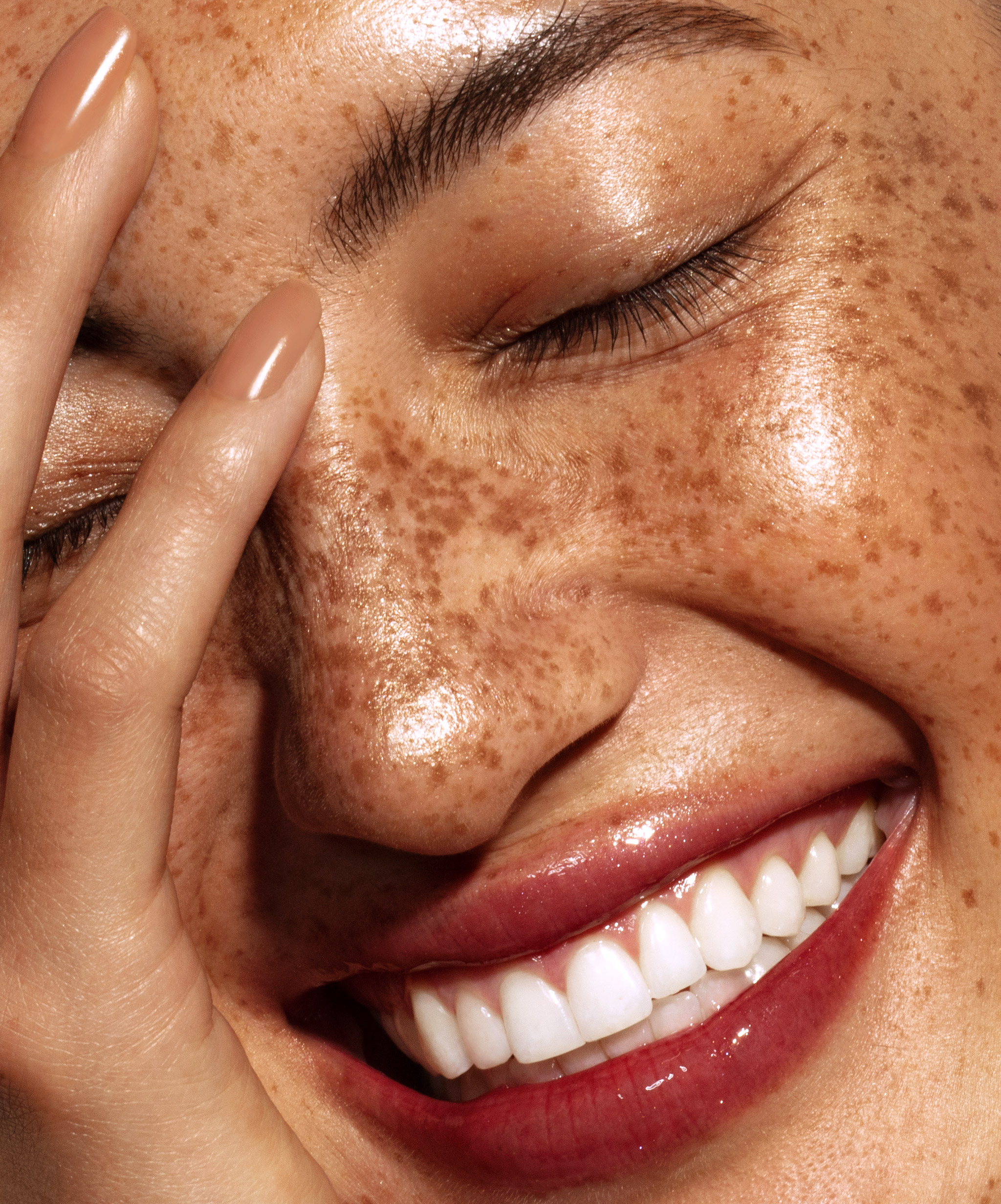

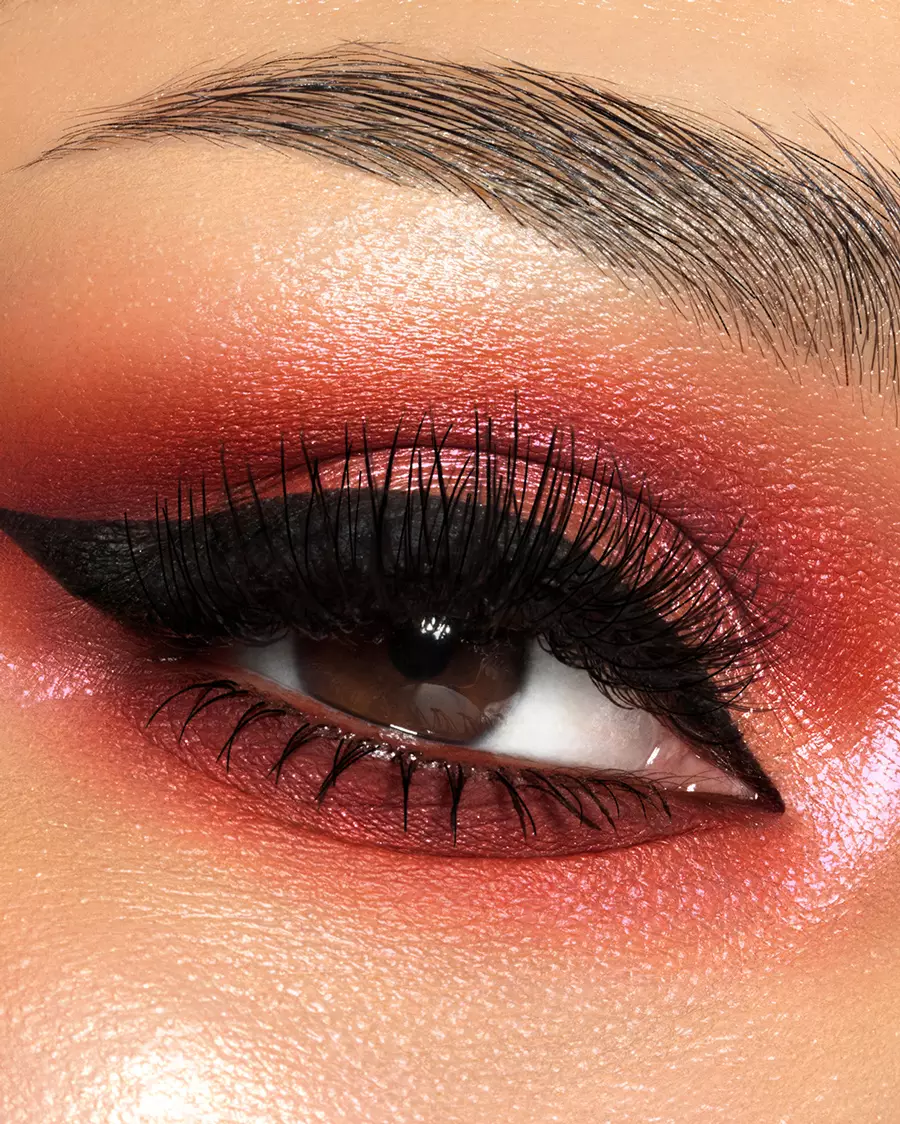

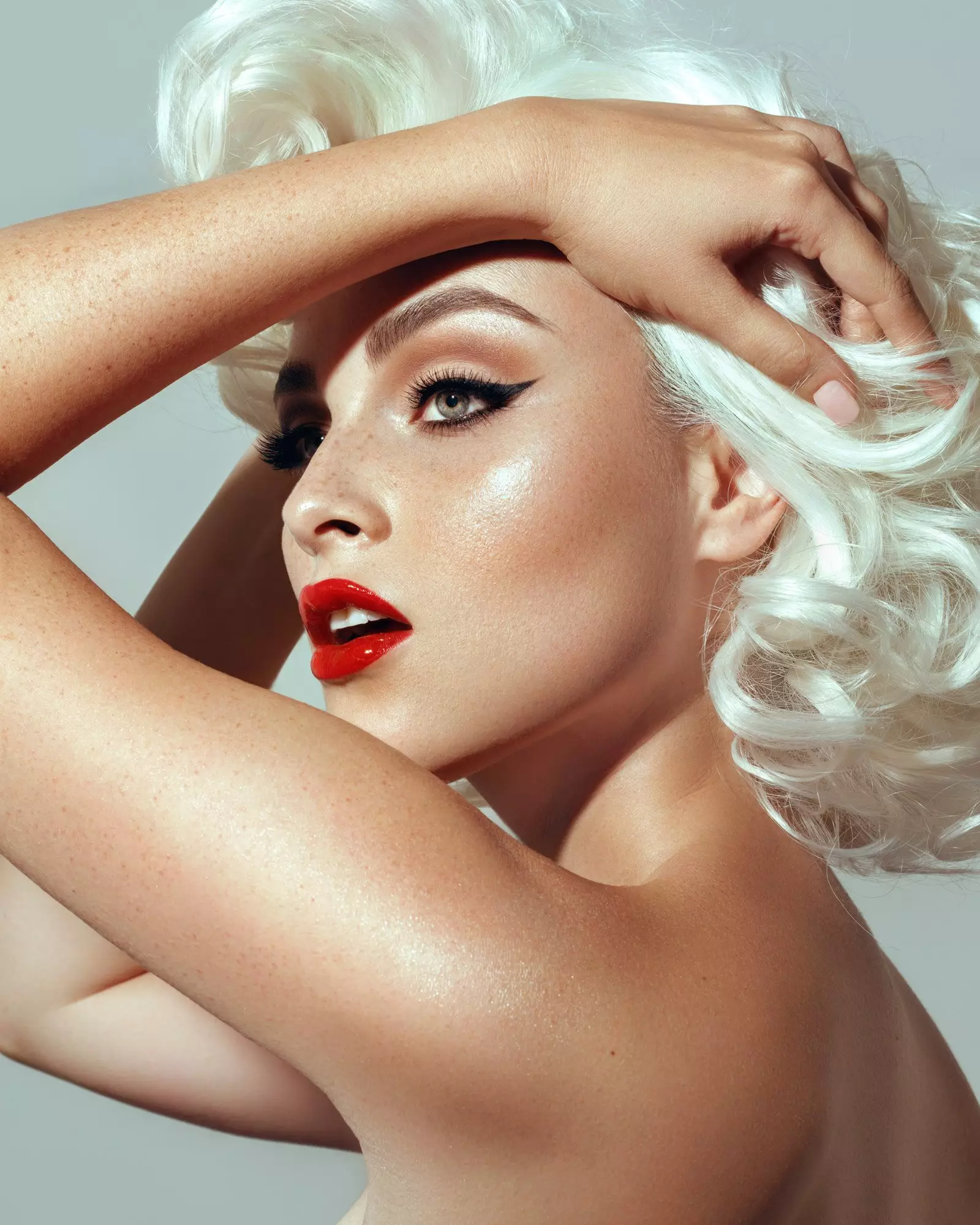
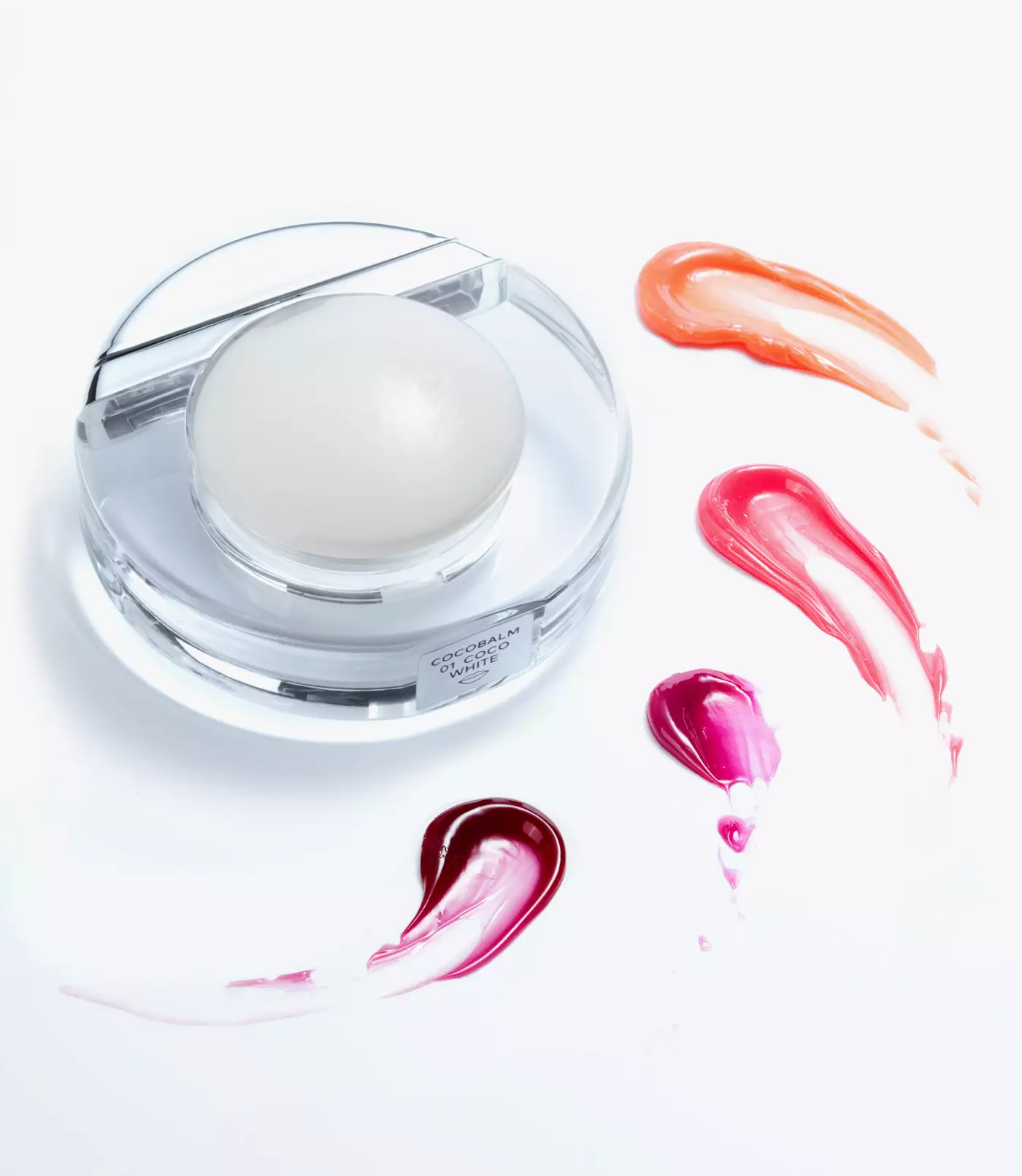


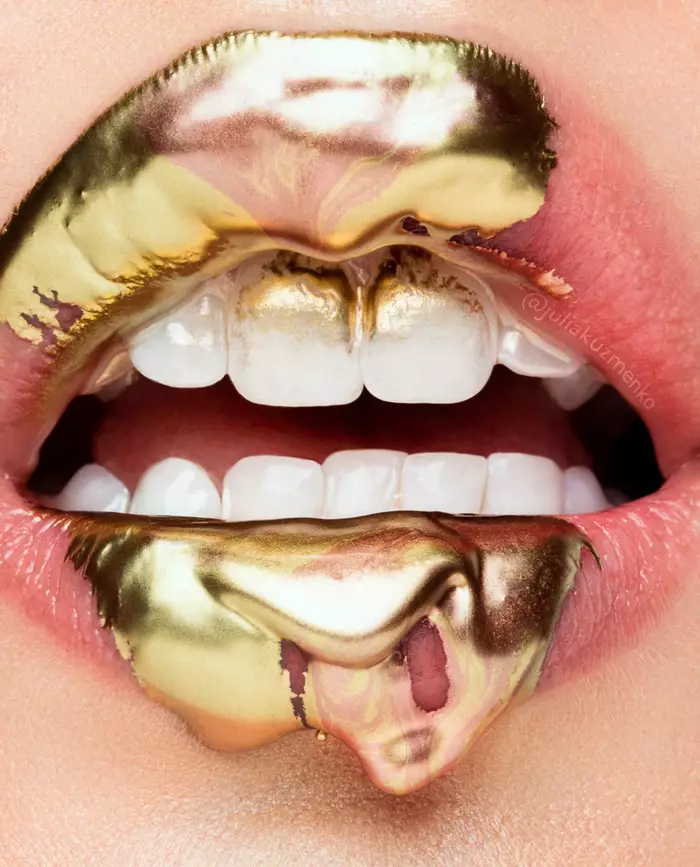

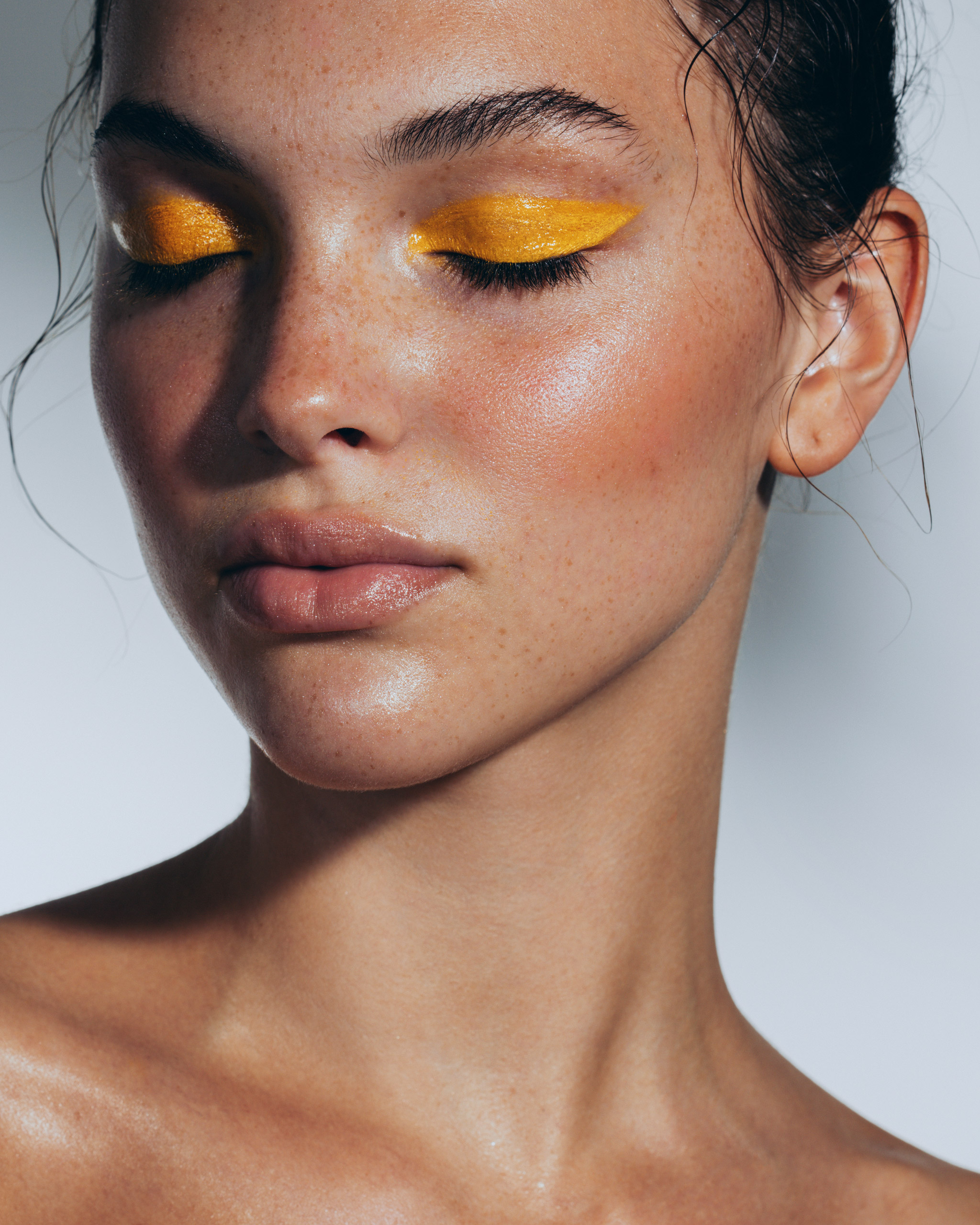
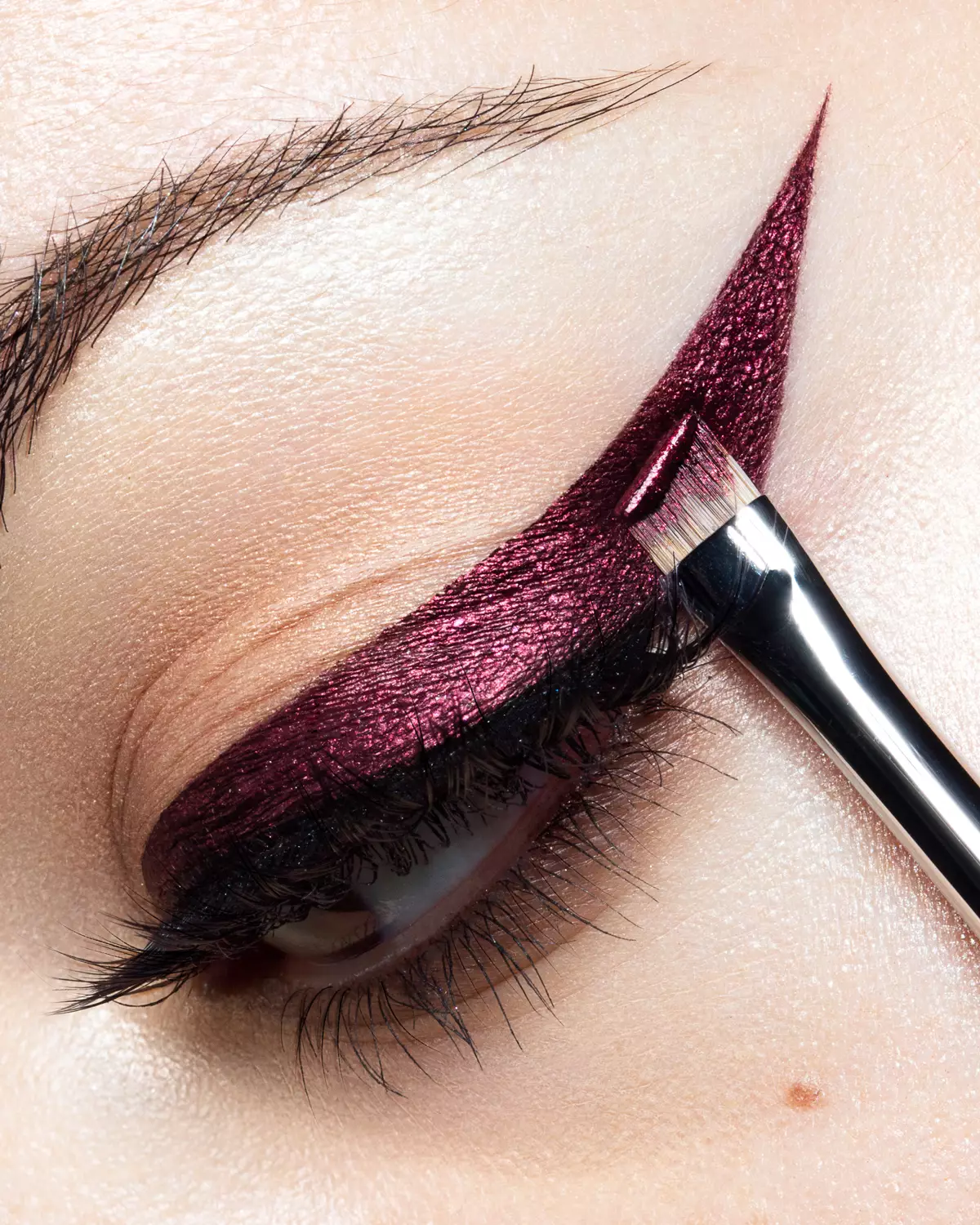
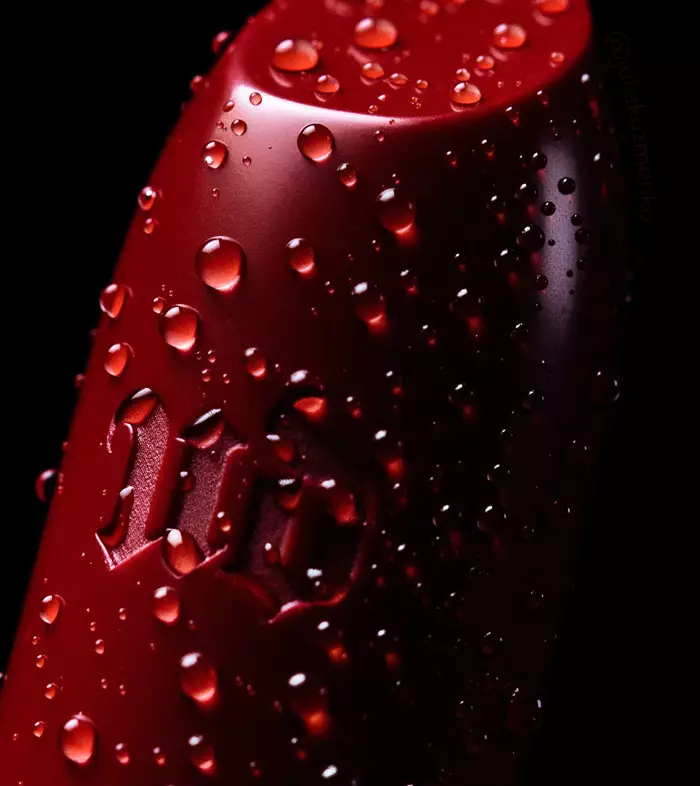
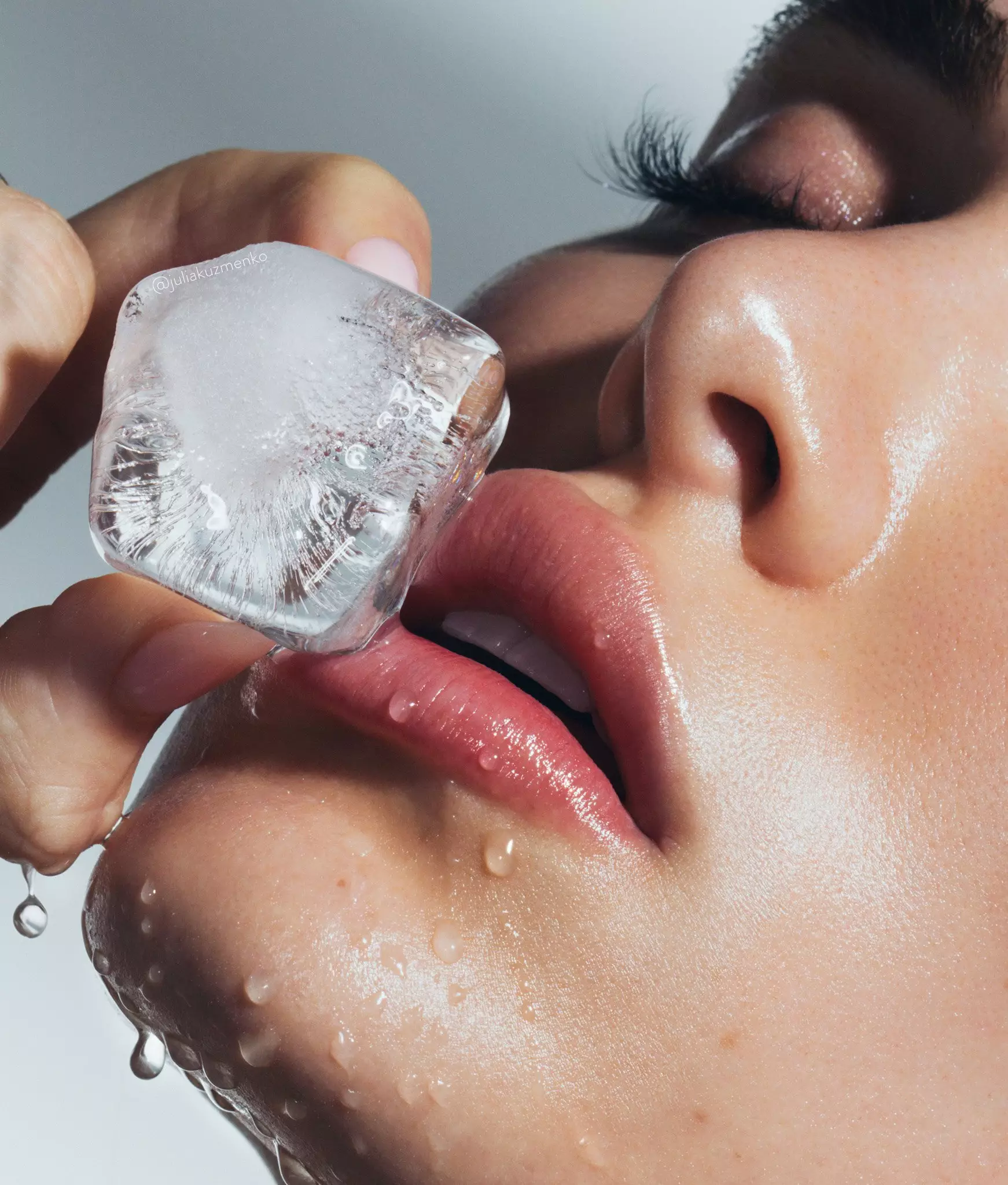

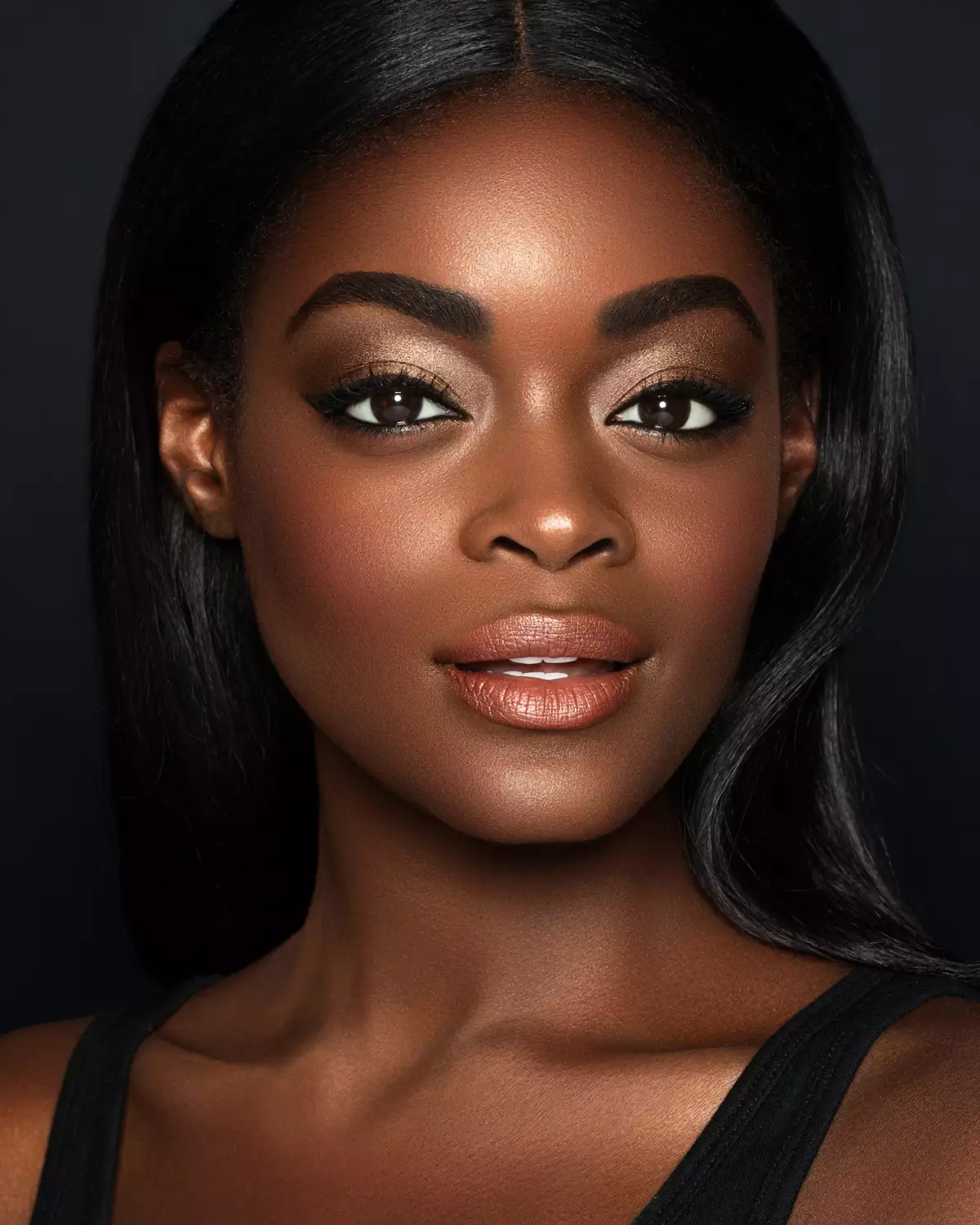
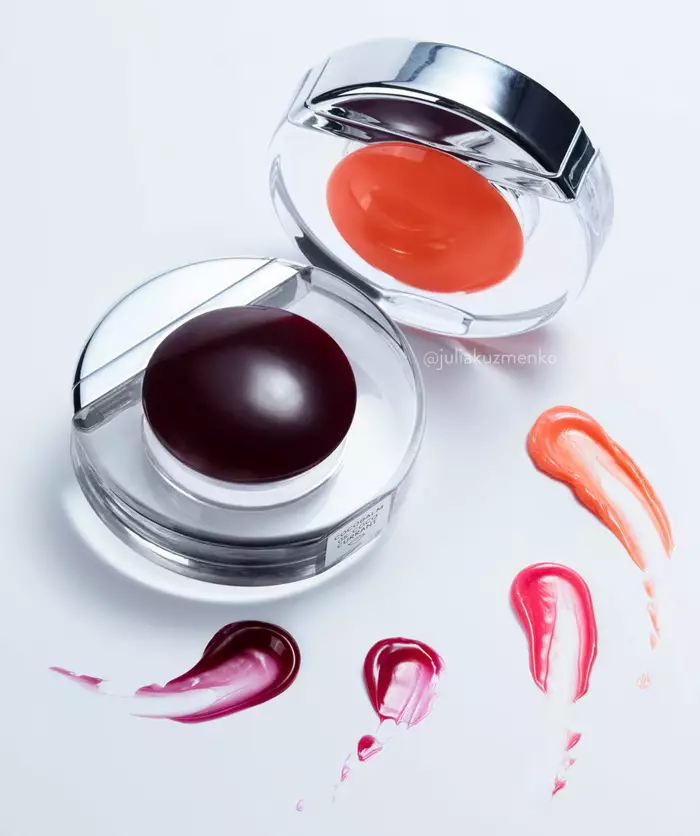

Photography & retouching by Julia Kuzmenko McKim using RA Panels
Photoshop Essentials
For Beauty Retouching
In this brief introductory course, we go over the Adobe Photoshop interface, tools, and key techniques used specifically in professional beauty retouching. The full course outline is below.
Retouching is the final stage of the visual production process, and it determines how the work you put into a shoot actually looks when it is published.
Whether it is a portfolio shoot or a paid project you were hired for, retouching can make or break all the effort invested in it. Mobile face apps and AI platforms offer shortcuts that do not hold up to campaign quality, so professionals who offer paid photography and retouching services learn retouching in Photoshop.
If you are completely new to working in Photoshop, or to using it for retouching specifically, this course will prepare you for learning beauty retouching at a professional level.
Learn anywhere
Download the Kajabi app on your mobile devices. Log in to your RA Course Library using the email address you purchased your courses with.


Already enrolled? Your Course Library
Course Curriculum:
Sections & Lessons
- 01Welcome to the Course
- 02Introduction: Professional Retouching
- 03[Download] Brand Work Guide & Vocabulary
- 04Legal Notice
- 01Photoshop Interface & Essential Palettes
- 02Screen Modes
- 03Tools & Toolbar
- 04Keyboard Shortcuts
- 05Saving Your Workspace
- 01Layer Types
- 02Arranging Layers
- 03Layer Masks
- 04Layer Groups
- 05Preserving Your Layers
- 01Basic Image Adjustments
- 02The Brush Tool
- 03The Clone Stamp Tool
- 04The Healing Brush Tool
- 05Spot Healing Brush & New Layer Button
- 06AI Tools for Beauty & Portrait Retouching
- 07AI-Powered Tools for Hair Retouching
- 01Retouching With Graphics Tablets (Reading)
- 02Structure Your PSD Files Like a Pro
- 03Correcting Problematic Skin Texture
- 04Retouch Skin in a Couple of Minutes?
- 05Correcting Color Issues in Beauty Photography
- 06Dodge & Burn Technique, Part 1
- 07Dodge & Burn Technique, Part 2
- 08Dodge & Burn Technique, Practical Application
- 09Streamlining Retouching Through Automation
- 10Working With Color & Color Consistency
- 01Code of Professional Practice
- 02Further Professional Development & Tools
- 03Please Share Your Thoughts
If you have any questions, please reach out to our Support Team, we are here to help!