
Pixel Juggler Panel.
The Pixel Juggler UXP panel gives you quick access to the Photoshop® functions often used in retouching, which are otherwise hidden in various submenus.
Every button runs a function you'd otherwise dig through Photoshop's menus to reach.
-
Complements our panels Custom scripts and tools that extend the functionality of the Beauty Retouch and MUA Retouch panels.
-
Quick access The Photoshop functions often used in retouching, that are tucked away in submenus, all in one panel.
-
For all skill levels Built for photographers, retouchers, makeup artists and bloggers, professionals and beginners alike.
-
Installs in a minute Loads through the Creative Cloud app. See the installation guide.
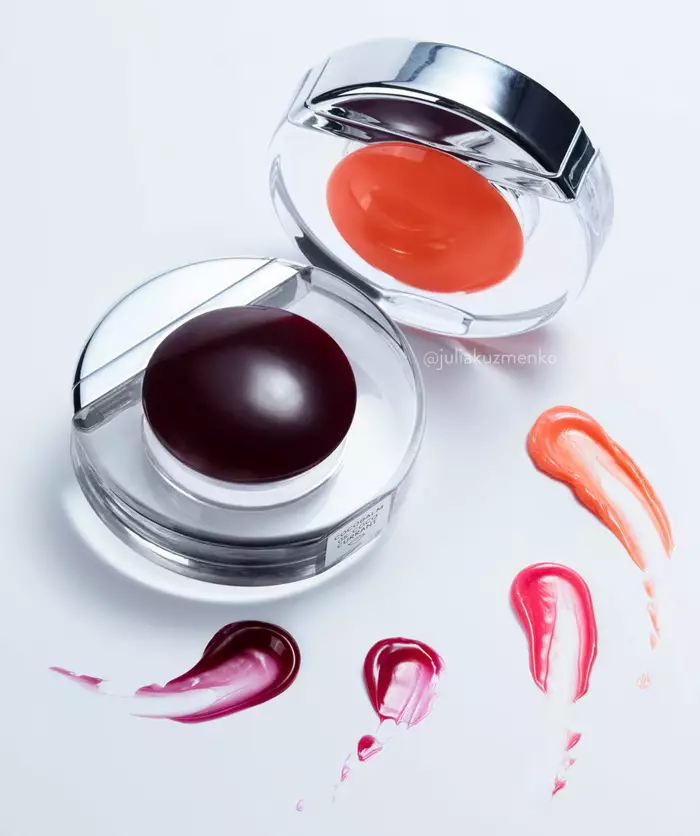
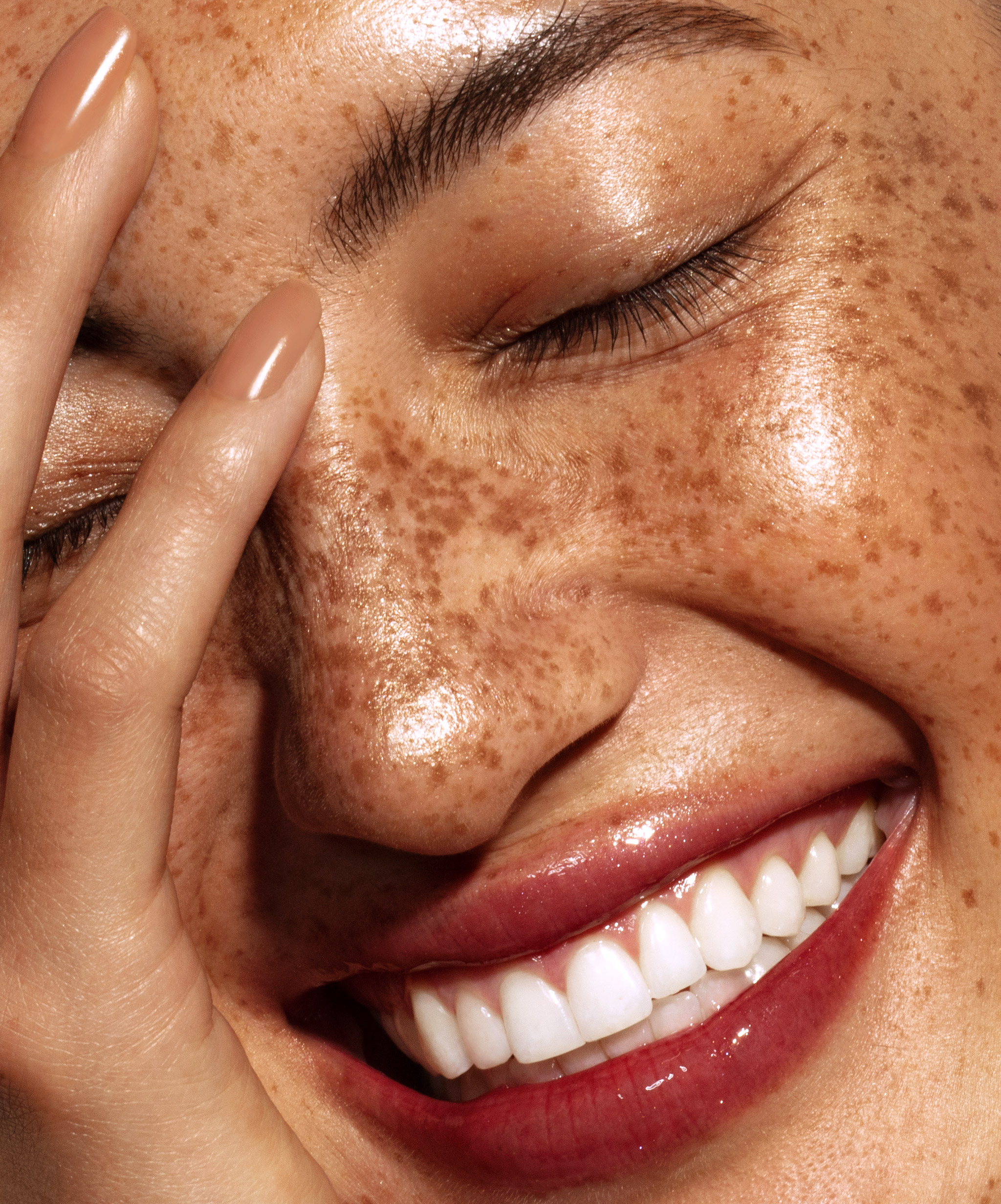
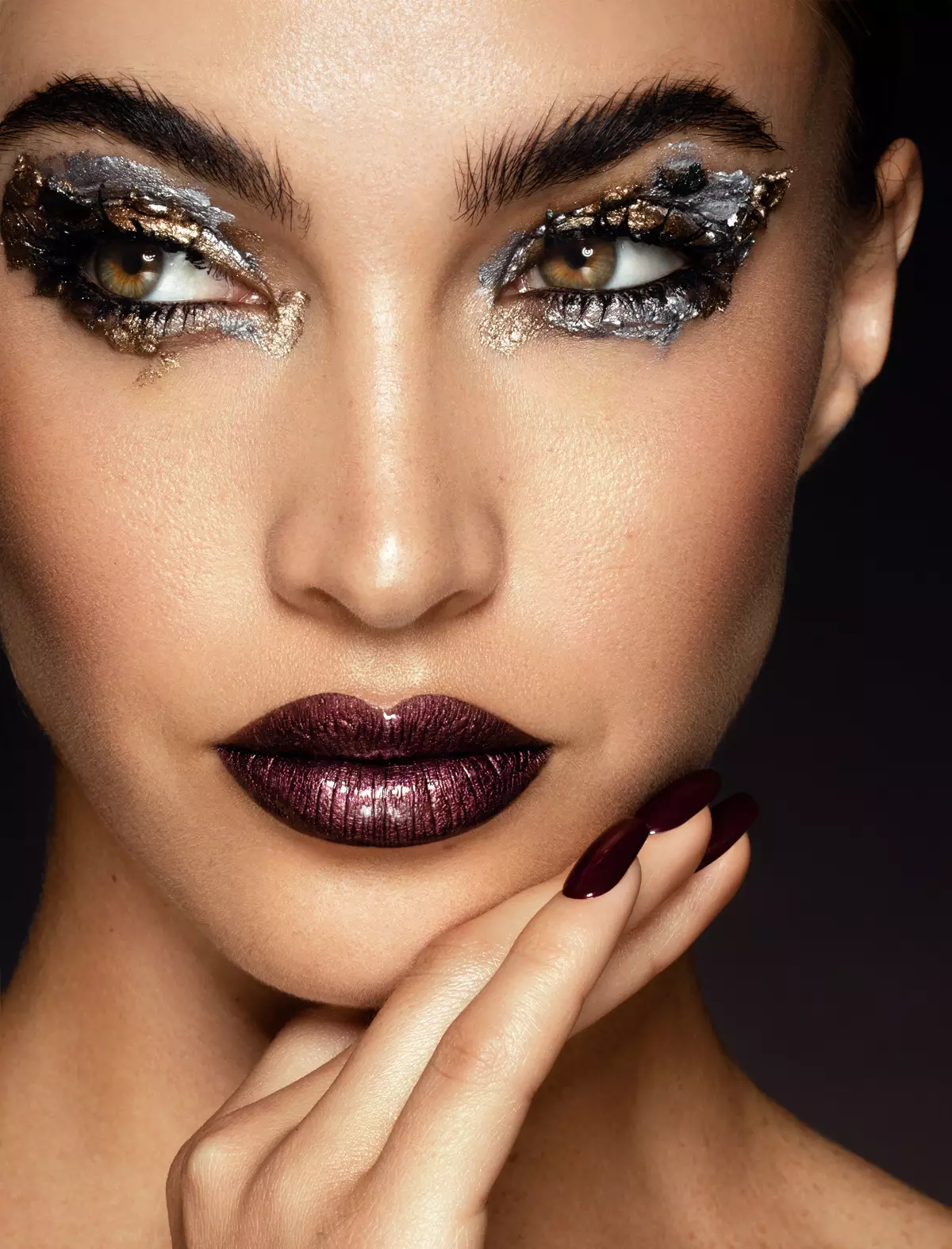
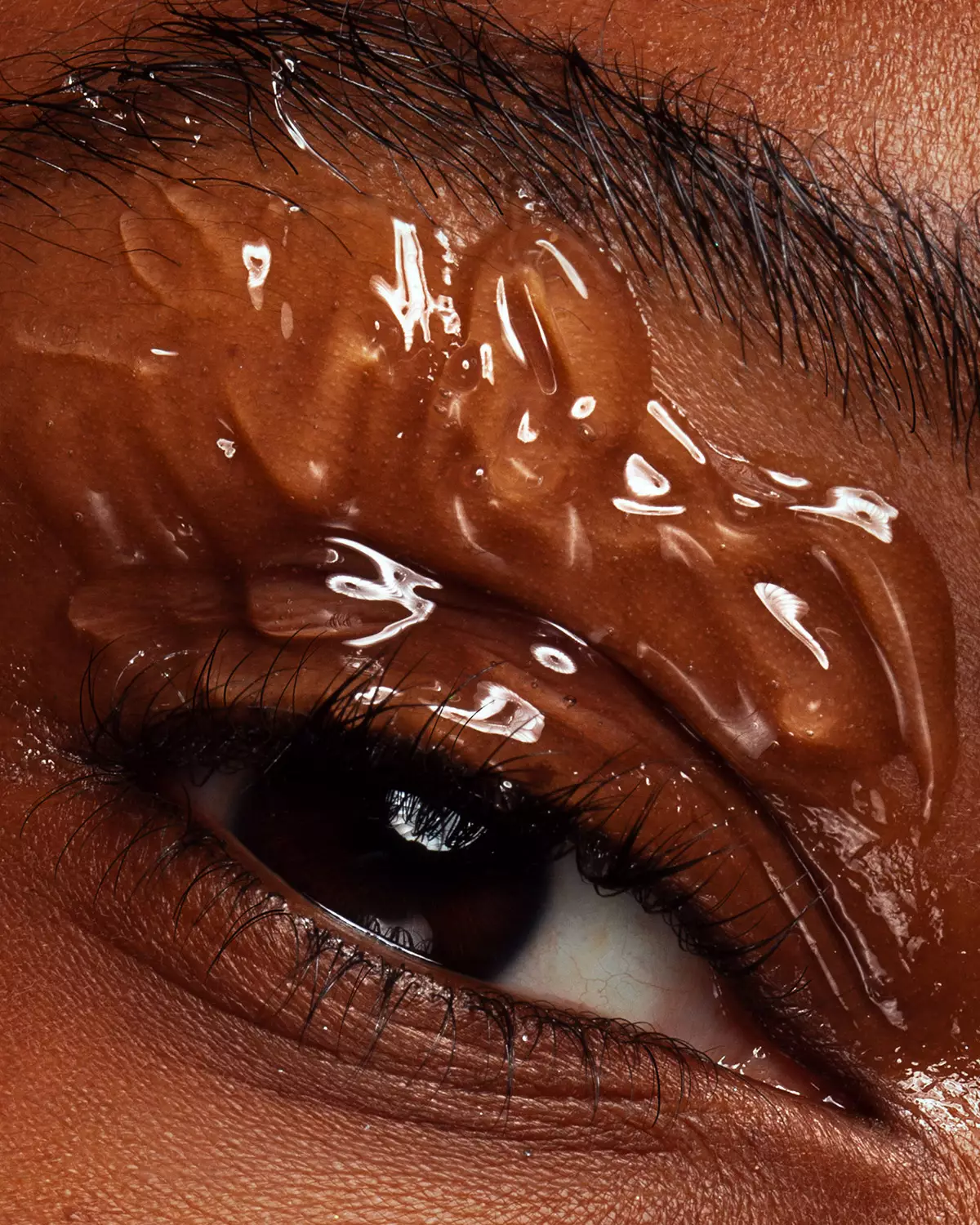
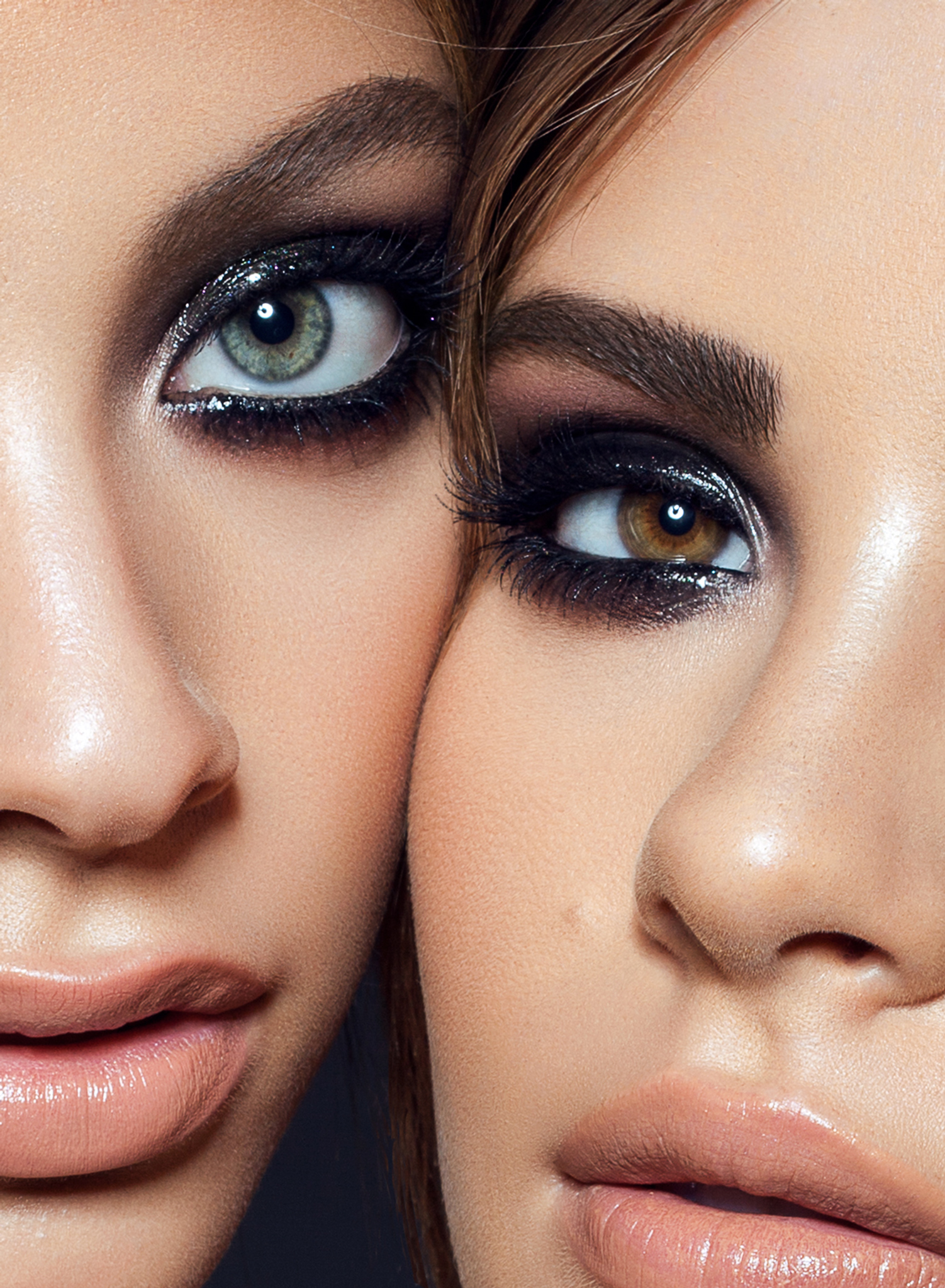
Photography & retouching by Julia Kuzmenko McKim using RA Panels

The boring details
& tech specs.
Built on Adobe's UXP plugin runtime. Installs through the Creative Cloud app in about a minute.
Updated for the new UI Engine for Photoshop 27.9+.
Beauty Retouch + MUA Retouch SuperPack.
Beauty Retouch panel handles the key phases of the general retouching workflow, while the MUA Retouch is built specifically for makeup retouching. Together they help get to the finish line faster, while your taste and standards stay in control.
Use code SUPERPACK for $50+ off
Simple functions.
Great help.
A one-time license, use on 2 computers. Covered by a 30-day money-back guarantee. Updated for the Photoshop 27.9+ new UI Engine.
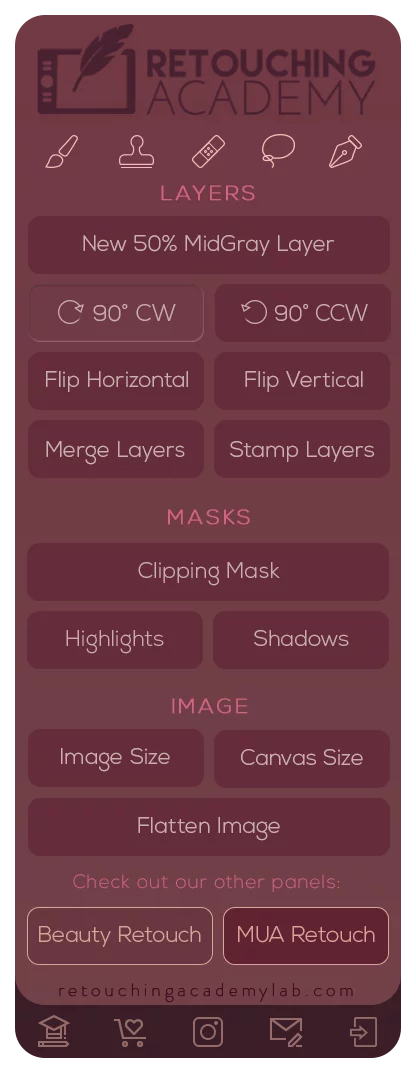
Pixel Juggler panel
$9.99 / year for Maintenance & Support after the first year keeps your updates and support flowing.
- 1 seat · use on 2 computers
- Free updates in your active account
- Updated for new UI Engine for PS 27.9+
- Activations reset in your account
- Installation instructions provided
- Email support · 24 h max
// 30-day money-back guarantee
What our users
are saying
Photographers, retouchers and makeup artists who use the RA Panels in their day-to-day work.
Common questions, we hear the most.
01Who is the Pixel Juggler panel for?
The Pixel Juggler panel is for all photographers and retouchers who work in Adobe® Photoshop®. It speeds up the everyday functions you'd otherwise hunt for across Photoshop's menus.
02Do I need Adobe Photoshop?
Yes. Pixel Juggler is a Photoshop plugin. It runs in Adobe® Photoshop® 2024 (v25.3) or later, on macOS and Windows, including Apple silicon (M-series) computers. Photoshop 2026 (v27.9) introduced a new UI engine. All RA Panels, including Beauty Retouch, MUA Retouch and Pixel Juggler, are already updated and fully compatible, and we maintain them for every new Photoshop release.
03Does it work with the Beauty and MUA Retouch panels?
Yes. It adds native and custom tools that complement both. It's a natural addition to our Retouching SuperPack, check them out on the compare page.
04How many computers can I use it on?
Install and use the panel on 2 computers, Mac or Windows. Need to move it? Reset Your License Activations from your Member Account, no support ticket required.
Learn more: Software Product License.
05Why the annual Maintenance & Support subscription?
The RA Panels are subscription-based: your first year of Maintenance & Support subscription is included in your purchase. It keeps our Support and Development teams always ready to help our users for only $9.99 a year.
06Is there a free trial?
No. Instead, every purchase is covered by a 30-day money-back guarantee. If it's not for you, reach out within 30 days and we'll make it right.
07How do I install it?
It loads through the Creative Cloud app in about a minute. Step-by-step here: installation instructions. Need a hand? Submit a Support Ticket.
Still have questions? Visit our Help Center or Submit a Support Ticket.