
RA Panels
Knowledge Base
Installation guides, activation help, and answers to every question you may have about your RA UXP Panels.
> The Beauty Retouch 6.0 BETA is open to Beauty Retouch panel users.
> Add it to your account at no cost and work with it before the release: Read More.
Install & Activate
Your Panel
Follow the step-by-step installation and activation guide for your panel.
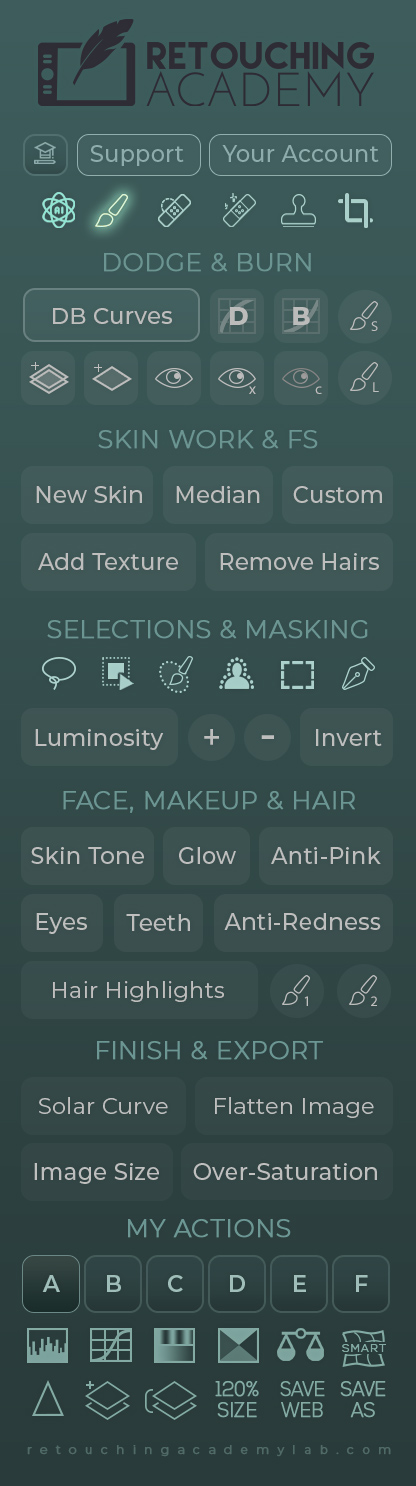
Beauty Retouch Panel
Install and activate your panel and its custom Brushes, Actions & Tool Presets in Photoshop.
Installation Guide →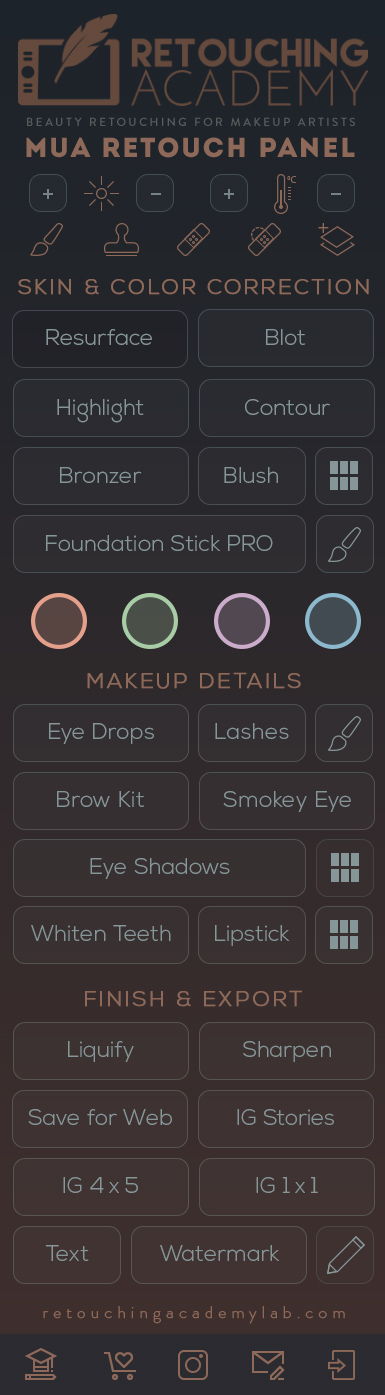
MUA Retouch Panel
Install and activate your panel and its custom Brushes & Tool Presets in Photoshop.
Installation Guide →Common Questions
We Hear The Most
Select the section below, or browse by topic at our Help Center on ZenDesk.
Before Buying
Compatibility, payment options, licensing, return policy, and what's included.
View Articles →Getting Started
After purchase, quick start guides, logging in, and password issues.
View Articles →Installation & Activation
Installation guides, finding your panel in Photoshop, and activating your license.
View Articles →Errors & Troubleshooting
All error states, panel not loading, buttons not working, activation failed, browser cache.
View Articles →Managing Subscription
Renewing, managing subscriptions, billing, invoices, and upgrading.
View Articles →Policies & Legal
Terms of use, privacy policy, support policy, software licenses, and return policies.
View Articles →Can't find what you're looking for?
Contact our Support Team and we'll help you out.